"
"
"
"
3. About"Printing"Operation"
"
3.1 Start"to"Use"
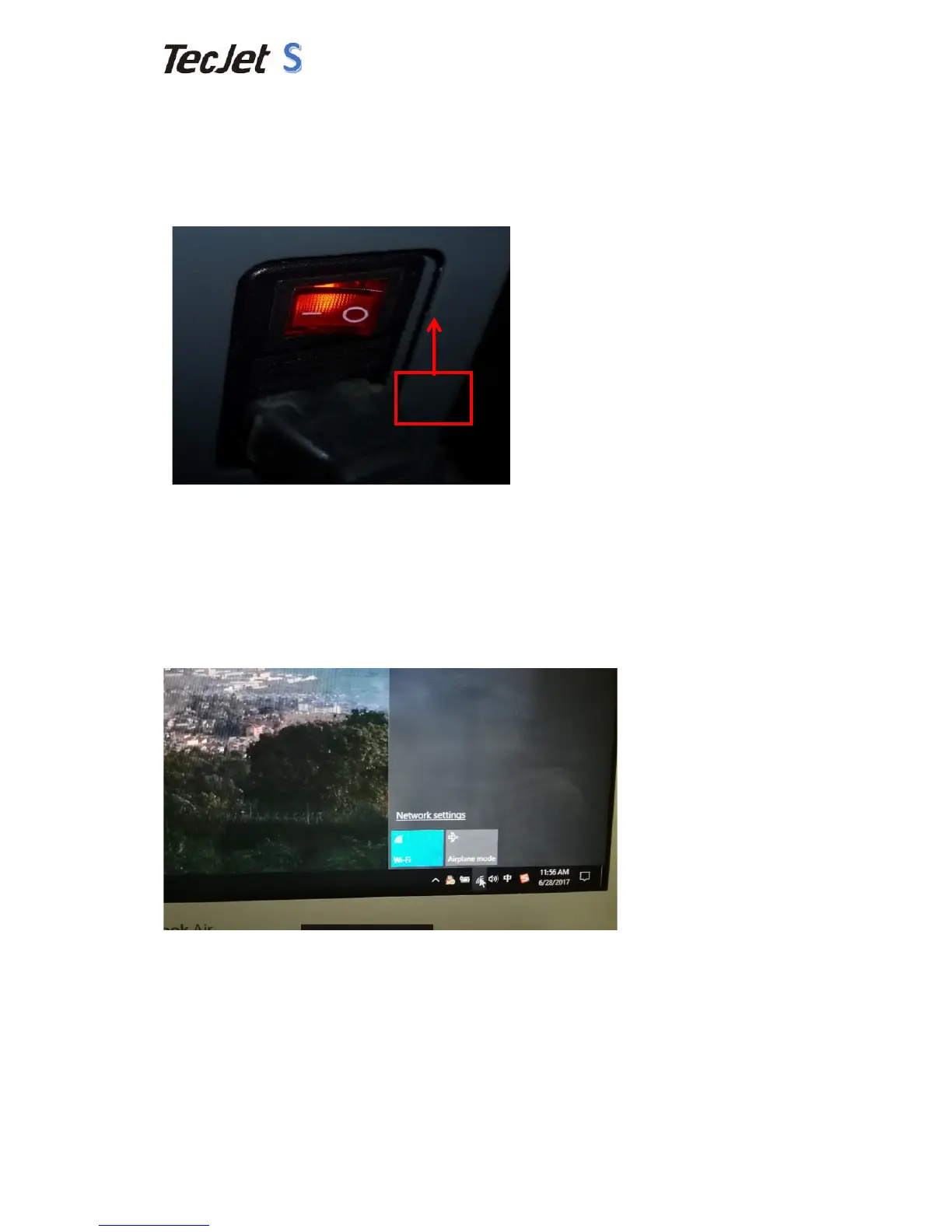
(1)Press"the"power"button"like"the"image"below."
(2)Close"the"printer"by"press"the"power"button"to"“O”"situation."
3.2 How"to"Calibrate"
1)"How"to"set"the"IP"of"your"computer(Here"run"at"Windows10"Enterprise"64-bit"
System)"
Please"check"the"cable"and"machine"make"sure"the"machine"is"power"on"and"
network"cable"connected"with"the"machine"and"computer"successfully."
Step"one:Find"Wifi"Icon"at"the"right"down"corner"of"the"desktop"and"press"it."
"
Step"two:Find”Network"Settings”"and"press"it.


 To Next Page