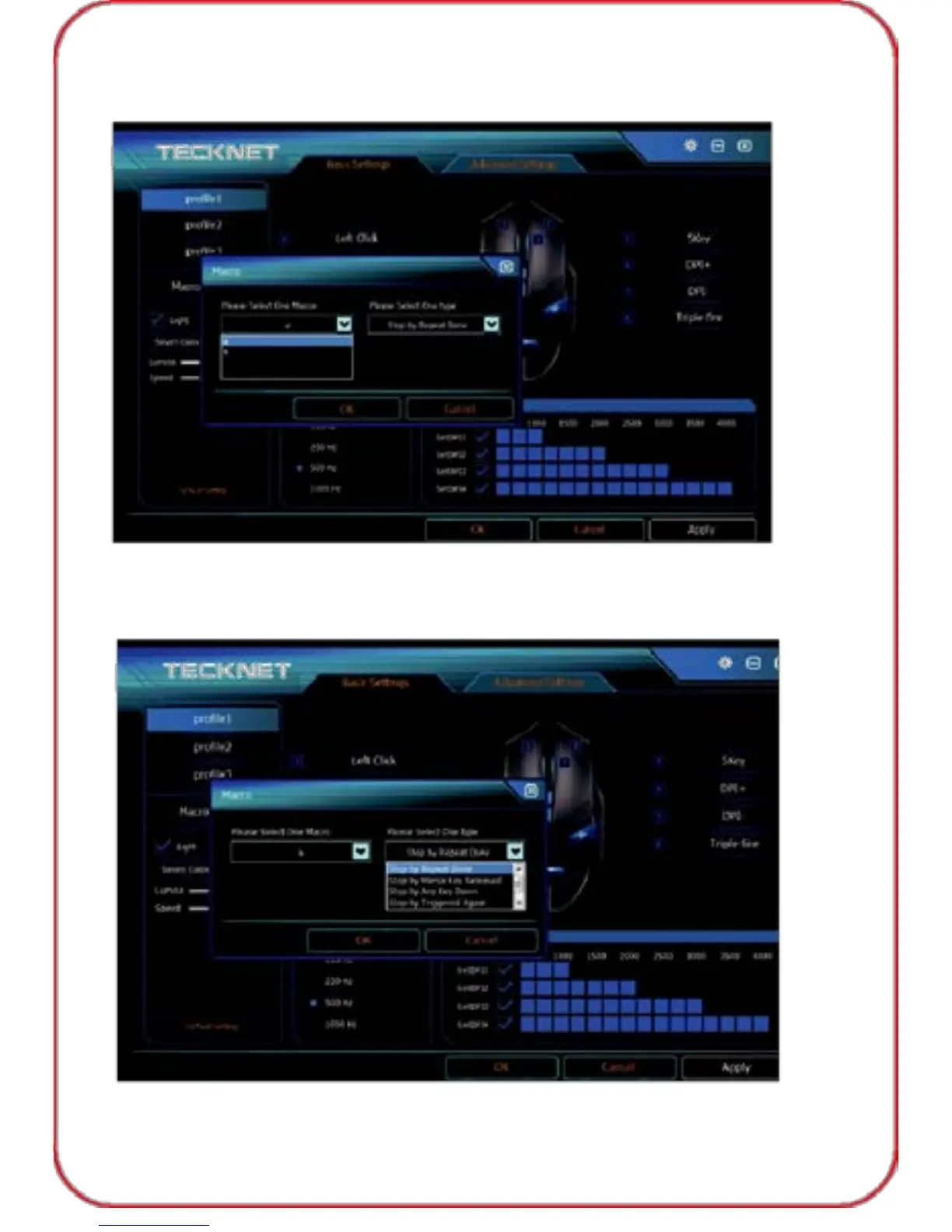
2) Then click "Macro", select the pre-set macro you need, click "OK" to
save the setting, then click "Apply", "OK" before exiting the software.
Note: Macro must be pre-set before use this function.
3) You can select one type as you need under the drop-down menu at this
step. click "OK" to save the setting, then click "Apply", "OK" before
exiting the software.
09



 To Next Page