DPI Switch
The mouse supports 1000/2000/3000/4000DPI(500-4000DPI by software). To
switch to either setting, press the DPI button. The default setting is 1000 DPI.
Click the "DPI +" button on the top of the mouse once to upgrade the DPI, LED
light would change. Click the "DPI -" button on the top of the mouse once to
downgrade the DPI, LED light would change.
TeckNet GM299 Software Instructions
Installation:
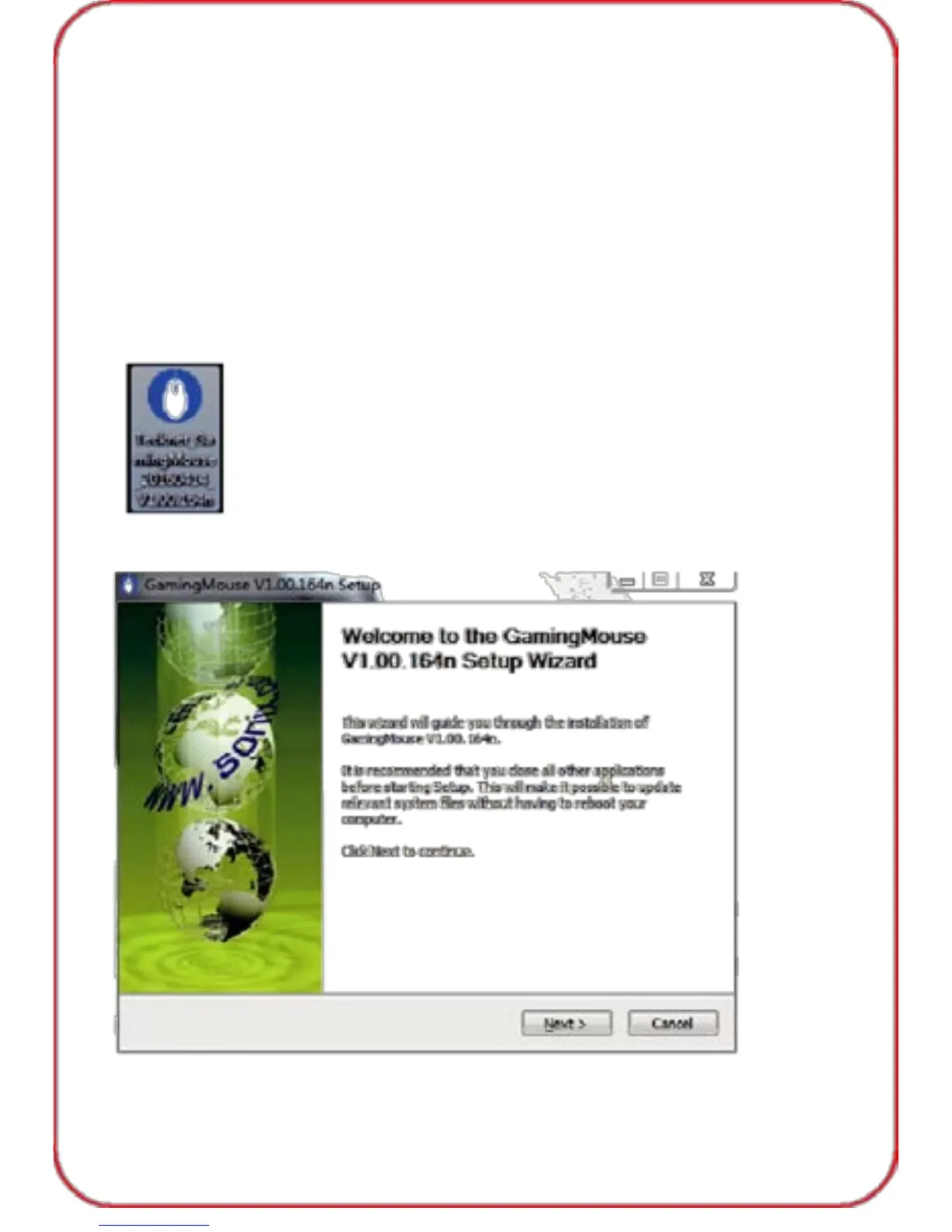
1. Connect to your PC, insert disc and double click the software icon,
select a language.
2. Press “Next Step”.
03



 To Next Page