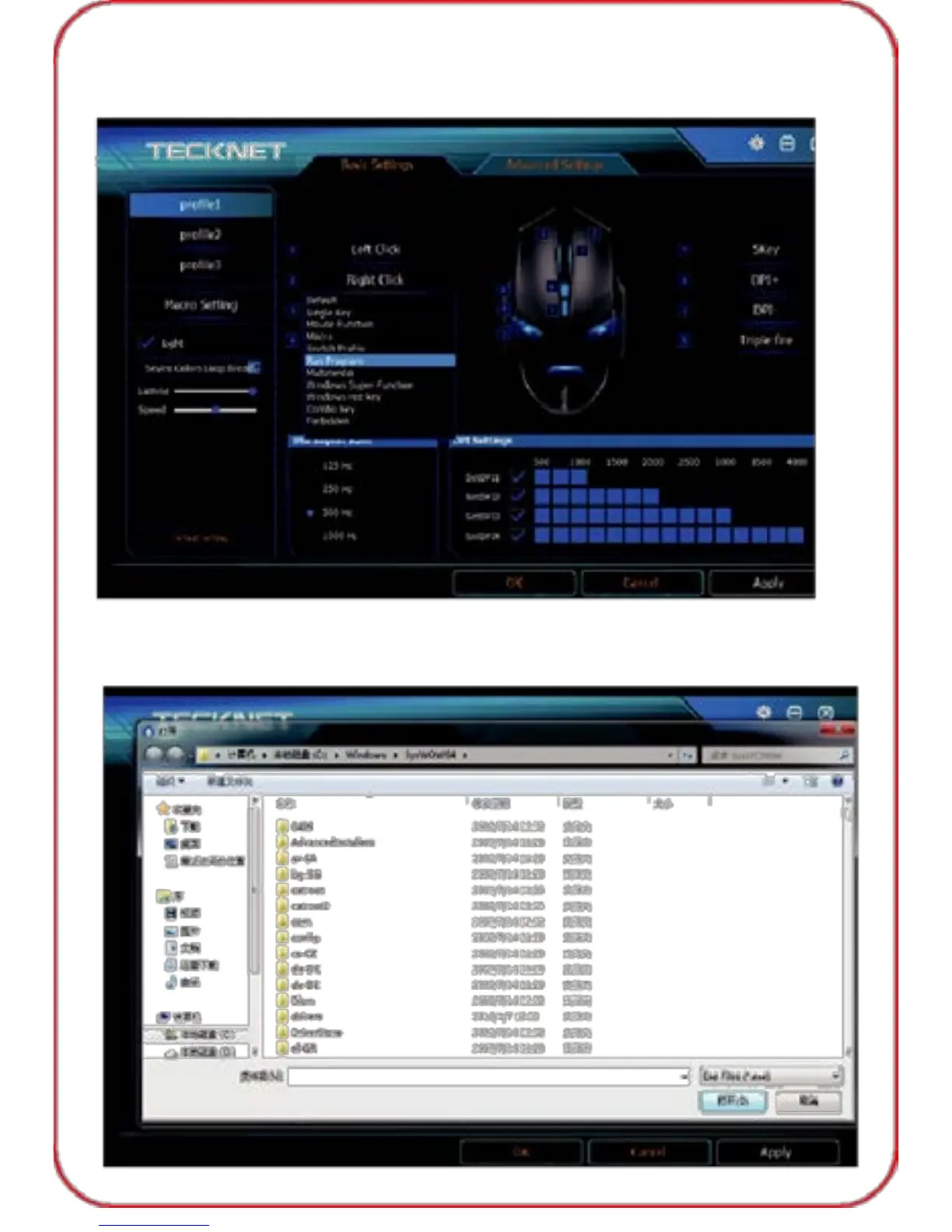
Run Program
1) If you would like to set "Right Button" as "run program", click
"Right Button" first and a drop-down menu will show up as below.
2) Then click "Run Program", a pop-up window as below, select the
program you need, then click "Open", at last click "Apply", "OK" before
exiting the software.
11



 To Next Page