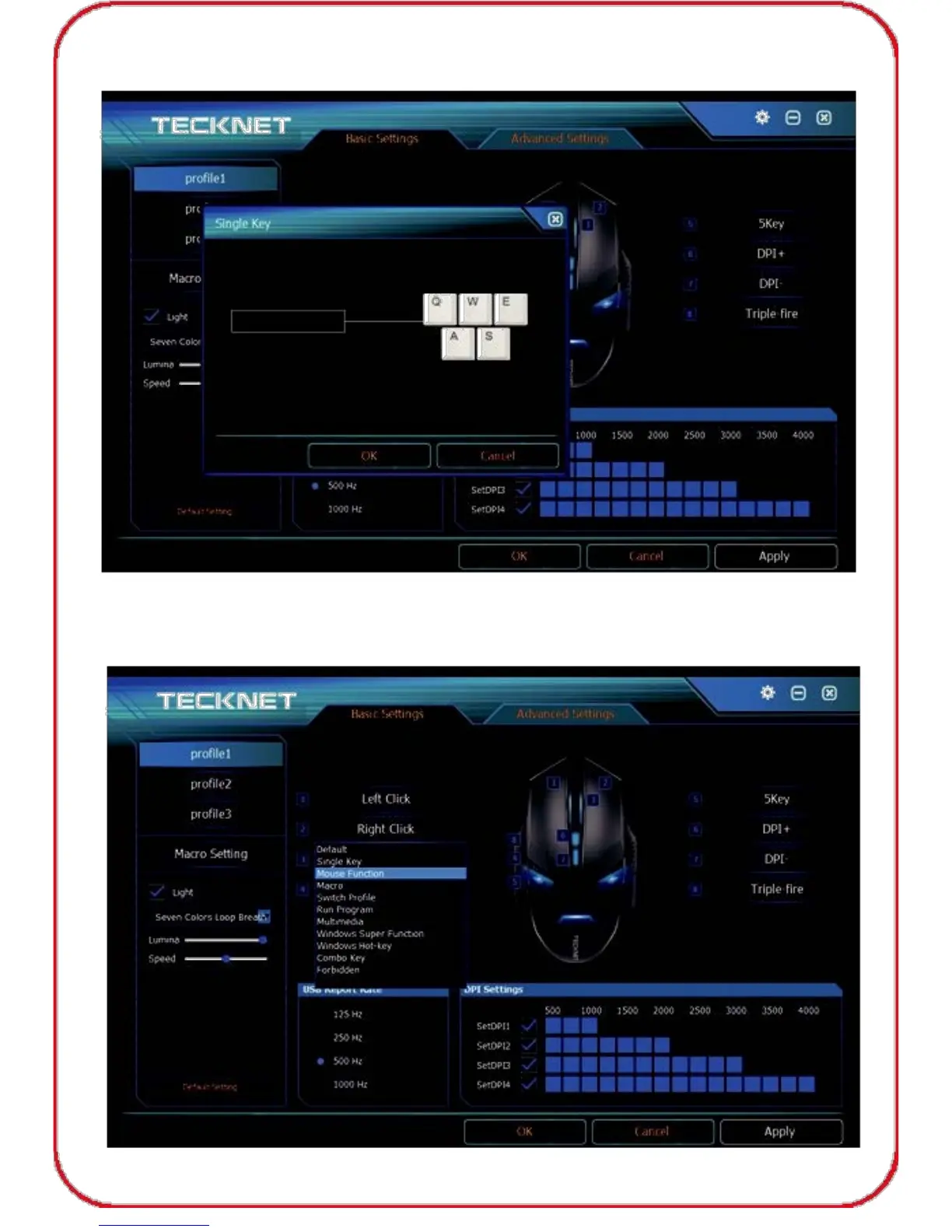
2) Then click "Single Key", input the key you need, click "OK" to save
the setting, then click "Apply", "OK" before exiting the software.
Mouse Function Setting
1) If you would like to set up mouse function for “Right Button”, click it
first and a drop-down menu will show up as below.
07



 To Next Page