Default Setting
Simply click "Default Setting" button, all the user-defined setting
are changed to default setting.
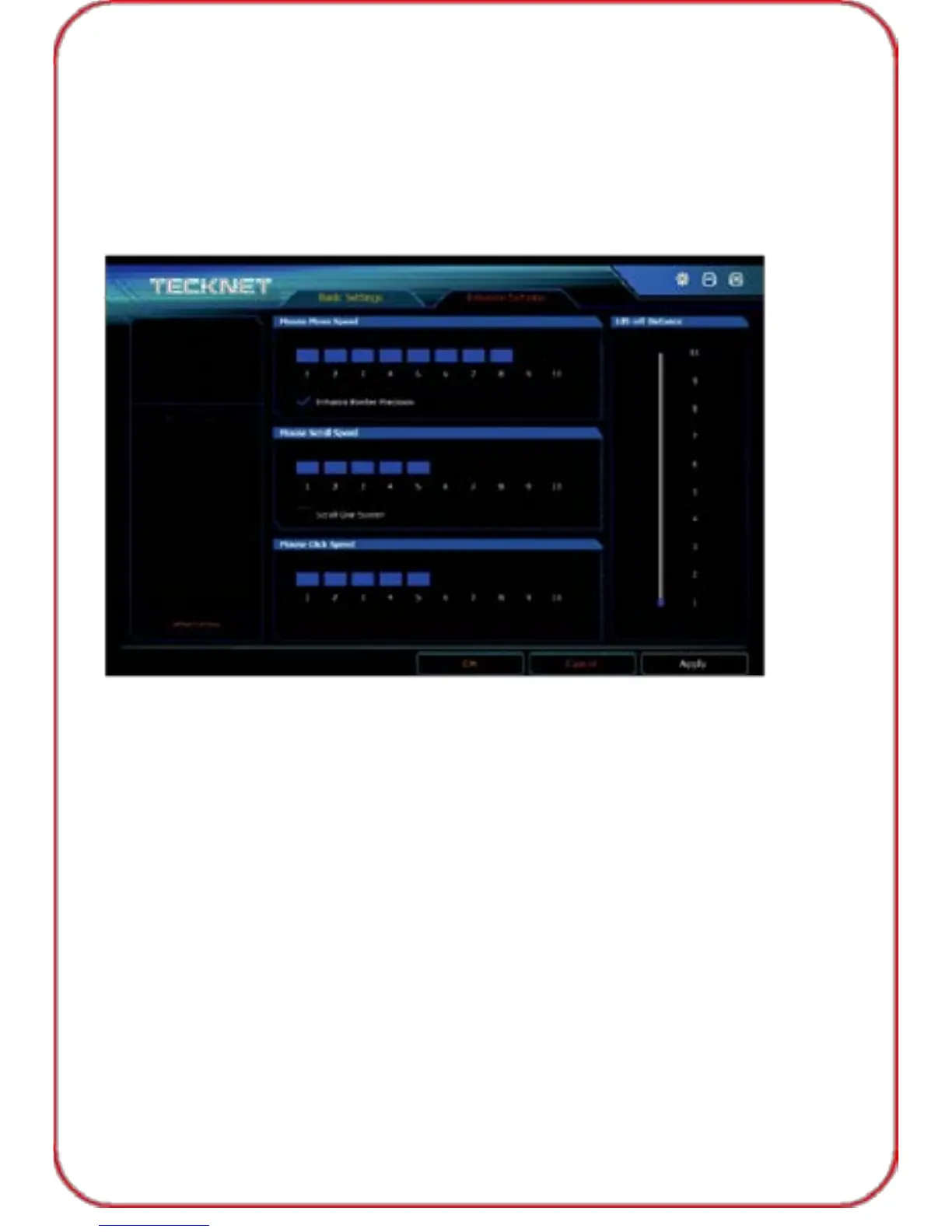
Advance Setting
You can adjust the mouse move speed, scroll speed, click speed, and lift-
off Distance by adjusting the tool bar. Click "Apply", "OK" before exiting
the software.
Uninstallation:
Open the control panel and click "Procedures and Functions".
Select "TeckNetGamingMouse" and double click to uninstall.
20



 To Next Page