Forbidden
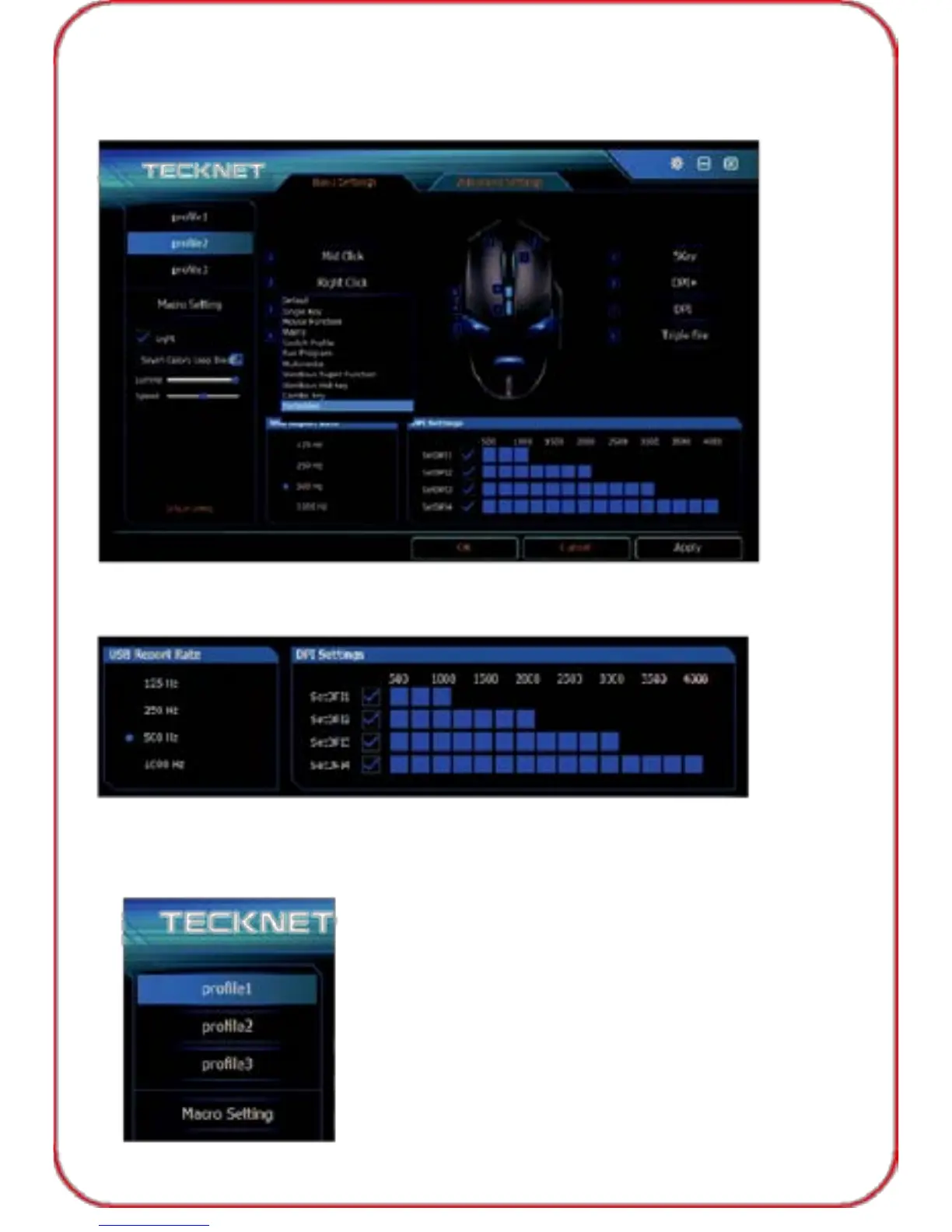
If you would like to set "Right Button" as forbidden key, simply click "Right
button", Select "Forbidden", the right button now is forbidden for usage.
USB Report Rate and DPI Settings
You can change the USB report rate and DPI setting simply in below section.
Profile Setting
TeckNet GM289 offers three profile for user, you can set the profiles as
you need, then click "Apply", "OK" before exiting software.
16



 To Next Page