Shortcut Switches
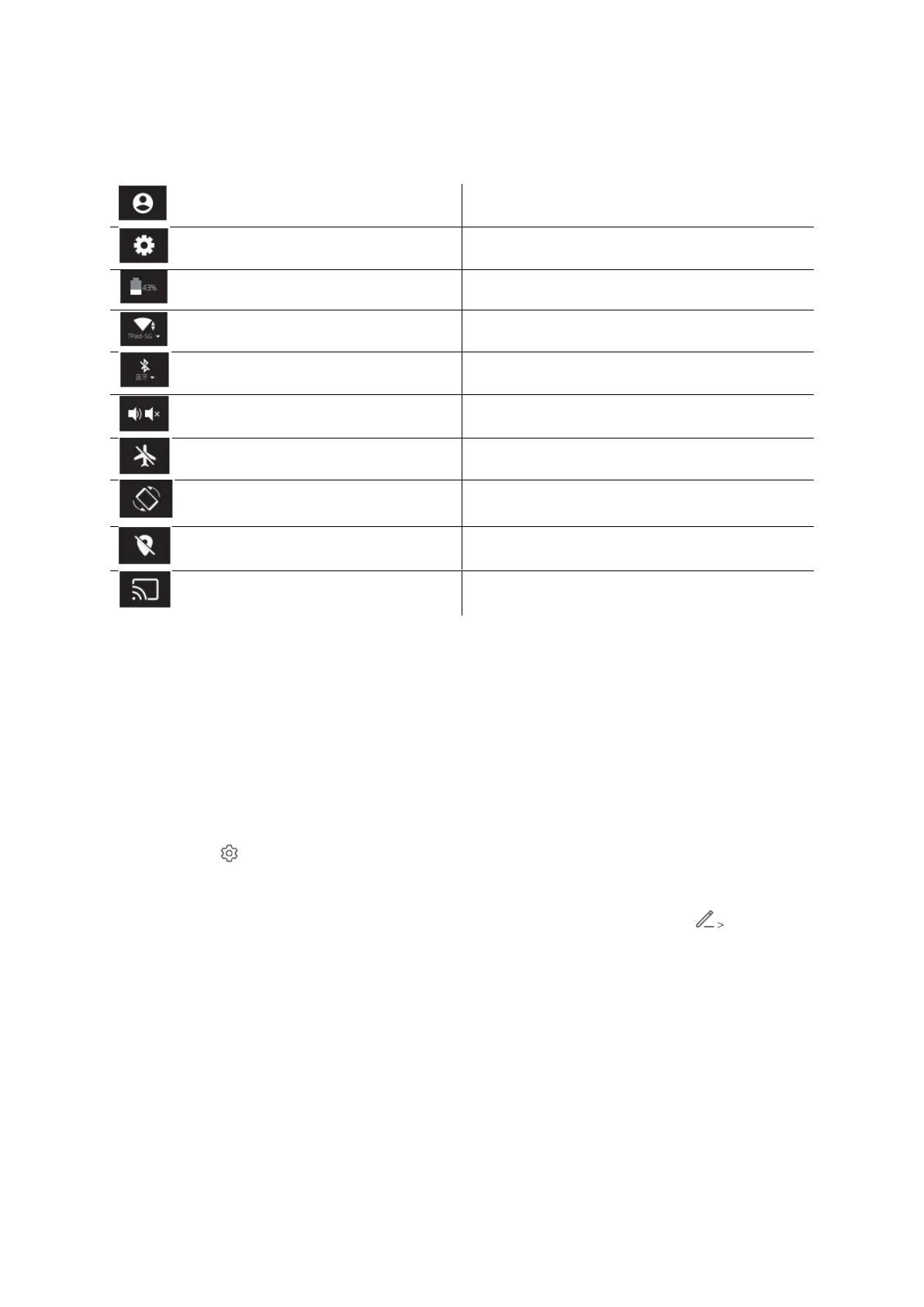
Swipe down from the screen top to exit Control Center, and swipe down further to show
all shortcut switches (depending on your model). Swipe from left to right to view all
shortcut switches.
• Touch and shortcut switch to enable or disable the corresponding feature.
• Touch and hold a shortcut switch to enter the settings screen for that feature
(only available for some features).
• Touch to enter the settings screen.
Customize Shortcut Switches
Swipe down from the top right of the screen to exit Control Centre, touch Edit
Shortcut Switch. Touch and hold a shortcut, switch then drag it to the desired position.
Finally, touch Finish.



 To Next Page