1.2. Annunciator and Alerts
The following annunciations and alerting functions are displayed on the PFD.
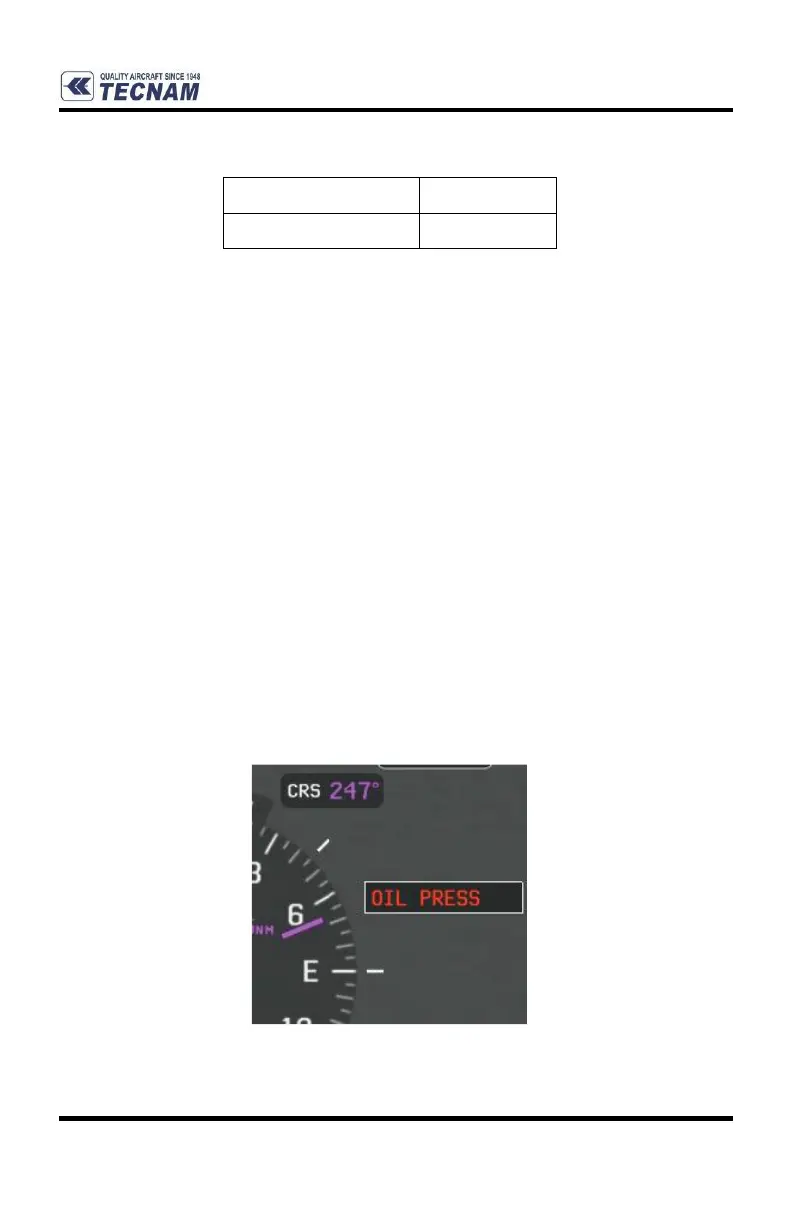
Annunciation Window: The Annunciation Window displays abbreviated
annunciation text. Text color is based on alert levels as following:
- Warning (red): requires immediate attention. Warning messages will
flash until acknowledged by pressing the back or touching the on-screen
message.
- Caution(yellow): requires pilot awareness and possible future corrective
action.
- Advisory (white): provides general information.
- Safe (green): indicates a safe condition.
The Annunciation Window is located to the right of the Altimeter and Vertical Speed
Indicator. All P-Mentor annunciations can be displayed simultaneously in the
Annunciation Window. A white horizontal line separates annunciations that are
acknowledged from annunciations that are not yet acknowledged. Higher priority
annunciations are displayed toward the top of the window. Lower priority
annunciations are displayed toward the bottom of the window.















 To Next Page