23
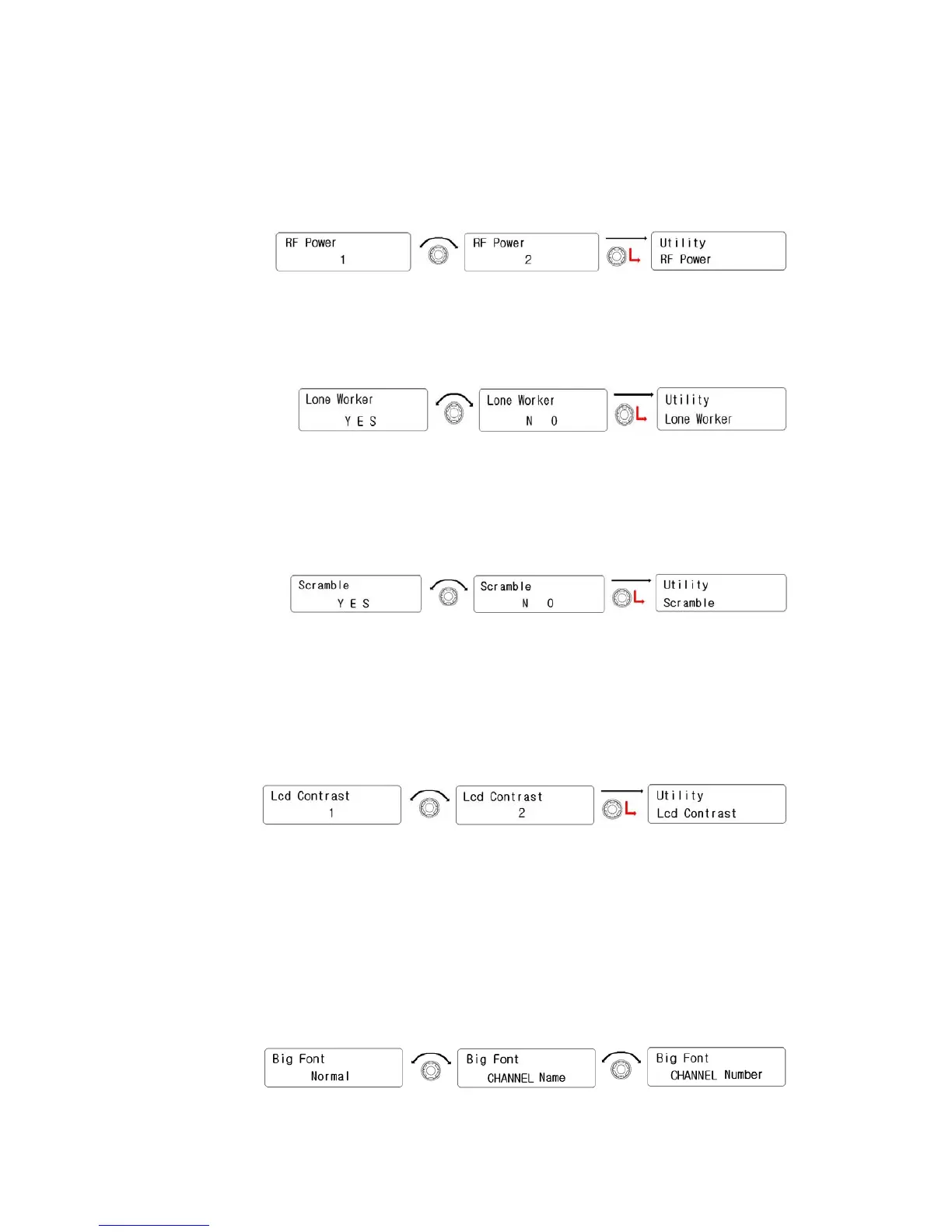
① Rotate the right knob(Encoder) to select one of 4 step powers.
And then press the right knob(Encoder) to set.
② To be back to upper menu, press the Red button.
2) Lone Worker
① Rotate the right knob(Encode) to select. And press it to set.
② To be back to upper menu, press the red button.
3) Scramble
① Rotate the right knob(Encode) to select. And press it to set.
② To be back to upper menu, press the red button.
4) Lcd Contrast
① Rotate the right knob(Encode) to select one of 20 steps. And
then press it to set
② To be back to upper menu, press the red button.
5) Big Fong
① Rotate the right knob(Encoder) to select one of them such as
“Name, Number, Normal”. And then press it to set.



 To Next Page