the user can choose the corresponding sub-menu functions;
Home button: Click on the background into the current application and enter
the main interface; Note that using this key will not really exit the application,
the application will continue to run in the background;
Back button: Click to fall back to the previous step of application.
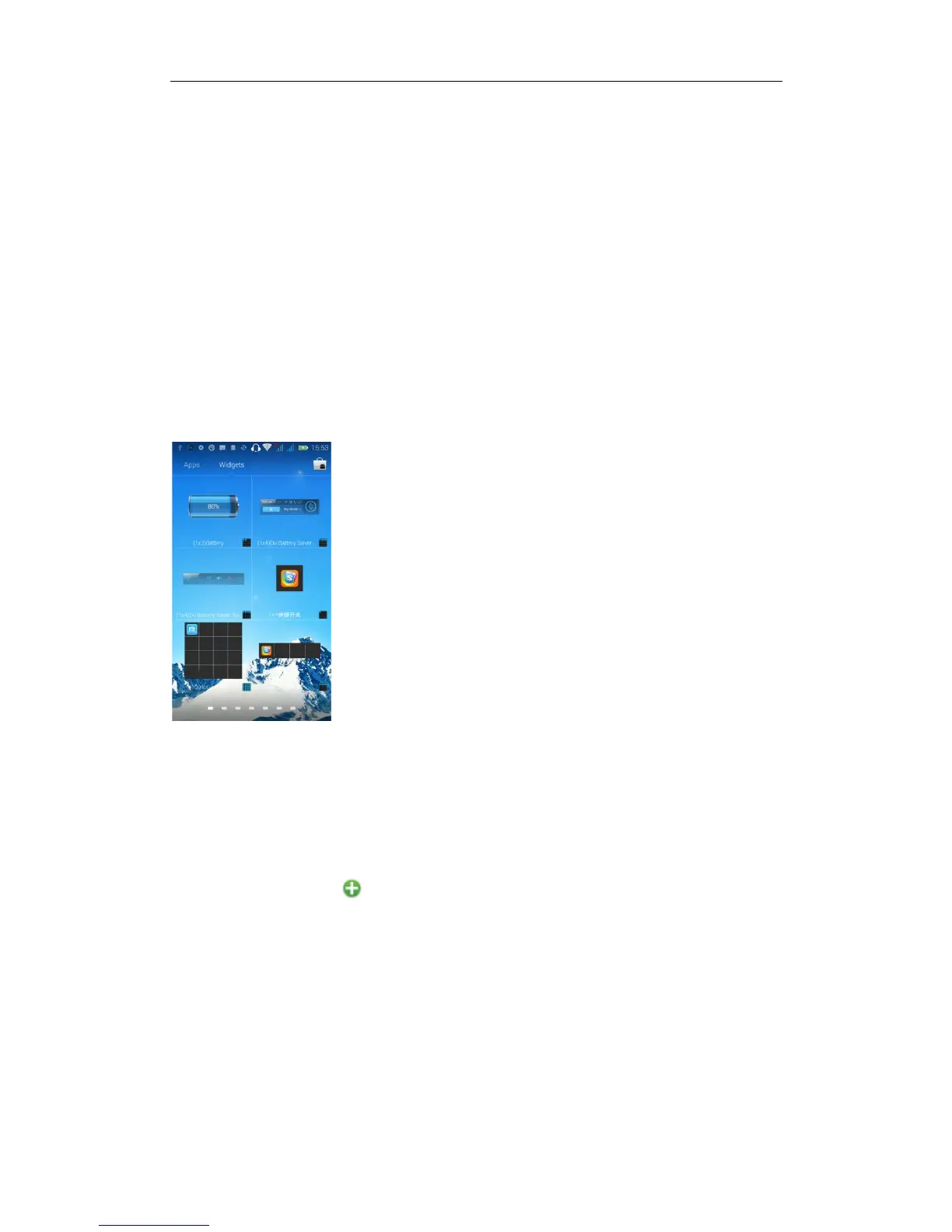
Introduction widgets
1. Add widgets to the main screen: in the widgets interface-- Long pressing a
widget can add it to the main screen.
2. Change the position of widgets: in the main interface--Long pressing a
widget, sliding the widget can change the position of it in the main screen
3. Delete widgets: in the main interface--Long pressing a widget, the button
of deletion will appear on the mid-top of the main screen. Slide the widget to
cover the button. When they are red, let go of them. Then the widget is deleted
Send MMS
New message--click " ” - >select the desired additional content;
New message--click the menu button--click the “add subject”


 To Next Page