19
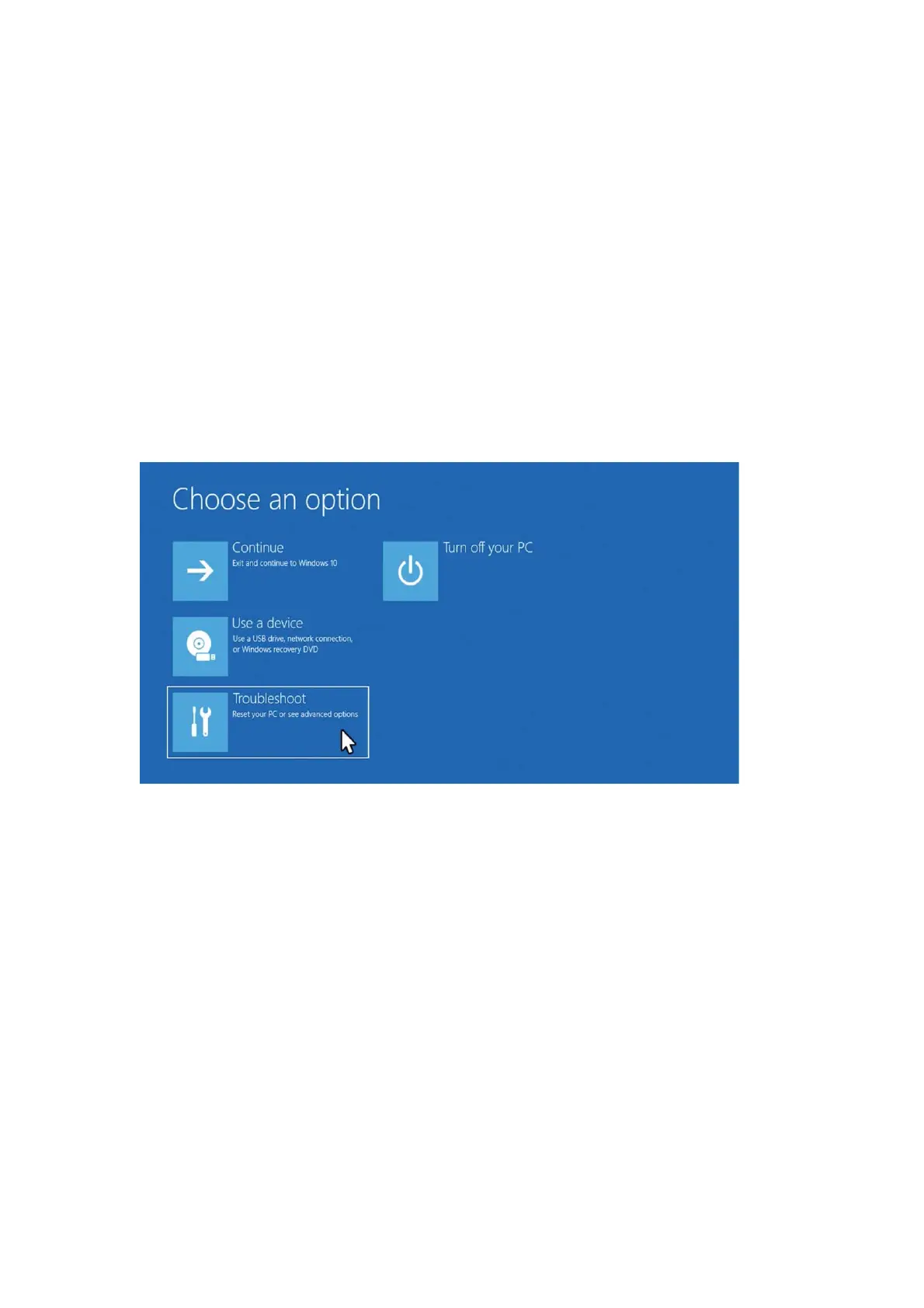
Reset
The system factory reset function can help you restore the computer system to
its original state in a short time. Before restoring the factory, please back up the C
hard disk data and connect the power supply.
● After pressing the power button, quickly press the F10 key, and after a while, you
can enter the system restore factory interface.
Windows 11 Use Tips
● Hot key
Win E: Quickly open Explorer (My Computer)
Win plus key: Magnifying glass function
Win+D: Show desktop, hide windows


 To Next Page