8
Charging Precautions
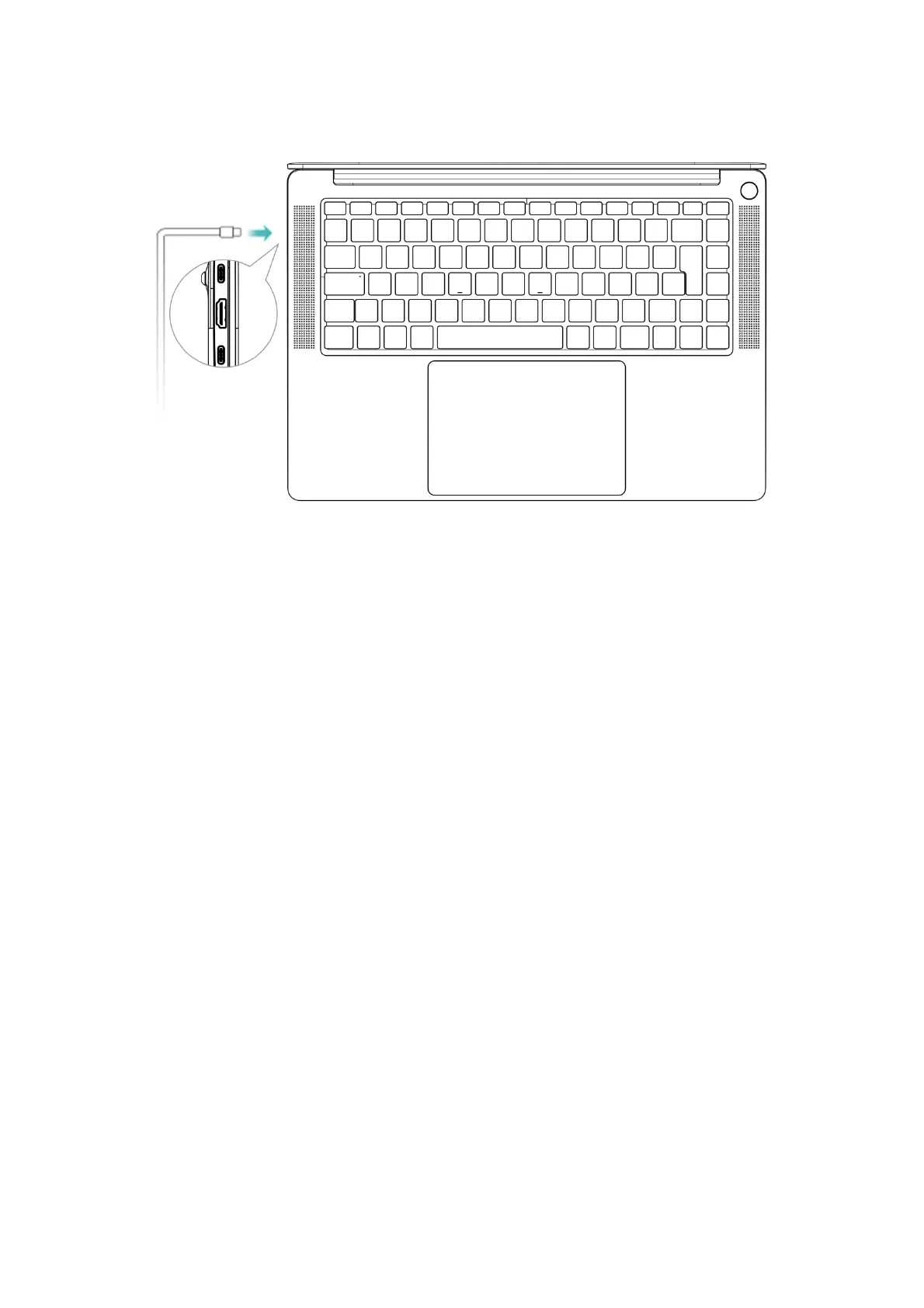
Use the power adapter and USB-C charging cable that came with your computer
to charge. Using third-party accessories may result in slower computer performance
and may pose a security risk.
Charge your computer in a comfortable temperature range and in a cool,
well-ventilated area.
Charging in a high temperature (above 45°) environment may damage the
computer.
Computer charging time vary with temperature conditions and battery usage.


 To Next Page