9
Features
When the computer is working and charging for a long time, the surface may
become warm, which is normal. When you feel hot, turn off some functions and stop
charging.
Learn about Battery Status
You can judge the current battery status through the power icon on the screen.
When the computer is plugged in, the battery icon shows a connected state.
When the computer is in use, move the cursor to the battery icon to view the
remaining power and remaining usage time of the battery. The remaining battery life
displayed on the icon is the time estimated by the operating system, not the actual
time.
The battery is consumable. If you find that the standby time is greatly reduced,
please do not replace it by yourself. Please go to the customer service center near
Transsion to replace the original battery.
Specification
Market
Name
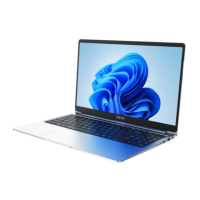
MEGABOOK S1
Feature Type Detailed Specification Remark
CPU Intel Intel 12th ADL
Different
configuration,
optional



 To Next Page