6
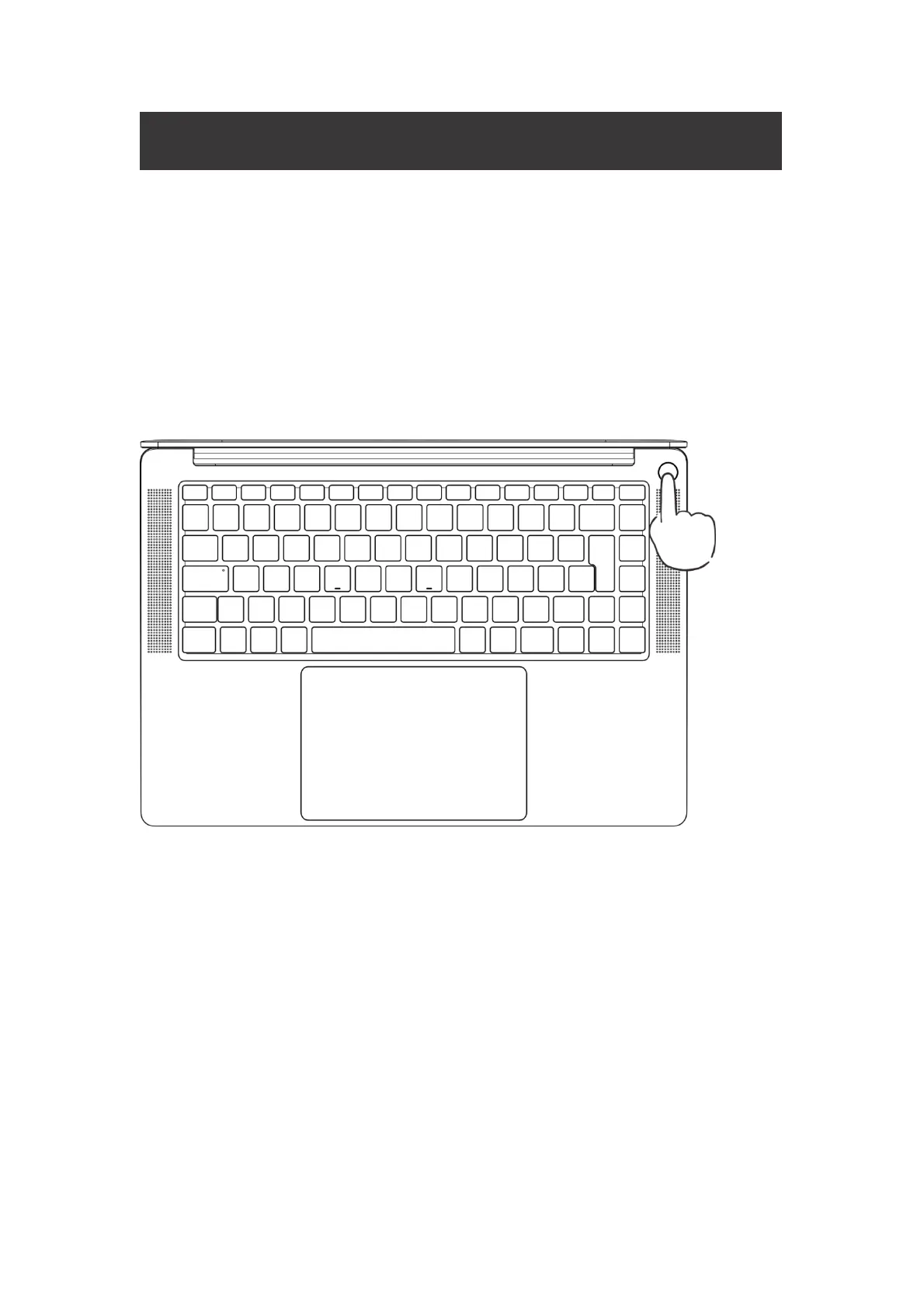
Power on
Boot for the First Time
The power adapter must be connected to the first boot, then press the power
button for 1~2 seconds, the keyboard backlight or the FN key will light up to boot.
You need to complete the power-on settings according to the interface prompts.
• Connect to wireless network
• Sign in to Megabook S1 with a Microsoft account


 To Next Page