22
The Win+Tab is a multi-window preview combination key enabled since Vista,
which is similar to Alt+Tab. Due to the newly added virtual desktop function on the
Windows 11 system, you can also view or switch multiple system desktops
Win + arrow keys can quickly arrange the desktop windows, which is more
efficient and faster than using the mouse
●Ctrl+P shortcut key:
When the user opens a Word document or excel form and needs to print it, he can
use the "ctrl+p" keys, and the computer will quickly pop up the print window, and
then you can select the printing device, number of pages, number of copies, front
and back printing, double-sided printing etc. to print.
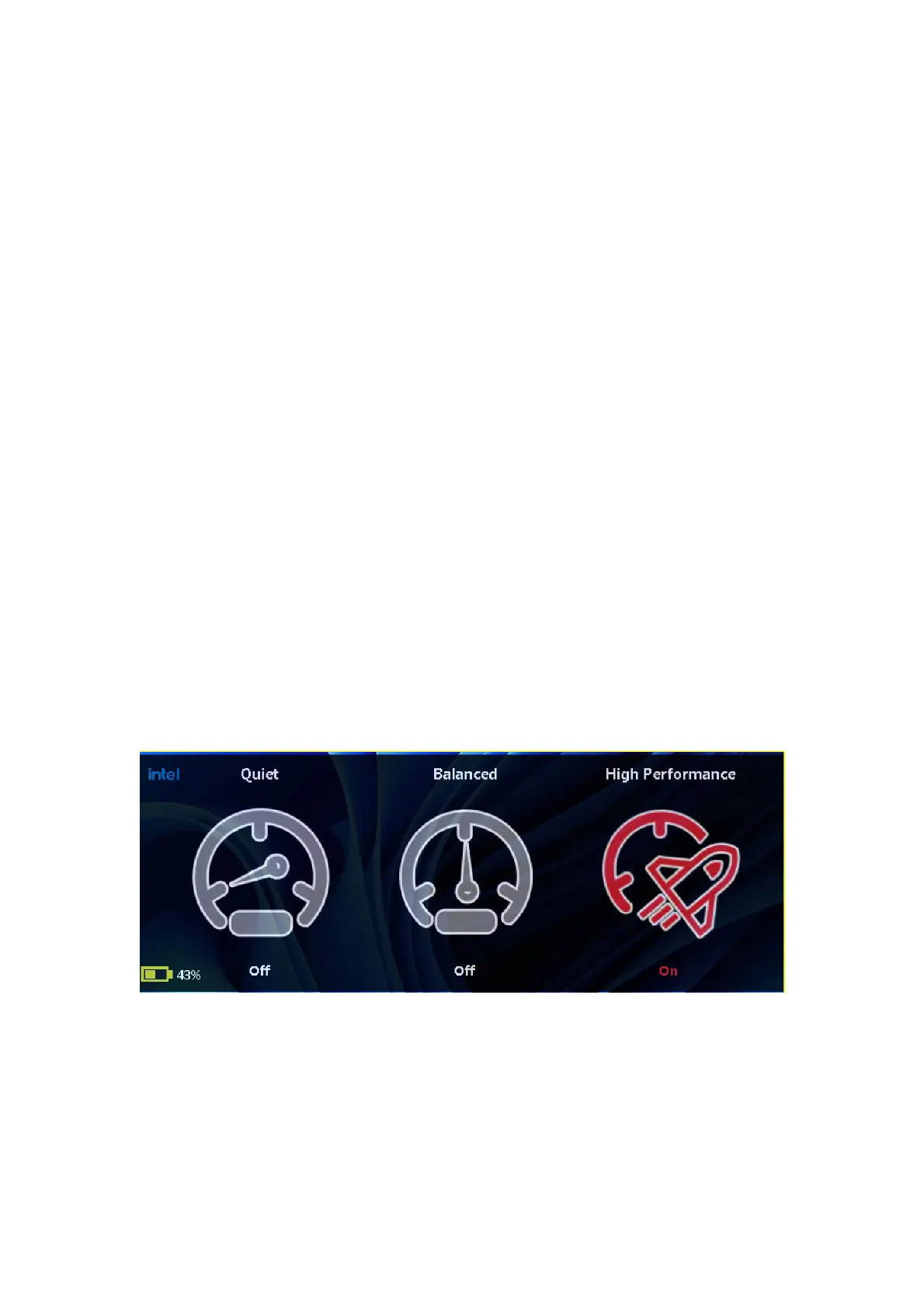
FN+P (or Alt+Q) to switch performance mode with one key
Press and hold the “fn+p” keys at the same time to freely switch back and forth
among Quiet, Balanced, and High performance modes, for an ultimate and smooth
experience.
● Completely delete files


 To Next Page