12
10.1 Editing the configuration program
Changes to the configuration program may only be carried out by authorised
technicians.
After installation of the program on the Computer, the appropriate settings must be
made in the configuration program. Some images of the new configuration interface
are shown here below.
CAUTION
These operations will be carried out only by authorised personnel. The manufacturer
is not liable for problems caused to the Computer and to the instruments by
unauthorised personnel.
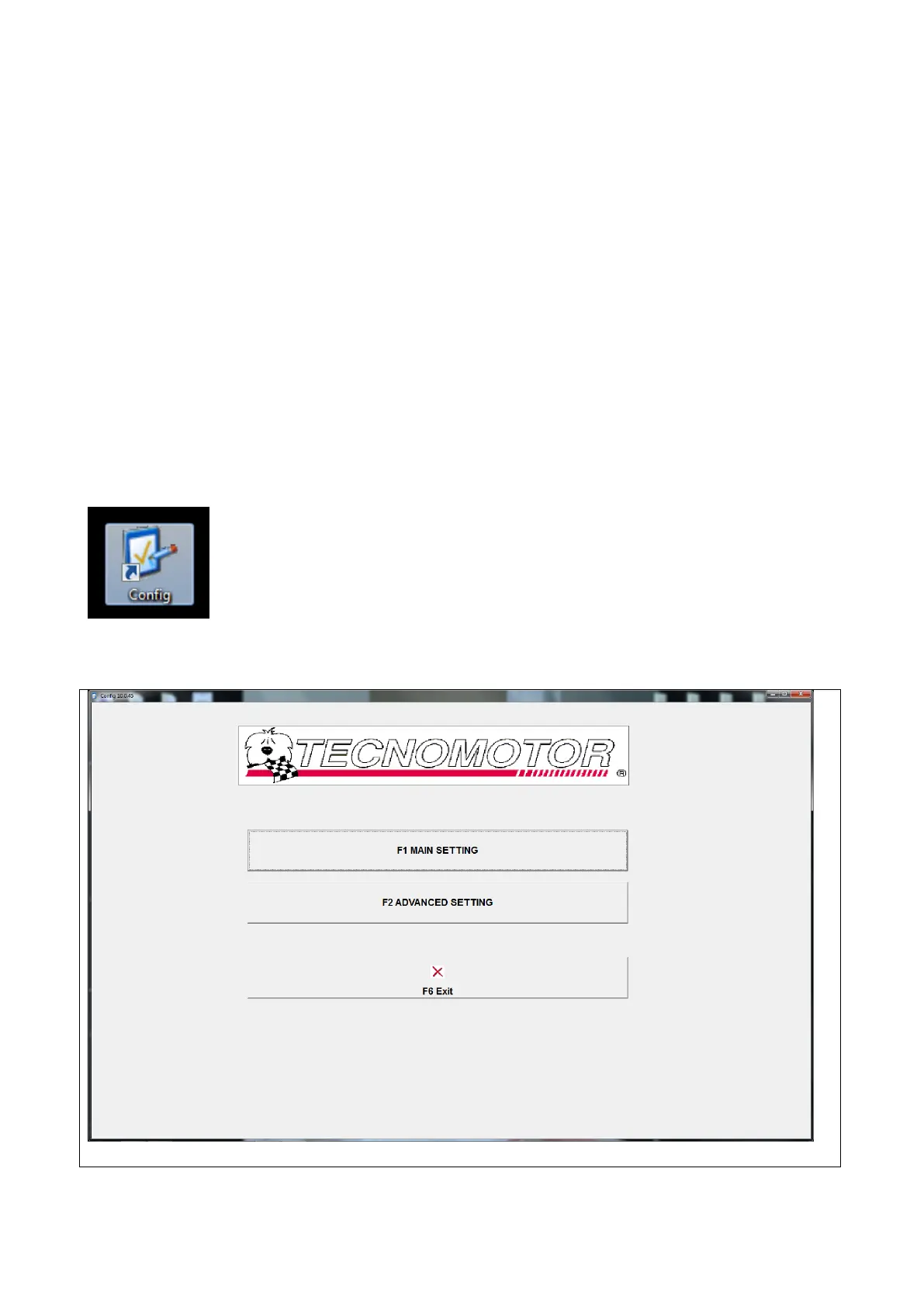
To start the configuration phase of the various equipment connected to the PC, use
the mouse to double click on the icon displayed below, previously created during the
installation of the program
The following images are an example of the configuration interface



 To Next Page