EasyManua.ls Logo

TECOR TR-D465E - User Manual

TECOR TR-D465E
15 pages
Print Icon
To Next Page IconTo Next Page
Loading...
TECOR TR-D465E
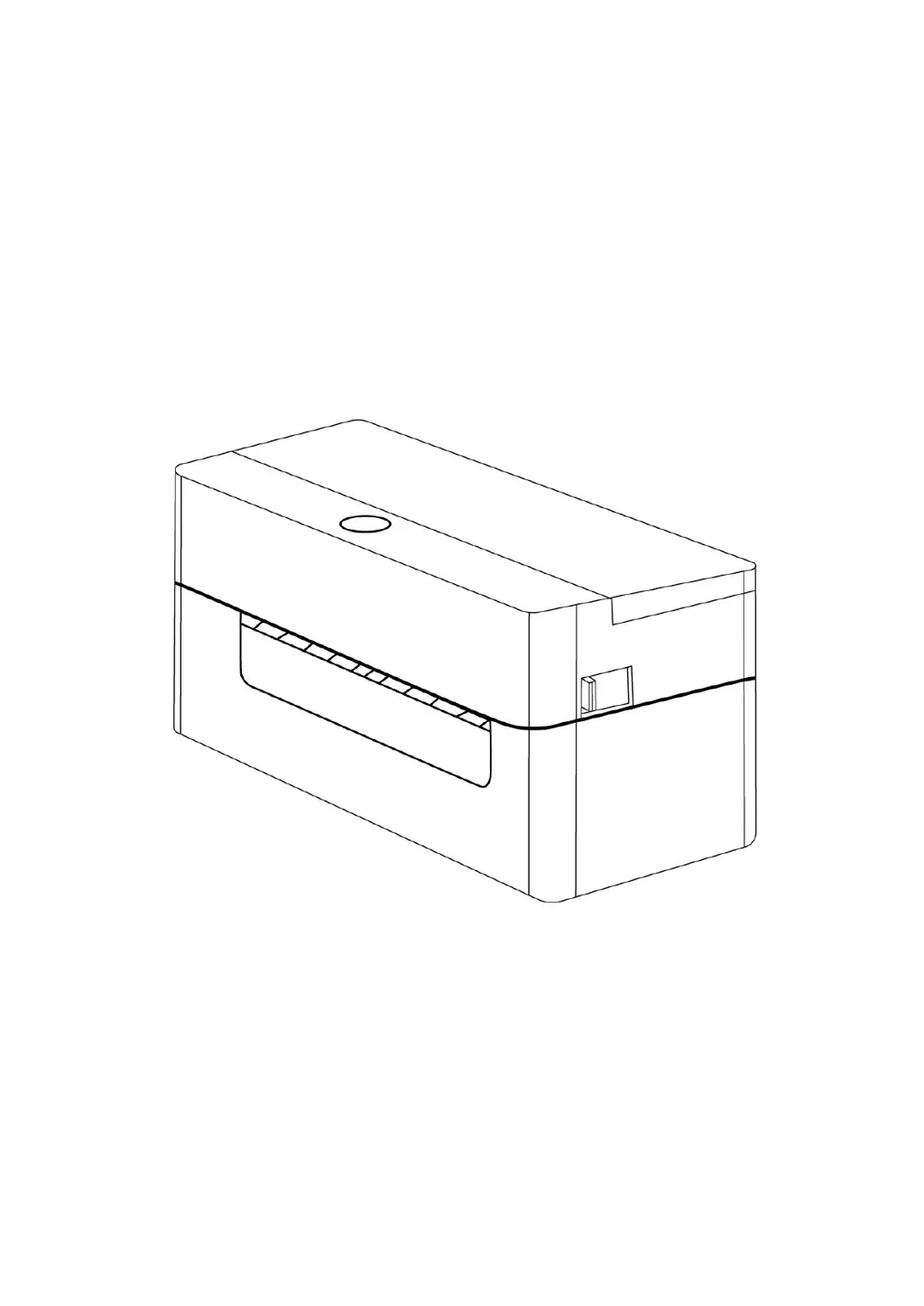
Desktop Thermal Printer
User Guide

Questions and Answers

  • L
    Lauren BennettAug 17, 2025
    Why does my TECOR Printer have gray lines on black labels?
    • K
      Kevin WeberAug 17, 2025
      Gray lines appearing on black label paper of your TECOR Printer can be due to dirt on the print head or the rubber roller. Clean the print head and the rubber roller to resolve this issue.
  • R
    Robert PerezAug 20, 2025
    How to fix poor printing quality on my TECOR Printer?
    • L
      Lisa HurleyAug 20, 2025
      Poor print quality on your TECOR Printer can occur due to several reasons: dust or adhesive buildup on the print head (reinstall consumables and clean the print head), a dirty rubber roller (clean the rubber roller), incorrect printing density or speed (adjust these settings), a damaged print head (print a self-test value and replace if damaged), uneven print head pressure (adjust the pressure adjusting knob), labels thicker than 0.22 mm (increase print head pressure), or an improperly closed print head mount (ensure it's fully closed).
  • H
    hblackAug 22, 2025
    What to do if TECOR Printer skips paper while printing?
    • E
      ekelleyAug 22, 2025
      Paper skip during printing with your TECOR Printer can be fixed by ensuring the label size setting is correct, re-calibrating the label sensor, or removing dust from the sensor with an airbrush.
  • K
    Kathy AguilarAug 26, 2025
    What to do if TECOR Printer shows 'Out of Paper'?
    • M
      Mr. Jason SmithAug 26, 2025
      If your TECOR Printer Diagnostic Tool displays "Out of Paper", install new label paper, refer to the label installation steps and re-install the label paper, or re-calibrate the label sensor.
  • J
    Jenny BauerAug 28, 2025
    How to prevent crinkled labels on TECOR Printer?
    • A
      Aaron MooreAug 28, 2025
      Crinkled labels on your TECOR Printer can occur due to uneven print head pressure (refer to the next section for adjustment), inappropriate label printing density (set the appropriate density), or incorrect label width adjustment (adjust the label width adjuster to match the label width).
  • D
    Dawn StokesAug 31, 2025
    What to do if TECOR Printer shows 'Paper Jam'?
    • C
      charlesbentleyAug 31, 2025
      If the TECOR Printer Diagnostic Tool displays "Paper Jam", re-calibrate the roll label sensor, set the correct label size, and clean the inside of the mechanism.
  • J
    Julia MorenoSep 2, 2025
    Why is the print position incorrect on my TECOR Printer with small roll labels?
    • L
      Laurie BarberSep 2, 2025
      The print position being incorrect when printing small roll labels on your TECOR Printer can be resolved by re-calibrating the label sensor and setting the correct roll label size and roll label gap size. If using BarTender software, use the settings mentioned in the manual.
  • J
    Justin WeissSep 5, 2025
    Why is print missing on the sides of labels from my TECOR Printer?
    • M
      michael32Sep 5, 2025
      If the print is missing on both the left and right sides of labels printed by your TECOR Printer, set the correct label size.
  • Q
    qshahSep 8, 2025
    What to do if TECOR Printer displays 'Printer On'?
    • R
      Ricardo RiosSep 8, 2025
      If the TECOR Printer Diagnostic Tool displays "Printer On", close the print head holder.
  • J
    John FergusonSep 12, 2025
    How to turn on TECOR Printer if the power indicator is off?
    • M
      Miranda DominguezSep 12, 2025
      If the power indicator on your TECOR Printer is off, check the power connector to ensure the AC socket and power supply plug are properly connected to the printer. Also, make sure to turn on the power switch.

TECOR TR-D465E Specifications

General IconGeneral
BrandTECOR
ModelTR-D465E
CategoryPrinter
LanguageEnglish