3.3.1 Label gap detection
When loading a different label, or to recover the default setting of the printer, we need to
run the paper gap detection for register the size of the new label. Some models have the
ability to auto-detect paper gap, so it doesn’t need to be done manually.
Follow the steps below to run paper gap detection.
1. Turn off the printer.
2. Load the labels into the printer.
3. Press down the FEED key (don’t release) then turn on the printer.
4. Release the button while the light colour is flickering Red.
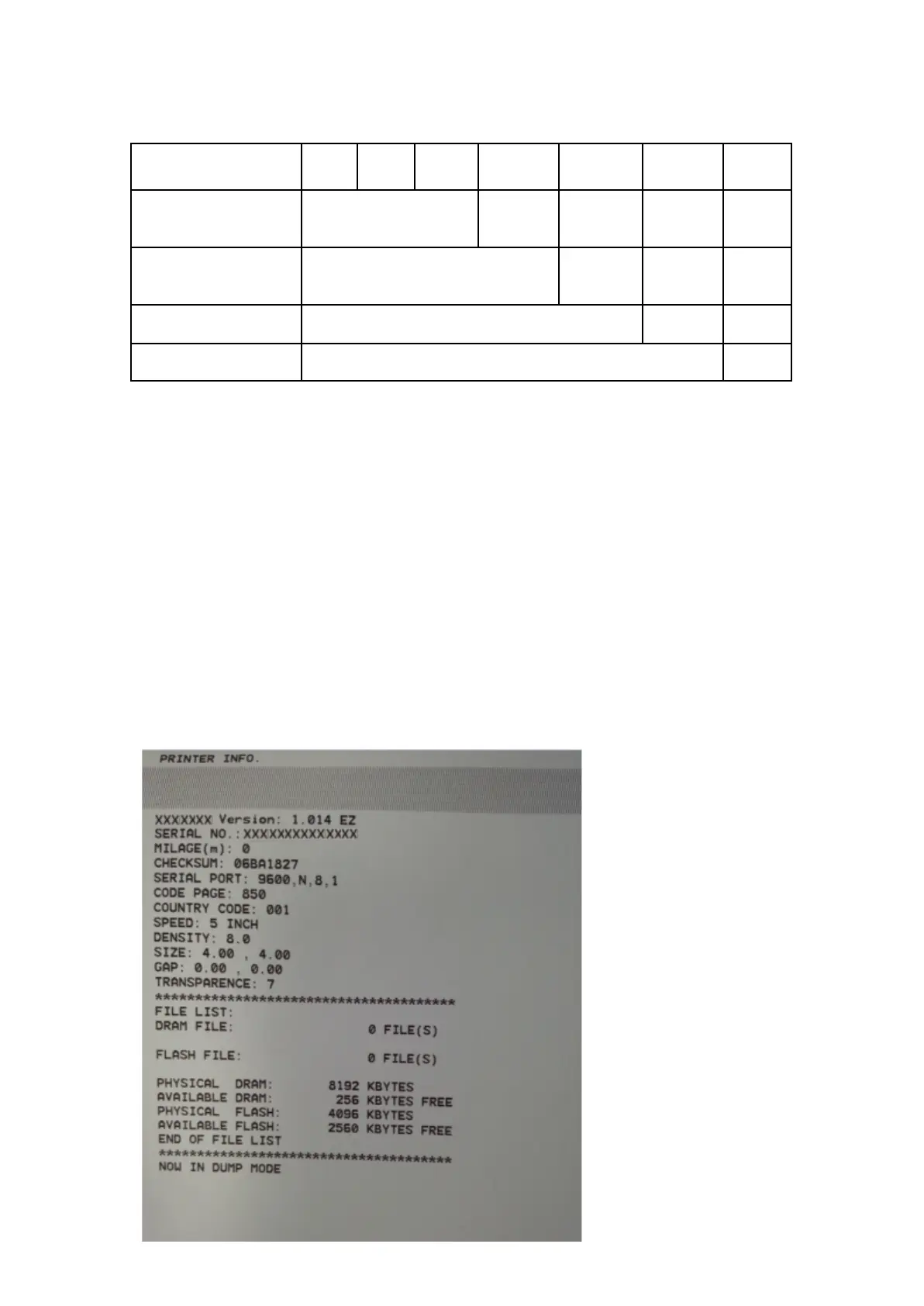
3.3.2 Self-testing and dump mode.
Self-testing is used for verifying the print quality and settings.


 To Next Page