8
ENGLISH VERSION
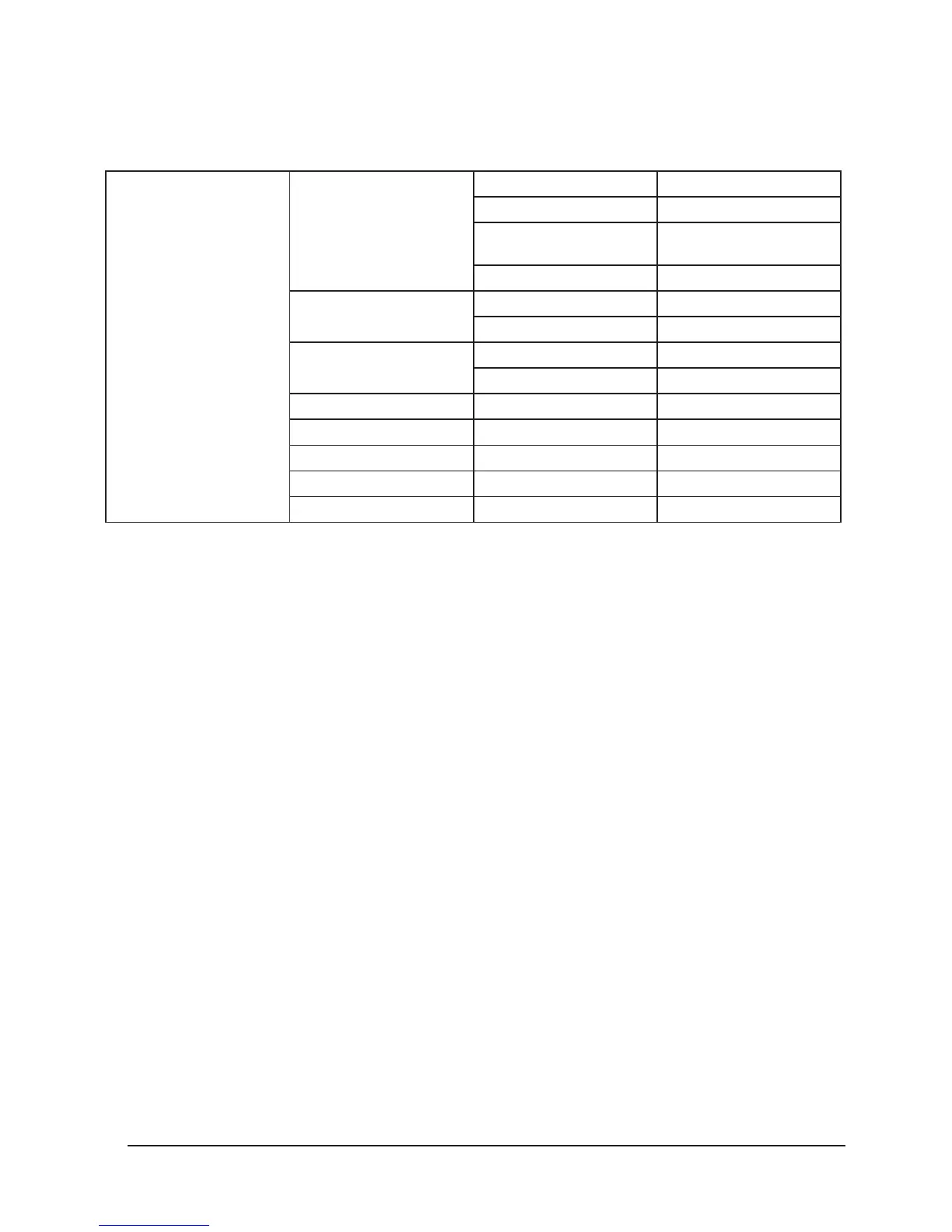
Whit White Manual test 000-255
Stro Strobe Manual test 000-255
Dim Dimmer Manual test 000-
255
led Led Manual test 000-255
Led on LED black out on
o LED black out o
Disp on Display reverse on
o Display reverse o
Test Whole Function Test
Fhrs Operate Time
Ver Soware Version
Rest Whole Reset
Defa Default
MENU operation
This fixture has 4 keys on front panel for operation, press
these to set address, reset, edit and run programs and so
on.
• MENU: press MENU key to enter edit status, in edit sta-
tus, if press MENU again, it will return the upper inter
face. If no operation 30 seonds aer enter edit status,
the fixture will exit the edit status automatically.
• Up: press UP key, the indicator will flash, the address
increases one by one, if hold the key continuously, the
address will increase rapidly. If no press within 30 sec-
onds, the indicator stops flashing and exit it. In edit
status, press UP key, it will display the options circu-
larly from down to up.
• Down: press DOWN key, the indicator will flash, the
address decreases one by one, if hold the key contin-
uously, the address will decrease rapidly. If no press
within 30 seconds, the indicator stops flashing and
exit it. In edit status, press DOWN key, it will display
the options circularly from up to down.
• ENTER: in normal status, no function to press ENTER.
In edit mode, press ENTER to enter lower interface.
Function setting
DMX address setting
1.Press MENU to enter EDIT interface
2. Press UP/DOWN to choose, then press ENTER.
3. Press Up/Down to choose address 001~XXX
4. Press ENTER to confirm, or press “MENU” to exit
Channel Setting
1. Press MENU to enter EDIT interface
2. Press UP/DOWN to choose, then press ENTER
to enter Chnd.
3. Press UP/DOWN to choose each chan-
nel.‘14CH’/‘16CH’
4. Press ENTER to confirm, or press “MENU” to exit
Scene mode Setting
(before this setting, please Press MENU into Lost
to select Soun or Auto and save, user should be in
Sound/Auto Mode first, the different scene can be selected)
1. Press MENU to enter EDIT interface


 To Next Page