10
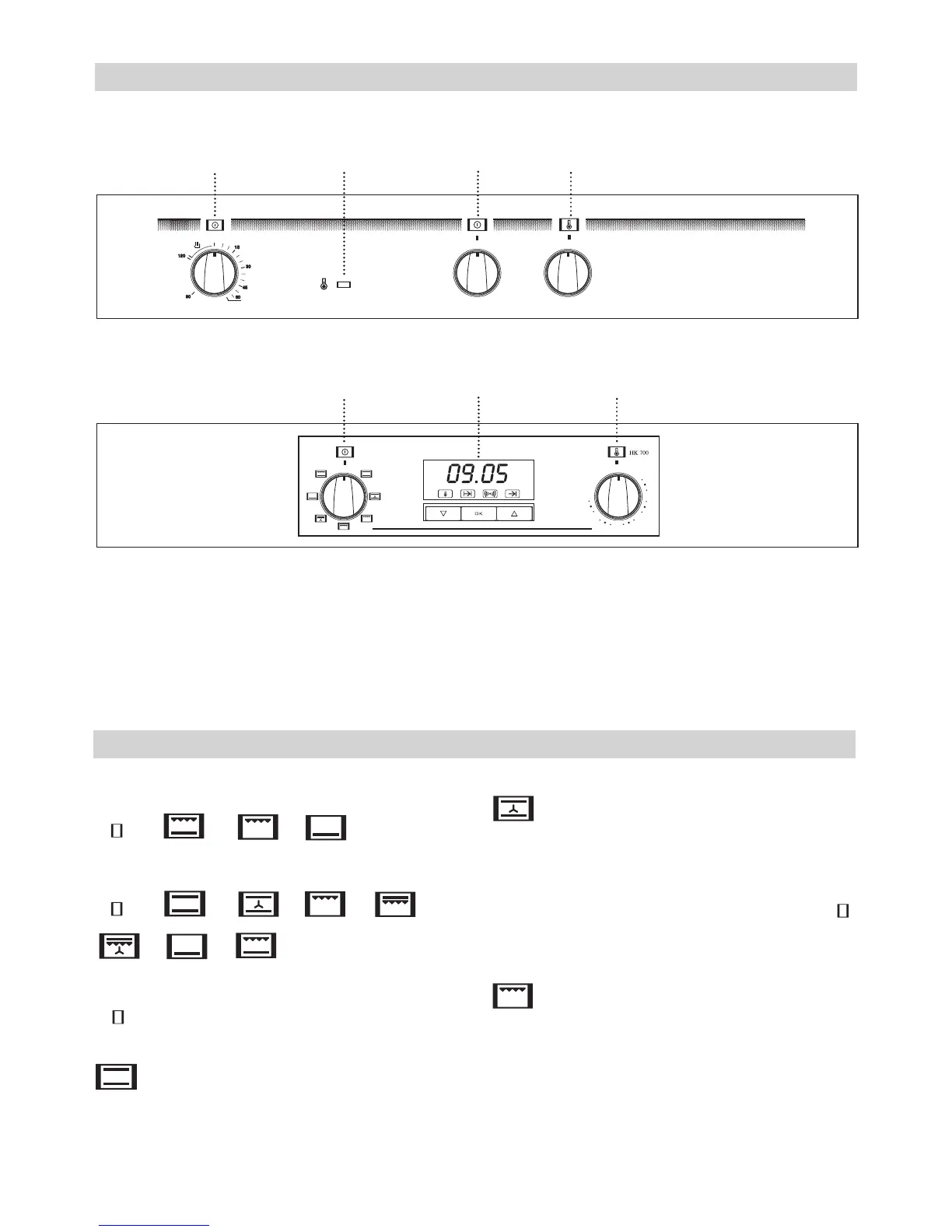
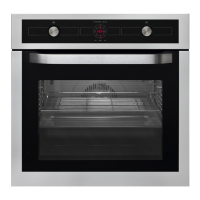
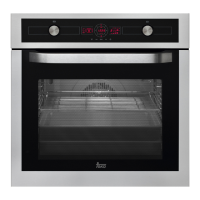
1 Minute timing switch.
2 Electronic timer.
3 Heating indicator light. Indicates that the
heat is going to the food and it goes out
when the set temperature is reached.
4 Function selector.
5 Temperature selector.
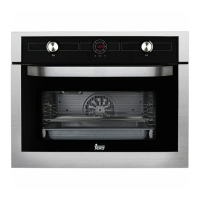
Model HK-500
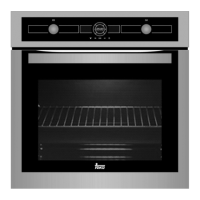
Model HK-700
Control Panel
Oven Functions
1 3 4 5
4 2 5
Model HK-500
/ / /
Model HK-700
/ / / / /
/ /
Switch off oven
Conventional
It is used for sponges and cakes where the
heat received must be uniform to achieve a
spongy texture.
Conventional with fan
Appropriate for roasts and cakes. The fan
spreads the heat uniformly inside the oven.
This cooking mode allows defrosting of food.
To do this, set the temperature selector to
position.
Grill
For preparing dishes with superficial roasting.
It allows the outer layer to be browned without
affecting the inside of the food. Ideal for flat
food, such as steaks, ribs, fish, toast.


 To Next Page