11
ENGLISH
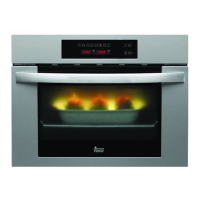
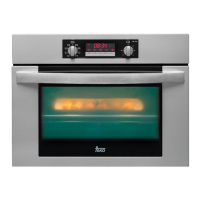
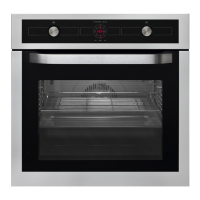
Model HK-500
Manual use of the oven
1 Turn the timing switch to the left to the
position .
2 Select a temperature and a cooking
function.
3 Set the controls in position to switch off
the oven.
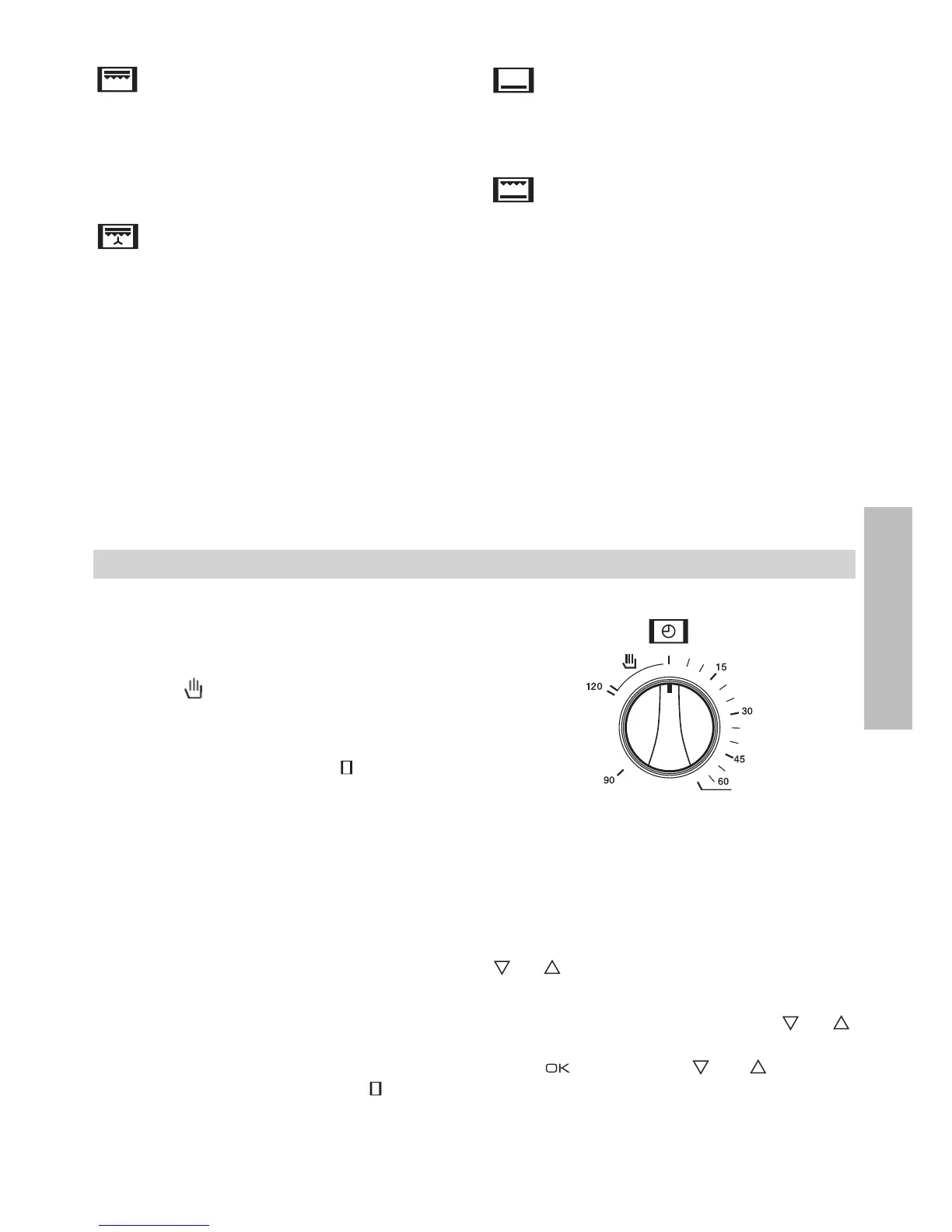
Using the timer switch
Allows cooking during a pre-established time.
To do this,
1 Select the function and the cooking
temperature.
2 Turn the timer control clockwise as far as
the position “120 minutes” and then turn it
backwards to the required cooking period.
3 When the time has finished, there will be an
acoustic signal and the oven will stop
heating.
4 Set the controls to the position to switch
off the oven.
Use of the Oven
MaxiGrill
Allows greater surfaces to be prepared, than
with the grill, together with higher power
reducing the time required for browning of the
food.
MaxiGrill with fan
Allows uniform roasting at the same time as
surface browning. Ideal for grills. Special for
large volume pieces, such as poultry game
etc. It is recommended to put the item on a
rack with a tray beneath to collect the stock
and juices.
Caution
While using the Grill, MaxiGrill or MaxiGrill with
fan, the door must be kept closed.
Lower element
Heats only from beneath. Suitable for heating
dishes and raising pastry and similar.
Grill and Lower element
Special for roasts. It can be used for any
piece, whatever its size.
Note
The pilot light remains on in any cooking
function.
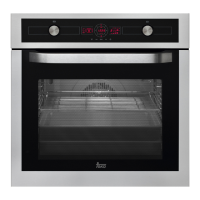
Model HK-700
Setting the time on the Electronic Clock
When the oven is connected to the power supply,
the indication 00:00 flash on the display. Press
or to set the time on the clock. The clock
beeps twice to confirm the selected time.
If you wish to modify the time, press or
until the current time flash on the screen.
Press . Then press or to modify
the time. The clock beeps twice to confirm the
modification.


 To Next Page