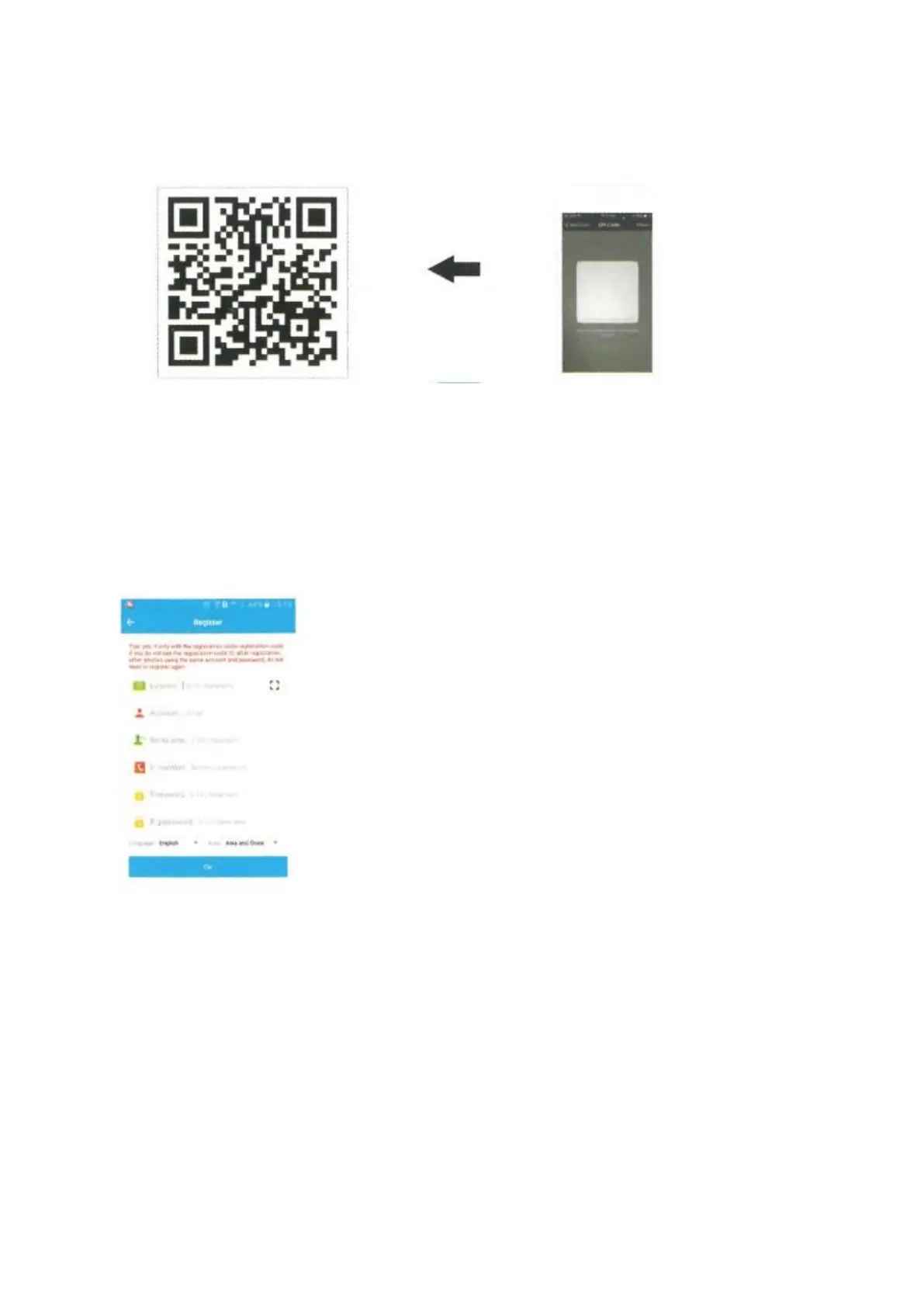
1) : Open your Wechat and scan the QR code below, download and install it.
2) : Or search for the APP name: SeTracker in Apple store or Google Play to download and
install it.
4. Register
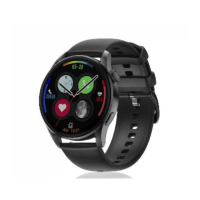
1) : When the installation is complete, proceed to register your personal account.
- Registration code: Identification number or registration code, not
the IMEI number.
- Account: Your control phone number
- User alias: the child's name
- Password: set a six-digit password (write it down, don't forget it)
- Select the language of the APP:
- Choose your region (Hong Kong, Europe and Africa, Asia and
Oceania, North and South America).
5. Log on to
After registering, try logging in.


 To Next Page