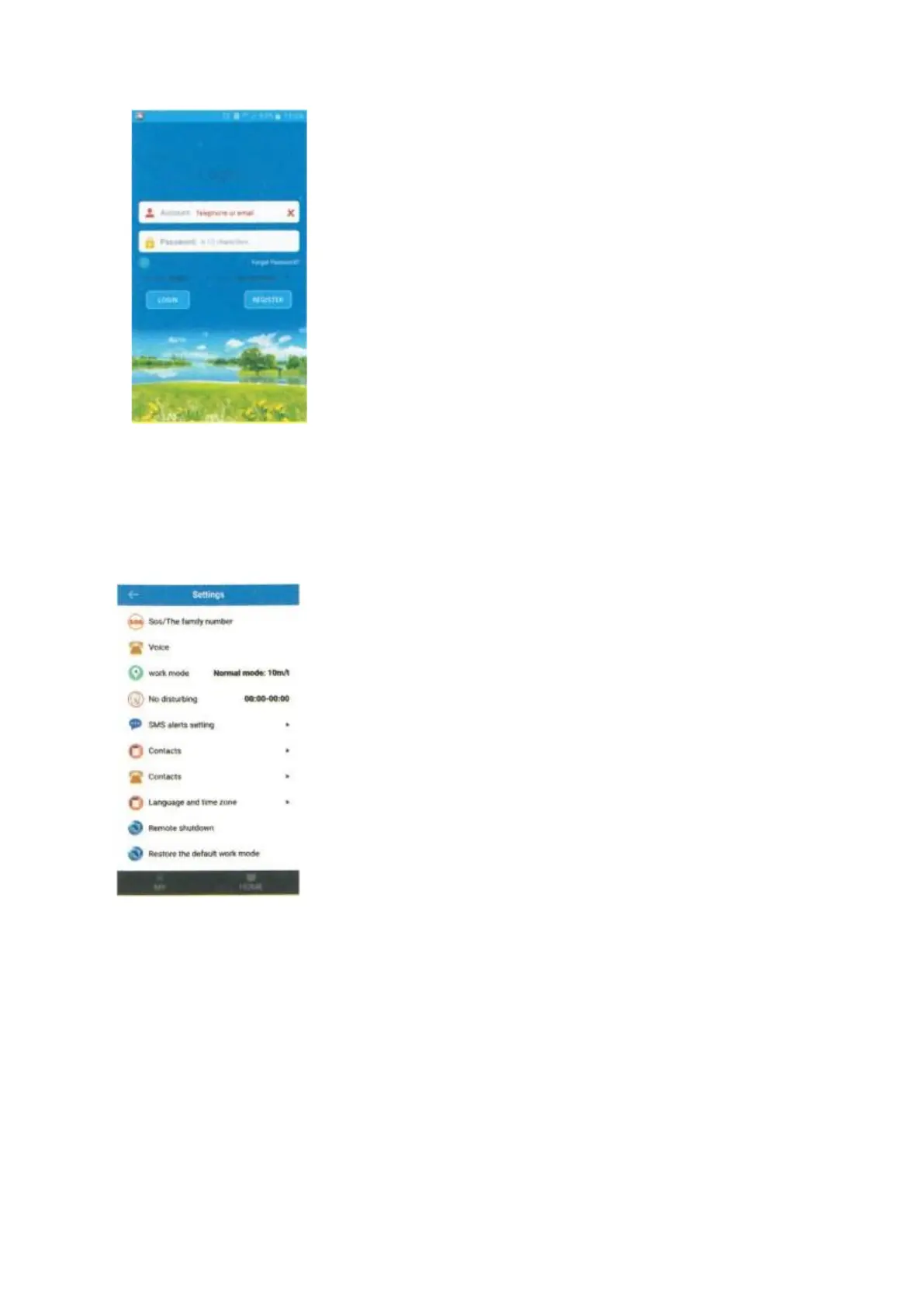
- Enter your account and password
- Select the language of the APP
- Choose your country (Hong Kong, Europe and Africa, Asia and
Oceania, North and South America).
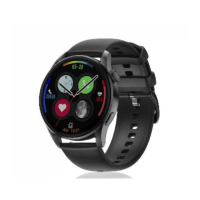
6. Setting
1) : Log in and search for the setting, click on the phonebook or contacts and save the
numbers you need. The same applies to the other functions.
- Defining an SOS number (mom/dad/brother/brother)
- Only the numbers saved in the phonebook or contacts are
authorized to call the watch. We suggest that you add the child's
friends.
- You have to register the numbers in the application, then the watch
will be able to call these numbers.
- Do not forget to press the save button.


 To Next Page