Product design, software and literature are Copyright © 2002 by:
tekmar Control Systems Ltd. and tekmar Control Systems, Inc.
All specifications are subject to change without notice.
Printed in Canada. U 507 - 09/02.
2 of 2
Control Systems
tekmar Control Systems Ltd., Canada
tekmar Control Systems, Inc., U.S.A.
Head Office: 5100 Silver Star Road
Vernon, B.C. Canada V1B 3K4
(250) 545-7749 Fax. (250) 545-0650
Web Site: www.tekmarcontrols.com
VIEWING THE CURRENT TEMPERATURE (508 ONLY)
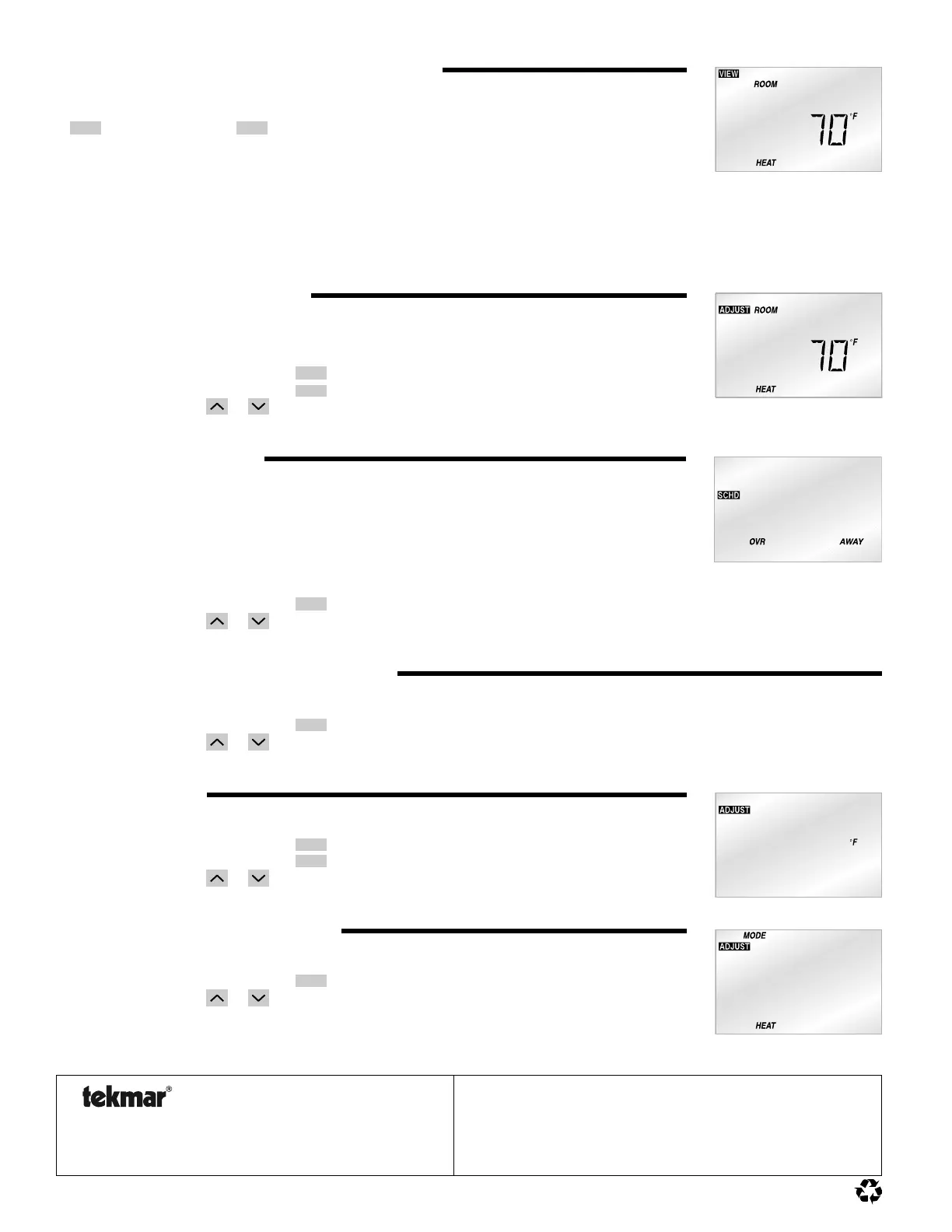
The View menu allows you to view the current temperature(s) being sensed by the thermostat and
its auxiliary sensor. To view the various temperatures, begin by selecting the View menu using the
Menu
button. Next use the
Item
button to view the available temperatures.
Room: This is the current air temperature of the room that is being controlled. At least one air
sensor must be active for this temperature to be displayed.
Outdoor: This is the current outdoor air temperature. This item is only available if the auxiliary sensor has been set to sense
the outdoor air temperature.
Slab: This is the current slab temperature. This item is only available if the auxiliary sensor has been set to sense the
slab temperature.
SETTING THE TEMPERATURE(S)
Use the following procedure to set the desired air and/or slab temperatures.
Note: Slab temperatures are only available when a slab sensor is used.
Step One: Press and release the
Menu
button until the Adjust Menu is reached.
Step Two: Press and release the
Item
button until the desired item is displayed.
Step Three: Use the
or
button to set the desired temperature.
AWAY OVERRIDE (508 ONLY)
An Away override is a quick override that does not change your existing temperature setting(s).
This is to be used during long periods of absence. When the Away override is selected, the heating
temperature is automatically set to 62°F (16.5°C). If a slab sensor is being used with the thermostat,
the minimum slab temperature is also ignored. This operation continues as long as the Away
override is selected.
To select the Away override, use the following procedure.
Step One: Press and release the
Menu
button until the Schedule (SCHD) Menu is displayed.
Step Two: Use the
or
button to select the Away override.
CANCELING THE AWAY OVERRIDE (508 ONLY)
To cancel the Away override, use the following procedure.
Step One: Press and release the
Menu
button until the Schedule (SCHD) Menu is displayed.
Step Two: Use the
or
button to select the None setting.
UNITS OF DISPLAY
To select between Fahrenheit and Celsius, use the following procedure.
Step One: Press and release the
Menu
button until the Adjust Menu is reached.
Step Two: Press and release the
Item
button until the current temperature unit begins to flash.
Step Three: Use the
or
button to select between Fahrenheit and Celsius.
SETTING THE MODE OF OPERATION
Use the following procedure to select the mode of operation
Step One: Press and release the
Menu
button until the Adjust Menu is reached.
Step Two: Use the
or
button to select between the Off and Heat setting.
Off:
In the Off mode, the thermostat does not operate the heating device.
Heat: In the Heat mode, the thermostat operates to maintain the room at the required
heating temperature.


 To Previous Page
 Loading...











