EasyManua.ls Logo

Tekmar 561 - Display Settings and Energy Use; Display Options 1;2; Display Options 2;2; Energy Use Monitoring

Tekmar 561
12 pages
Print Icon
To Next Page IconTo Next Page
To Previous Page IconTo Previous Page
Loading...
4 of 12
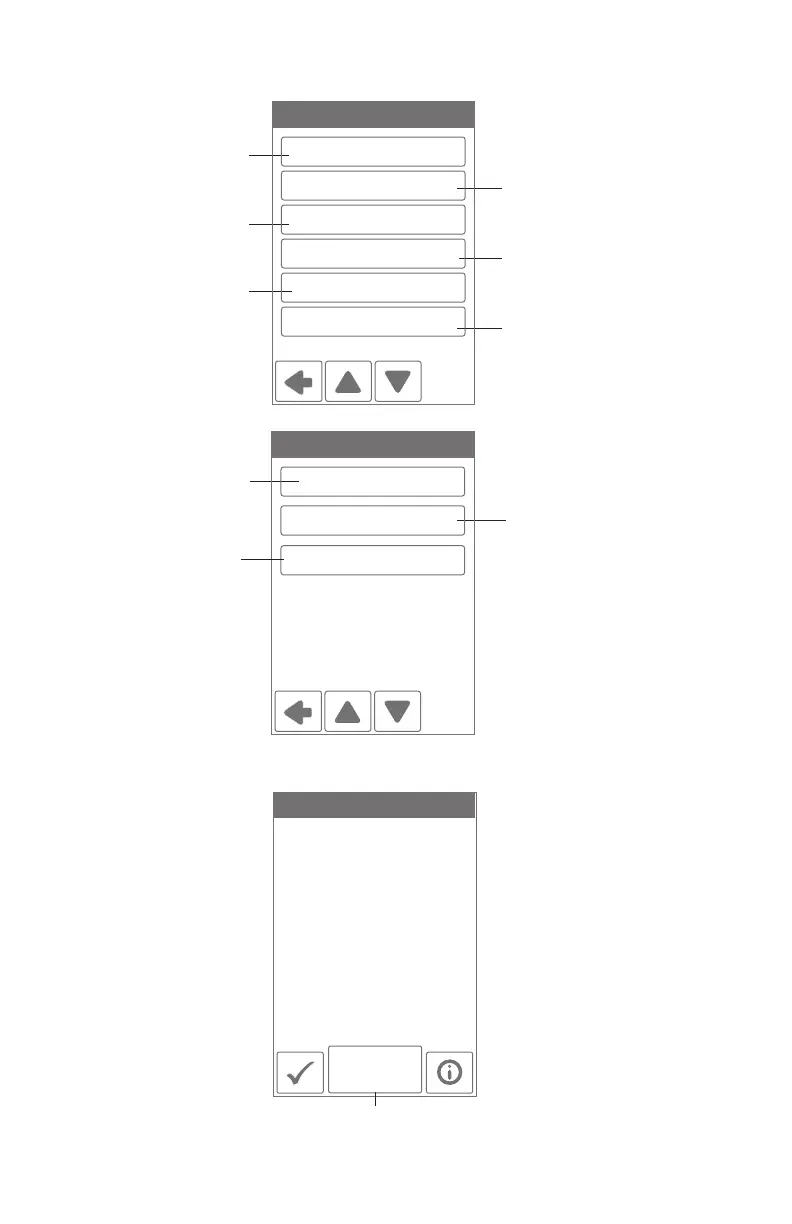
Select °F or °C
Brightness when
touching the display
Choose the
background color
Select English, French
or Spanish
Brightness after 60 second
timeout of no use
Energy use. See below.
DISPLAY 1/2
Temperature Units: °F
Brightness - Active: 80%
Theme: Light
Energy Use: Monthly
Brightness - Inactive: 50%
Language: English
Daily Usage
Monthly
Usage
Today 0 hrs
Yesterday 0 hrs
Tue 0 hrs
Mon 0 hrs
Sun 0 hrs
Sat 0 hrs
Fri 0 hrs
View each day's run
time for heating.
Toggle between Daily
and Monthly Usage.
Energy Use
10 second count down
to allow the screen
to be cleaned with a
moist cloth.
Select if the time is
shown when inactive
Select if the outdoor
temperature is shown
when inactive
DISPLAY OPTIONS 2/2
Clean Screen: Off
Inactive Time Display: On
Inactive Outdoor Display: Off
Display
------------------------------------------------------------- -------------------------------------------------------------

Related product manuals