6 of 12
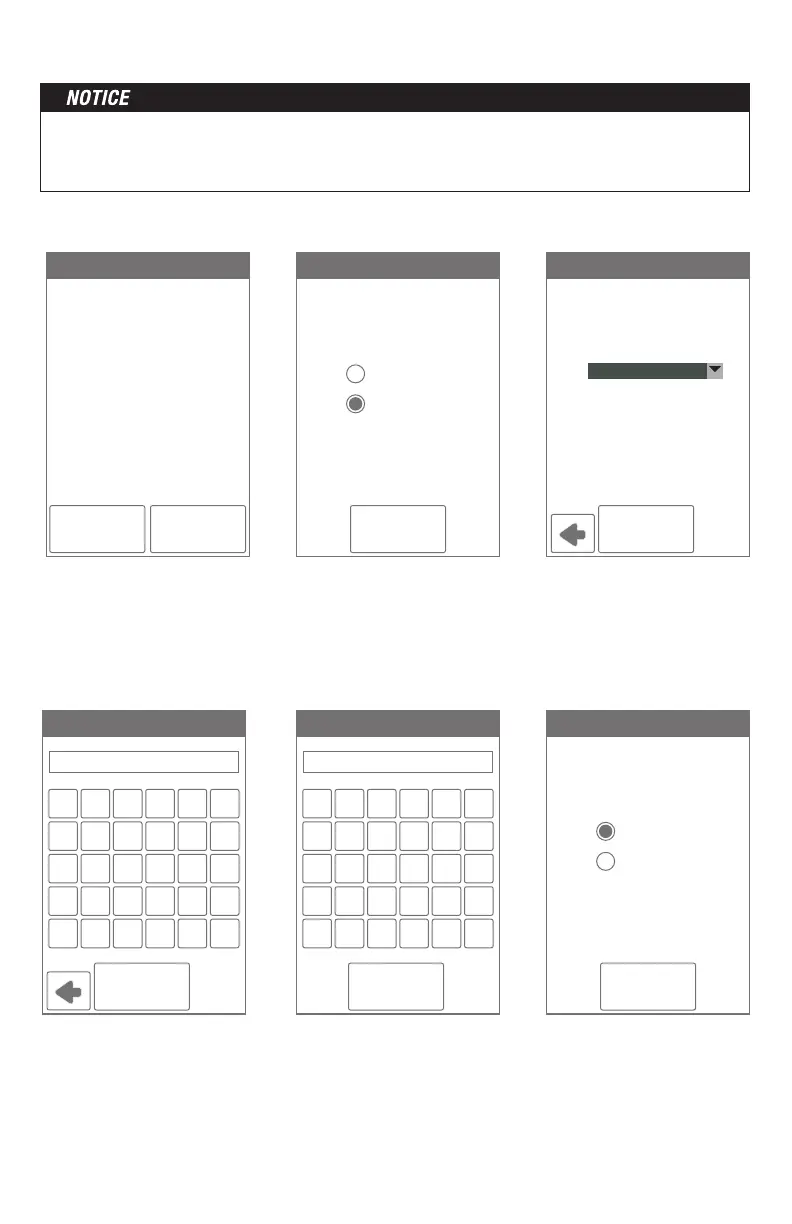
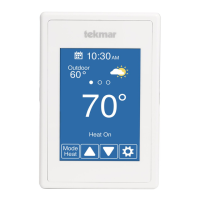
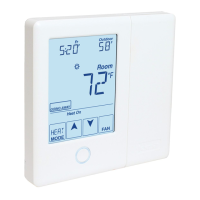
The thermostat includes a step by step tutorial to setup the WiFi connection.
Step 1
Agree to Terms of Use
Step 2
Turn on WiFi
Step 3
Enter wireless network
name. It must support
WPA2 security encryption.
Step 4
Enter WiFi password.
Step 6
Select if the time is set
automatically from the
Internet or manually.
Step 5
Enter ZIP or postal code.
This determines your location
for weather information.
Tutorial
DISAGREE AGREE
Before first using wi-fi features
of this product, you must accept
the Terms of Use available at
https://www.watts.com/terms-
of-use
by pressing AGREE below.
If you do not accept these terms.
this product can still be used
without wi-fi features.
WIFI
NEXT
Off
On
Time Source
NEXT
Automatic
Manual
NETWORK SSID
CONNECT
Select a network
from the list:
Your House
A C EB D F
M O QN P R
Y A/1Z Shft Del
G I KH J L
S U WT V X
Enter Password
CONNECT
1 3 52 4 6
: ( $; ) &
' A/1\ Shft Del
7 9 -8 0 /
@ . ?" , !
ZIP/Postal
OK
WiFi
---------------------------------------------------------------- ----------------------------------------------------------------
Before using the WiFi features of this product, you must accept the Terms of Use, as
amended from time to time and available at Watts.com/terms-of-use. If you do not accept
these terms, this product can still be used without WiFi features.



 To Next Page