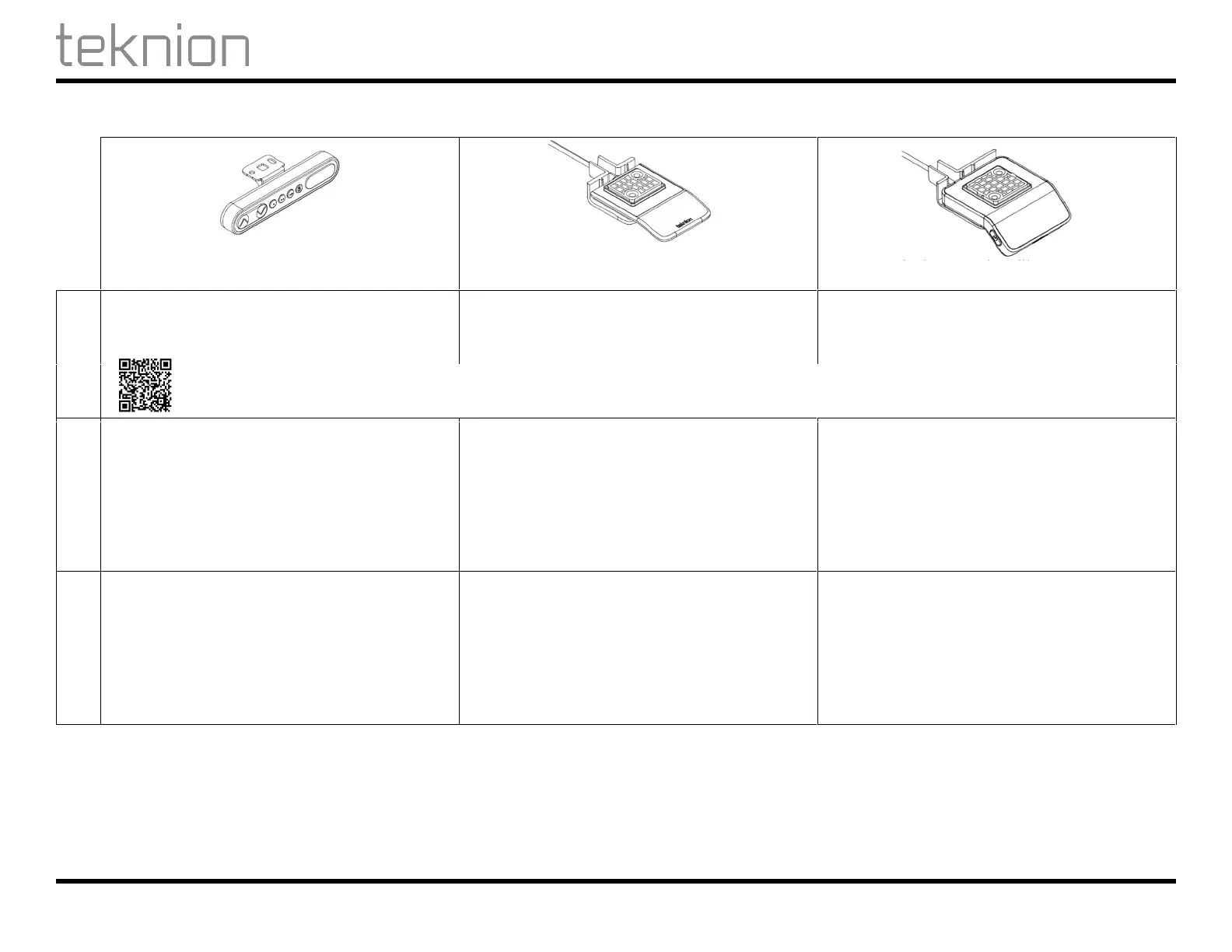
Height-Adjustable Products – Expansion Series / Produits réglables en hauteur - Série Expansion
User Guide / Guide d'utilisation
For additional information on this installation contact Technical Support. Pour plus d'informations sur cette installation contactez le support technique.
2019-02-12 L04-50001_R04.DOCX 4 / 10
Control Switch Instructions
Display with Up/Down Memory
Toggle Up/Down
Display Toggle with Memory
Initialization
• Adjust the table to the lowest position
• Press and hold the Down (V) button until
movement has been performed.
1
• Adjust the table to the lowest position
• Tilt the panel down and hold until movement has
been performed.
1
• Adjust the table to the lowest position
• Tilt the panel down and hold until movement has
been performed .
1
1
The desk/table should move down and up a small distance to indicate that the command has been received.
Display Units
• Not Applicable • Not Applicable • Change between cm and inch by pressing the
“reminder” (clock) button and the “star” button
for two seconds.
• When the display starts to blink, use the “star”
button to change between cm and inch.
• Press Bluetooth® button to confirm selection.
• Proceed with display height adjustment or press
Bluetooth® button to confirm.
Display Height
• Press and hold the Up (Λ) and Down (V) buttons
for 5 seconds until 3 bars appear ( --- ).
• Press the Up or Down button as required to adjust
the height shown on the display.
• After 5 seconds of inactivity, system returns to
normal operation.
• Not Applicable • Press the “reminder” (clock) button and the
“star” button for two seconds.
• When the unit starts to blink, proceed with unit
change or press Bluetooth® button to confirm
selection.
• Tilt panel up or down to the desired display
height.
• Press Bluetooth® button to confirm.



 To Next Page