EasyManua.ls Logo

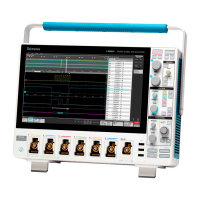
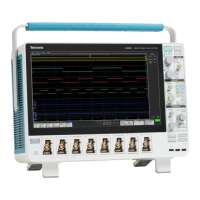
Tektronix 4 Series - User Manual

Tektronix 4 Series
43 pages
Print Icon
To Next Page IconTo Next Page
Loading...
4 Series MSO
(MSO44, MSO46)
Service
Register now!
Click the following link to protect your product.
www
.tek.com/register
*P 077154700*
077-1547-00

Table of Contents

Other manuals for Tektronix 4 Series

Questions and Answers

  • J
    Jessica BurnettAug 11, 2025
    How to fix Tektronix Test Equipment that will not power on?
    • J
      Joseph WillisAug 11, 2025
      If your Tektronix Test Equipment instrument won't power on, first, make sure the power cord is properly plugged in. If it still fails to power on, the power supply may be faulty and need replacement. As a last resort, the micro-controller assembly might be defective and require replacement.
  • L
    Linda JohnsonAug 20, 2025
    What to do if Tektronix 4 Series powers on, but fans don't work?
    • J
      Johnny HuangAug 20, 2025
      If your Tektronix Test Equipment powers on but the fans aren't working, you should check the fan power cable to ensure it's properly connected, especially to the circuit board. If the cable is fine, the fan itself might be defective and need replacing. Alternatively, the power supply or point of load regulators could be faulty and require replacement.
  • M
    megan10Aug 30, 2025
    Why does my Tektronix Test Equipment have a blank or streaked flat-panel display?
    • M
      Michael SpearsAug 30, 2025
      If the flat-panel display on your Tektronix Test Equipment is blank or has streaks, the LCD screen or video circuitry is likely faulty and needs to be replaced.

Tektronix 4 Series Specifications

General IconGeneral
BrandTektronix
Model4 Series
CategoryTest Equipment
LanguageEnglish

Related product manuals