Product: 492 Ser.1
Date: 2-25-85
Change Reference: C102/285
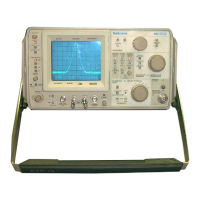
b. Set the spectrum analyzer front-panel controls as follows:
TIME/DIV
REEERENCE LEVEL
FREQUENCY RANGE A
FREQ SPAN/DIV
DIGITAL STORAGE
DISPLAY A
DISPLAY B
MIN RF ΑΊΤΕΝ
PEAK/AVERAGE
AUTO
-30 dBM
5.4-18 GHz (band 4)
MAX
off
off
O
clockwise
c. Set the DM502 controls as follows:
Range Switch
DB pushbutton
Int pushbutton
20 DC Volts
out
out
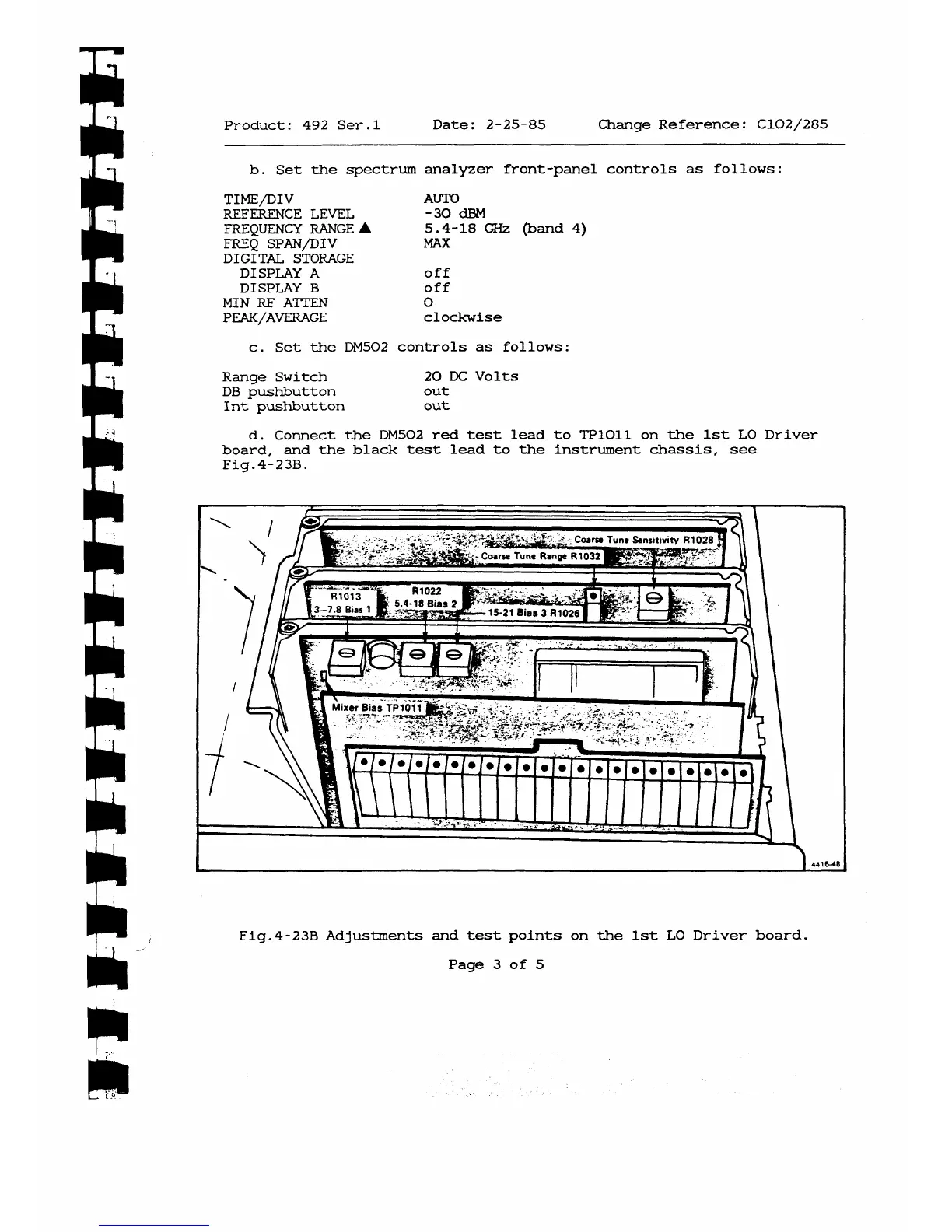
d. Connect the DM502 red test lead to TP1011 on the 1st LO Driver
board, and the black test lead to the instrument chassis, see
Fig.4-23B.
f t
Fig.4-23B Adjustments and test points on the 1st LO Driver board.
Page 3 of 5



 To Next Page