Installation
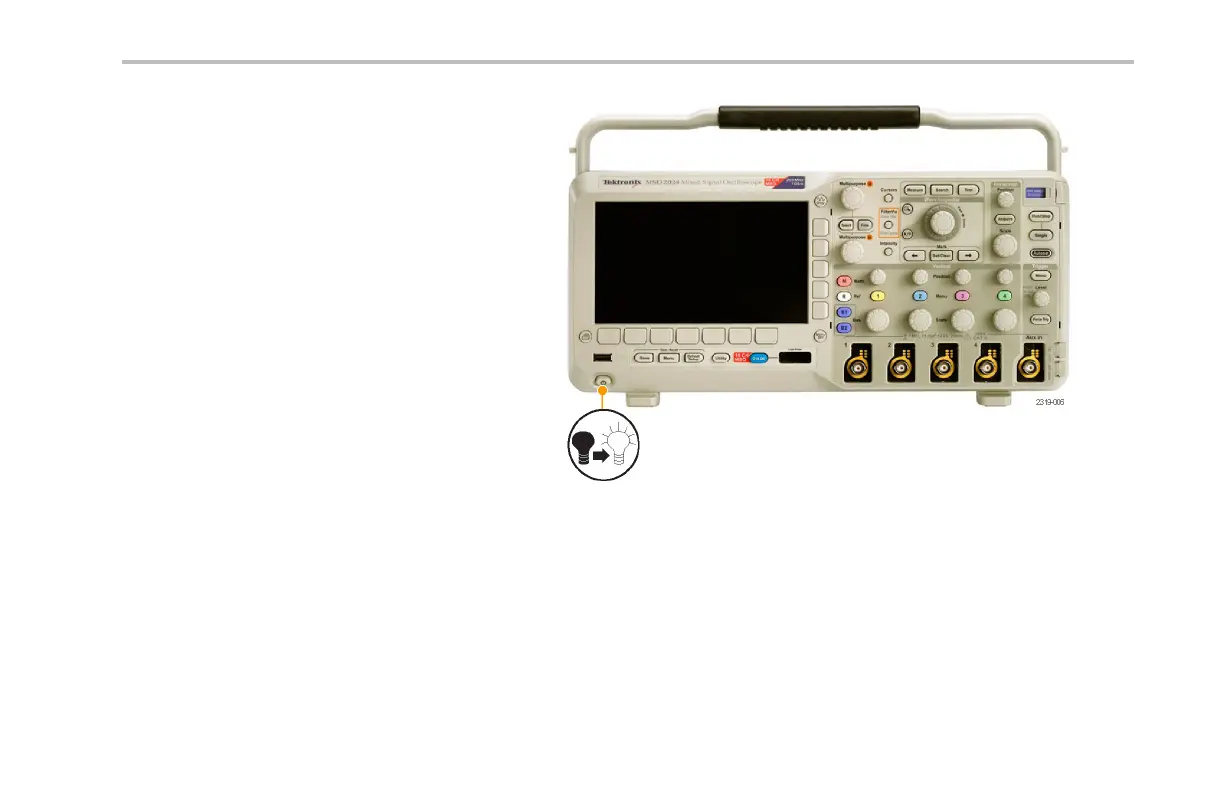
4. Power on the oscilloscope. The oscilloscope
automatically recognizes and installs the
replacement firmware.
If the oscilloscope does not install the firmware,
rerun the procedure. If the problem continues,
try a different model of USB fl ash drive. Finally,
if needed, contact quali fied service personnel.
NOTE. Do not power off the oscilloscope or
remove the USB flash drive until the oscilloscope
finishes installing the fi rmware.
DPO2000 and MSO2000 Series Oscilloscopes User Man ual 35



 To Next Page