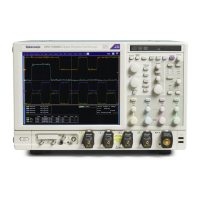
Install Your Ins
trument
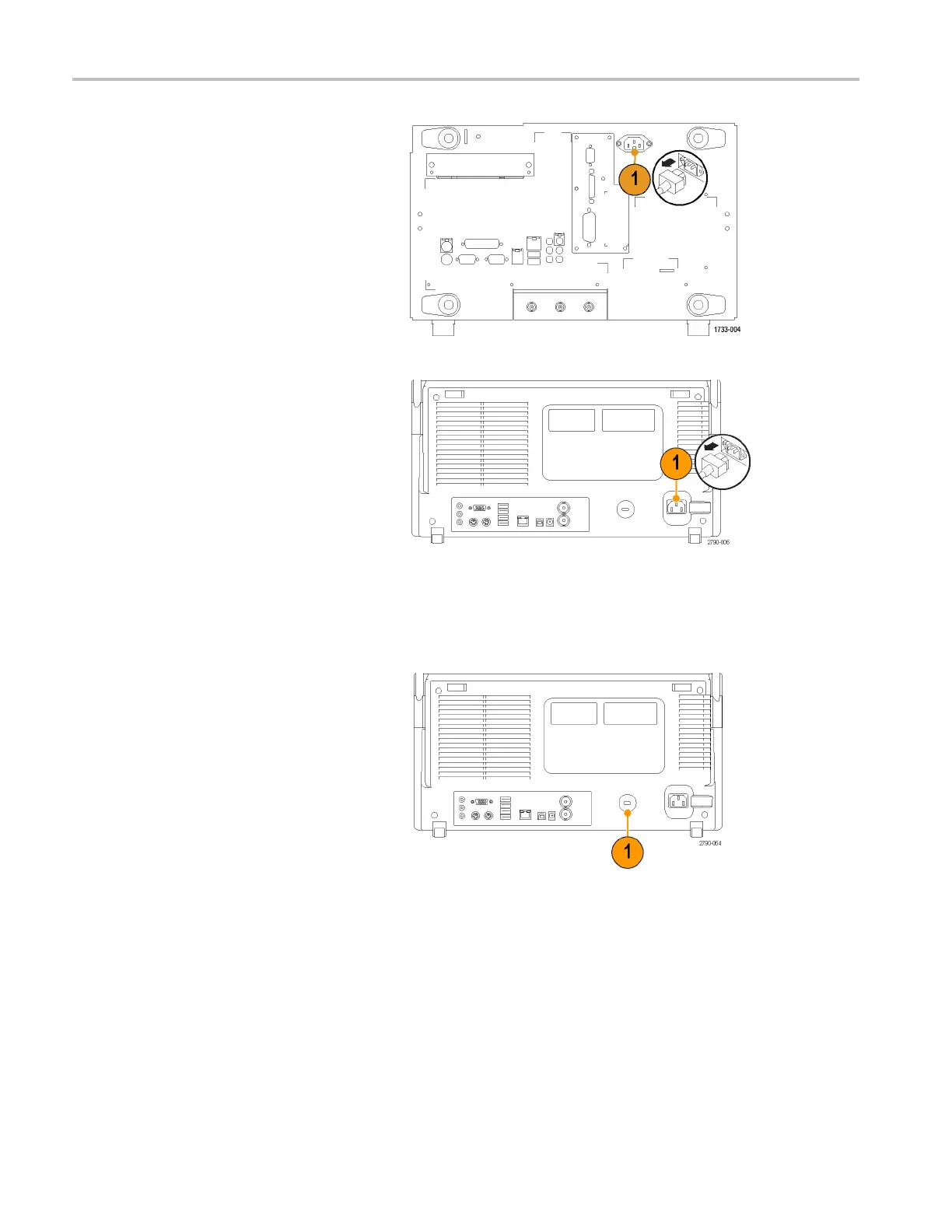
MSO70000C,
DSA70000B/C, and DPO70 000B/C Series
MSO5000 and DPO5000 Series
Securing the Oscilloscope
1. Use a standard laptop computer-style
security lock to secure your oscilloscope
to your location.
MSO5000 and DPO5000 Series
8 MSO70000/C, DPO/DSA70000B /C, DPO7000, and MSO/DPO5000 Series User Manual



 To Next Page
 Loading...