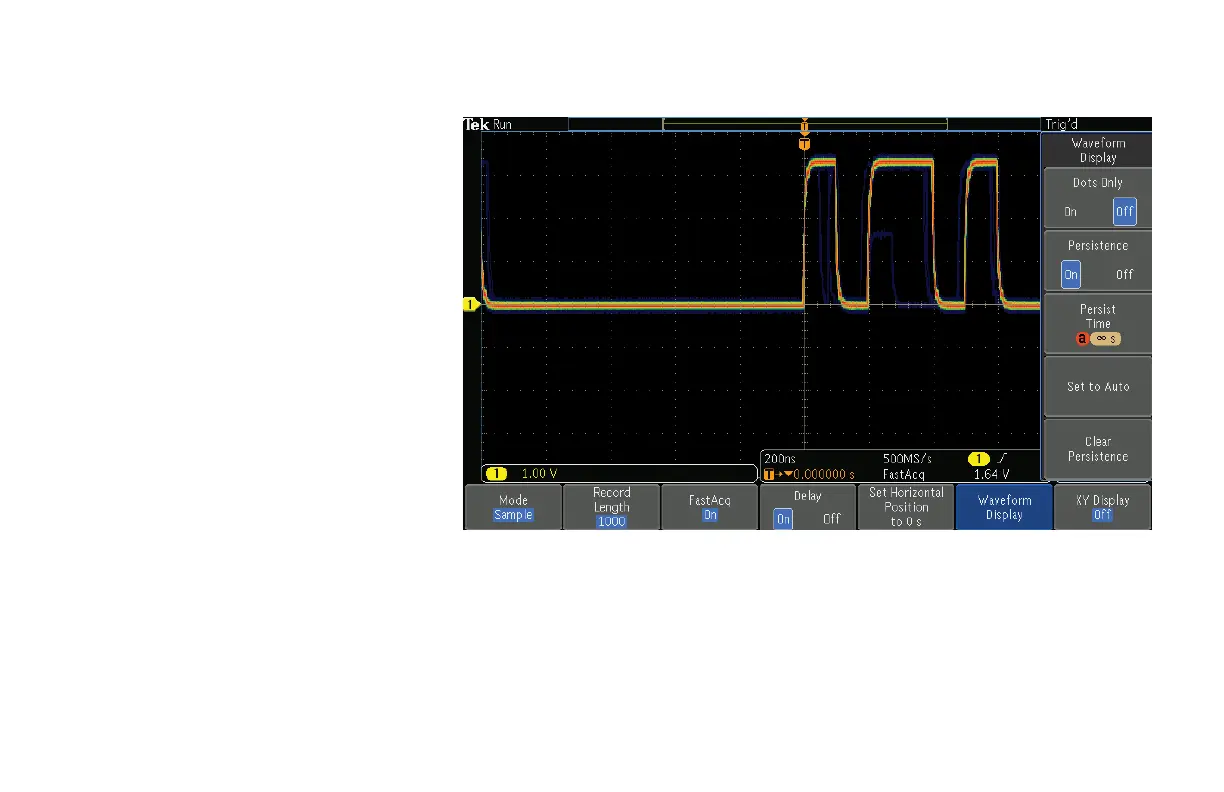
6. Press the Acquire front-panel button.
7. Press FastAcq lower-bezel button. Turn
on the FastAcq by pressing FastAcq
side-bezel button and select On.
8. Press the lower-bezel Waveform Display
button.
9. Turn Multipurpose a clockwise to adjust
persist time to ∞ s (infinite).
This step will ensure that all events
captured will remain displayed on the
oscilloscope. After several seconds you
will notice that erroneous patterns in
dark blue will begin filling the display.
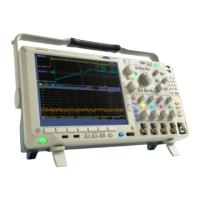
The digital phosphor display with color
intensity grading shows the history of the
signal’s activity by using color to identify
areas of the signal that occur more
frequently, providing a visual display of
just how often anomalies occur.
Figure 5.
www.tektronix.com/mdo3000 13
MDO3000 Series Oscilloscope
Demonstration Guide


 To Next Page
 Loading...