66 www.behnke-online.de
GB
Instructions for Behnke SIP 2.0
Camera configuration
Administrator access:
User name: admin
Password: admin
User access:
User name: viewer
Password: viewer
RTSP stream
rtsp://<user name>:<password>@<IP address
of the Behnke IP camera>:8557(Port)/video.
mp4
HTTP stream
http://<user name>:<password>@<IP address
of the Behnke IP camera>/bha-api/video.cgi
Single image query (JPEG)
http://<user name>:<password>@<IP address
of the Behnke IP camera>/bha-api/image.cgi
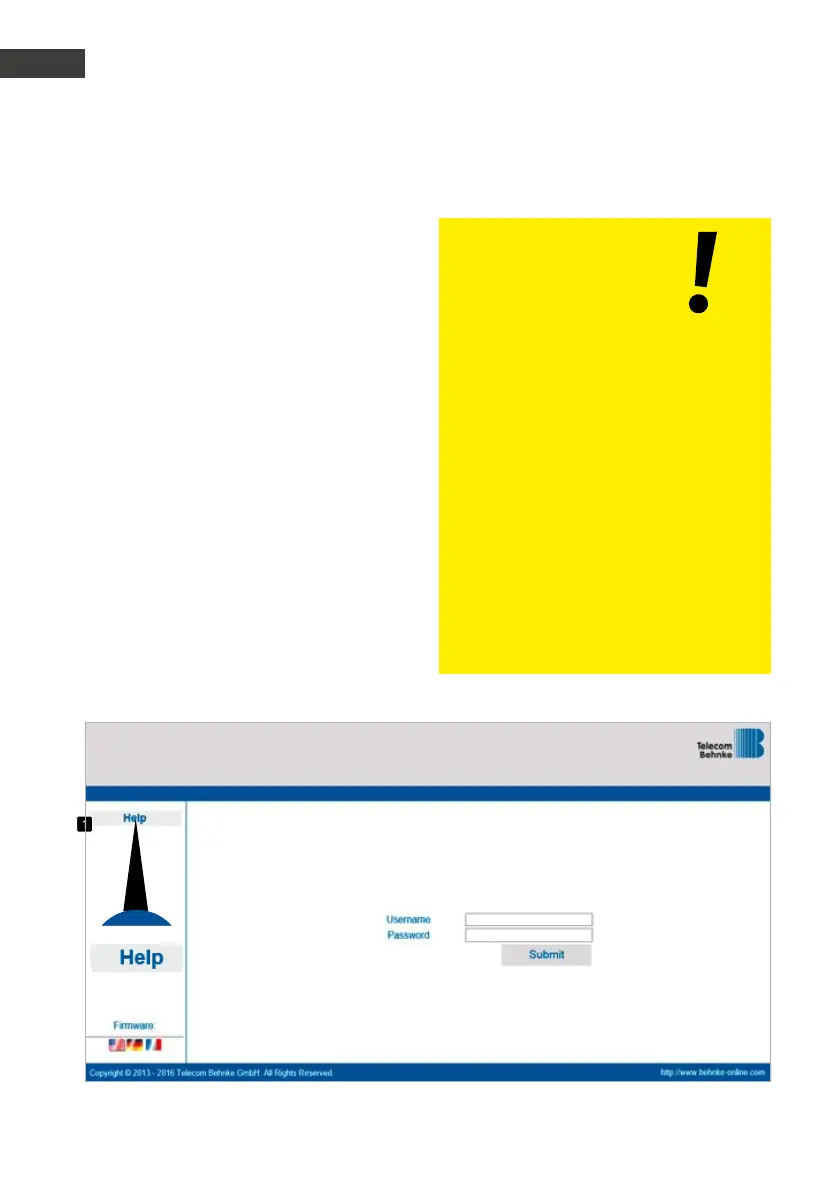
14.1. Login
Use this page to login in order to use all the
functions within the webclient. Please enter
your credentials (user name and password) and
click on the button underneath the entry boxes.
Provided your credentials were correct, you will
be forwarded to the live preview. Depending
on your user authorization (Administrator or
standard user), the functions available to you
may vary.
14.
caMera configuration
*
* cf. “Features of the series 5/10 IP camera” on page 69“



 To Next Page
 Loading...