Manual Door intercom devices a / b series 20 / 30 / 40 / 50 / 20-0028A/-0028B
Installation
GB
57www.behnke-online.com
2.3.
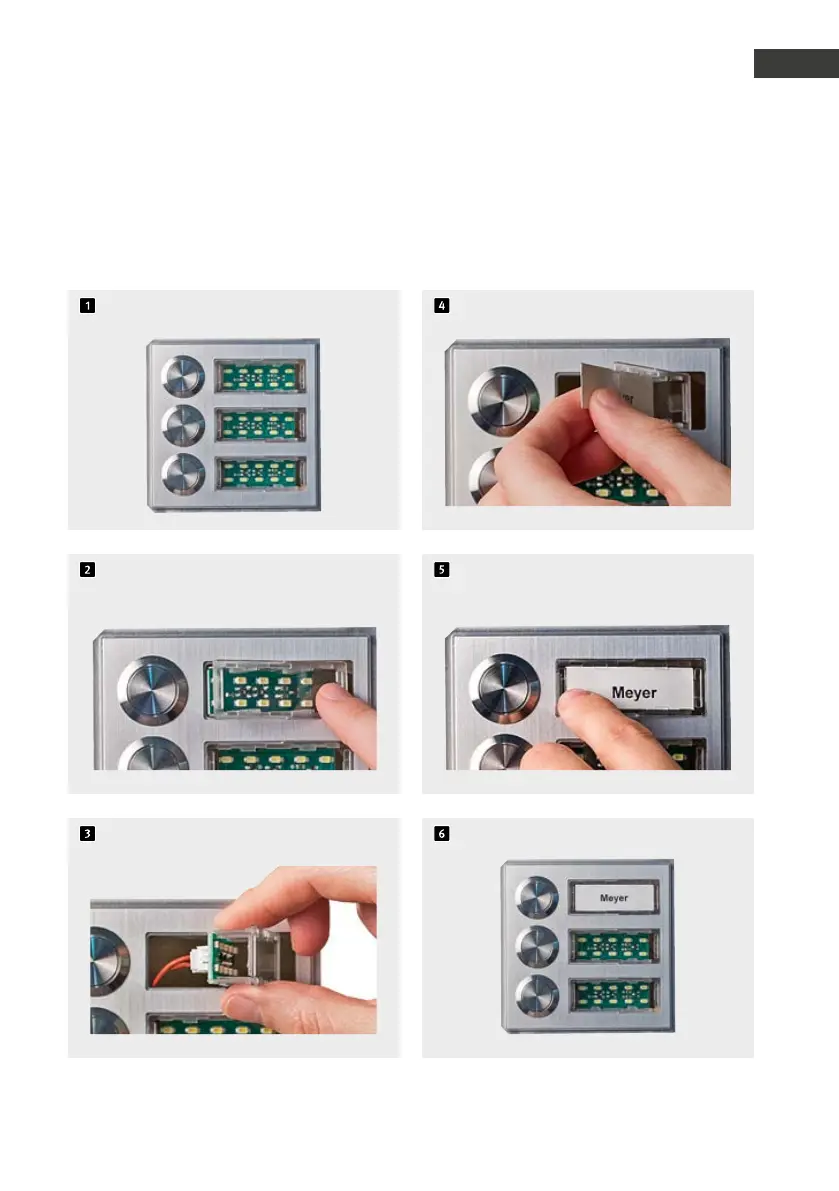
Inserting a label
Labels are included with the basic electronics. Labelling software can be found here:
www.behnke-online.de/downloads/beschriftungshilfen
Default status
Release the label field by pressing
the on the right side
and remove with a twist
Insert the label from the left
Put the label field in from the left
and click it back into place
Done!

 To Next Page
 Loading...


