Manual Door intercom devices a / b series 20 / 30 / 40 / 50 / 20-0028A/-0028B
Configurations and Set-up
GB
75www.behnke-online.com
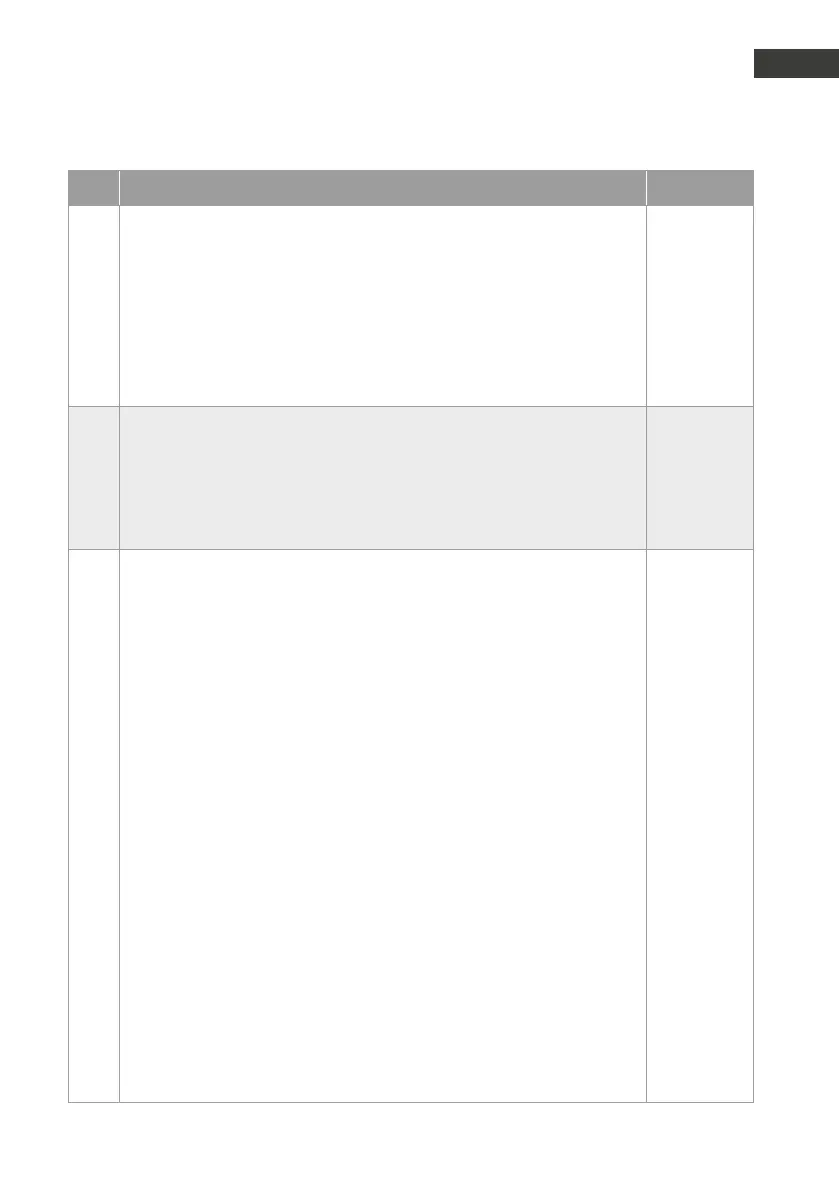
Code Parameter Conrmation
09
Relay 1 activation time: Default setting: 5
1 = 1 second
2 = 2 seconds
:
30 = 30 seconds (up to V1.60)
:
90 = 90 seconds (V1.61 or later)
#
#
:
#
10
11
Relay 1 activation time: Default setting: 0
1. Activation code
2. Activation code
Activation codes consist of digits only and each activation code may be up
to 4 digits long.
#
#
12
Operations modes Relay 2: Default setting: 9
0 = inactive
1 = to be activated via the telephone
2 = to be activated via the number keypad
3 = to be activated via the telephone and the number keypad
4 = to be activated via the telephone & disconnecting after activation
5 = to be activated via the number keypad & disconnecting after activation
6 = to be activated via the telephone and the number keypad & discon-
necting after activation
7 = activated during outgoing calls
8 = activated during incoming calls
9 = activated during both incoming and outgoing calls
10 = activated at the beginning of an outgoing call
11 = activated at the beginning of an incoming call
12 = activated at the beginning of both outgoing and incoming calls
13 = activated during ringing
14 = activated in case of a fault (telephone line is down)
15 = to be activated via the emergency call centre
16 = activated during a direct call via button 2 (V1.20 or later)
17 = activated at the beginning of a direct dial from button 2 (V1.20 or
later)
18 = manually activated (V1.30 or later)
#
#
#
#
#
#
#
#
#
#
#
#
#
#
#
#
#
#
#

 To Next Page
 Loading...


