Manual Door intercom devices a / b series 20 / 30 / 40 / 50 / 20-0028A/-0028B
Configurations and Set-up
GB
81www.behnke-online.com
Code Parameter Conrmation
912
Microphone signal amplification (without additional amplifier): Default
setting: 0/0
0 = 0 dB
1 = 6 dB
2 = 12 dB
3 = 18 dB
#
#
#
#
922
Microphone signal amplification (with additional amplifier): Default
setting: 0/0
0 = 0 dB
1 = 6 dB
2 = 12 dB
3 = 18 dB
#
#
#
#
Deviating conguration steps for universal devices
(20-0005/-0006/-0018/-0026/-0028A/-0028B/-0048)
21
22
23
24
25
:
28
29
Telephone number for button 1
Telephone number for button 2 or MLM A respectively (yellow socket)
Telephone number for button 3 or MLM B respectively (blue socket)
Telephone number for button 4 or MLM C respectively (red socket)
Telephone number for button 5
:
Telephone number for button 8
Telephone number for button
of the number keypad
#
#
#
#
#
:
#
#
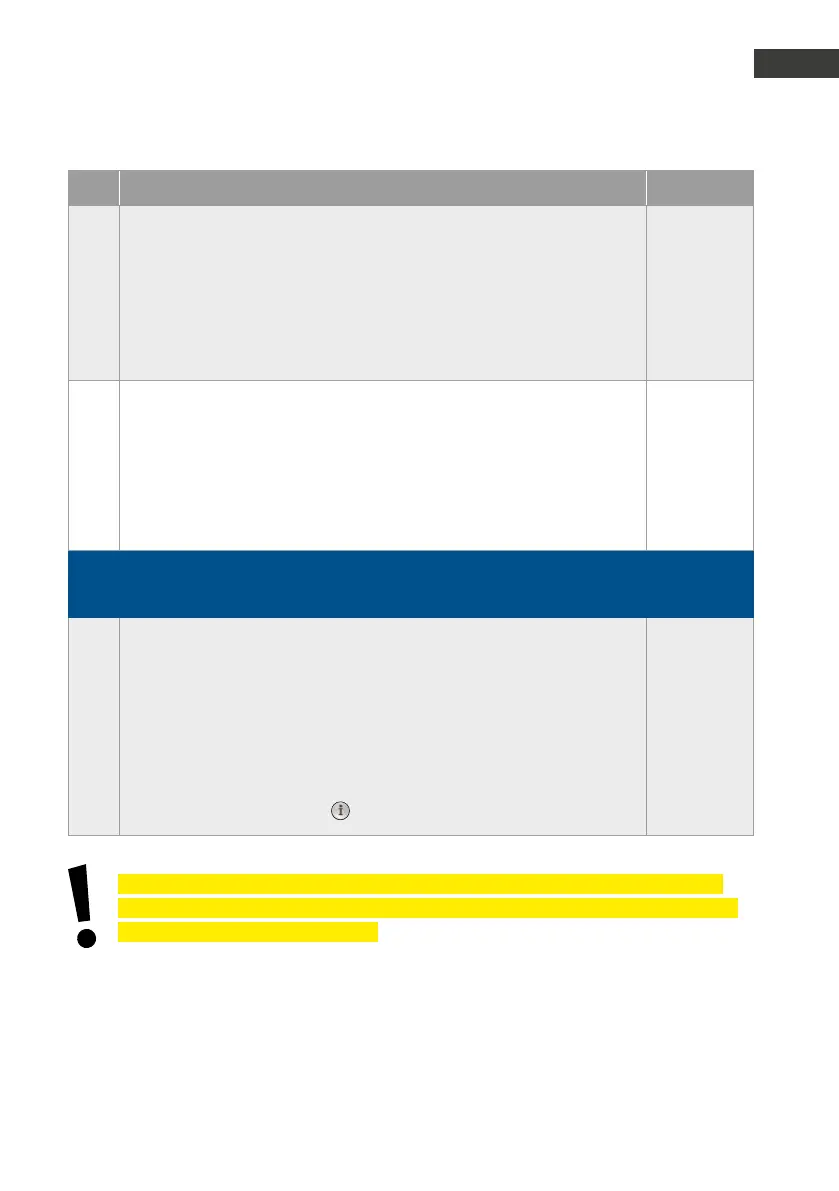
Further configuration steps, such as relay control, acoustic settings, add-on electronics,
voice message / real time clock, etc. can be found in the extensive technical manual (www.
behnke-online.de/handbuch-analog).


 To Next Page
 Loading...
