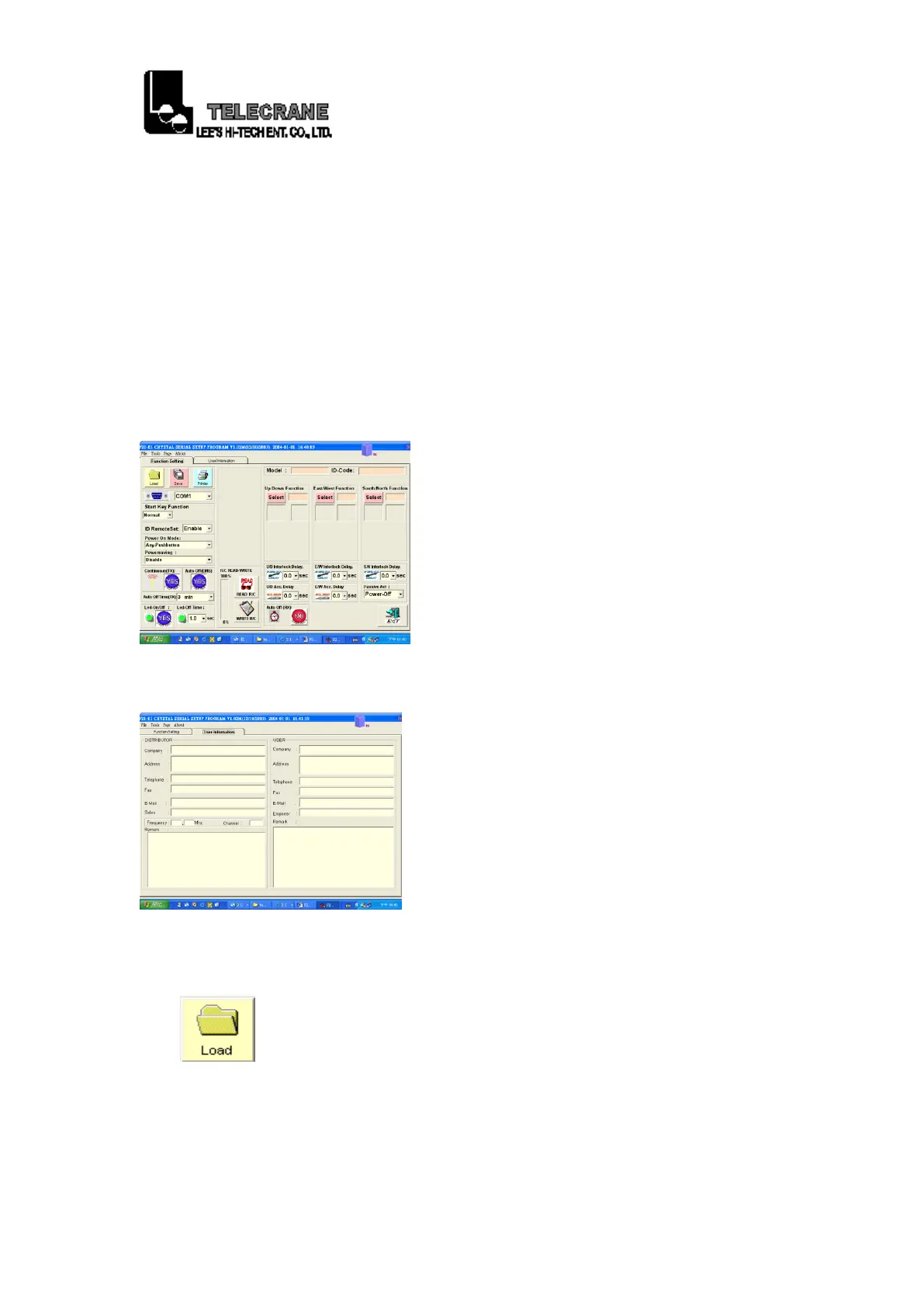
1-13. “File”: Select “load”, “save”, “printer” or “exit”.
1-14. “Tools”: Select “Read setup data”, “Write setup data” or
“Language”.
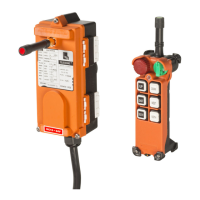
1-15. “Page”: Select “Setup Page” or “User Page”.
1-16. “About”: Check the version of the software program.
1-17. “Function Setting”: Read or write the data.
1-18. “User Information”: Check or record the user’s information.
1-19. “Load”: Open the existing files.
15



 To Next Page