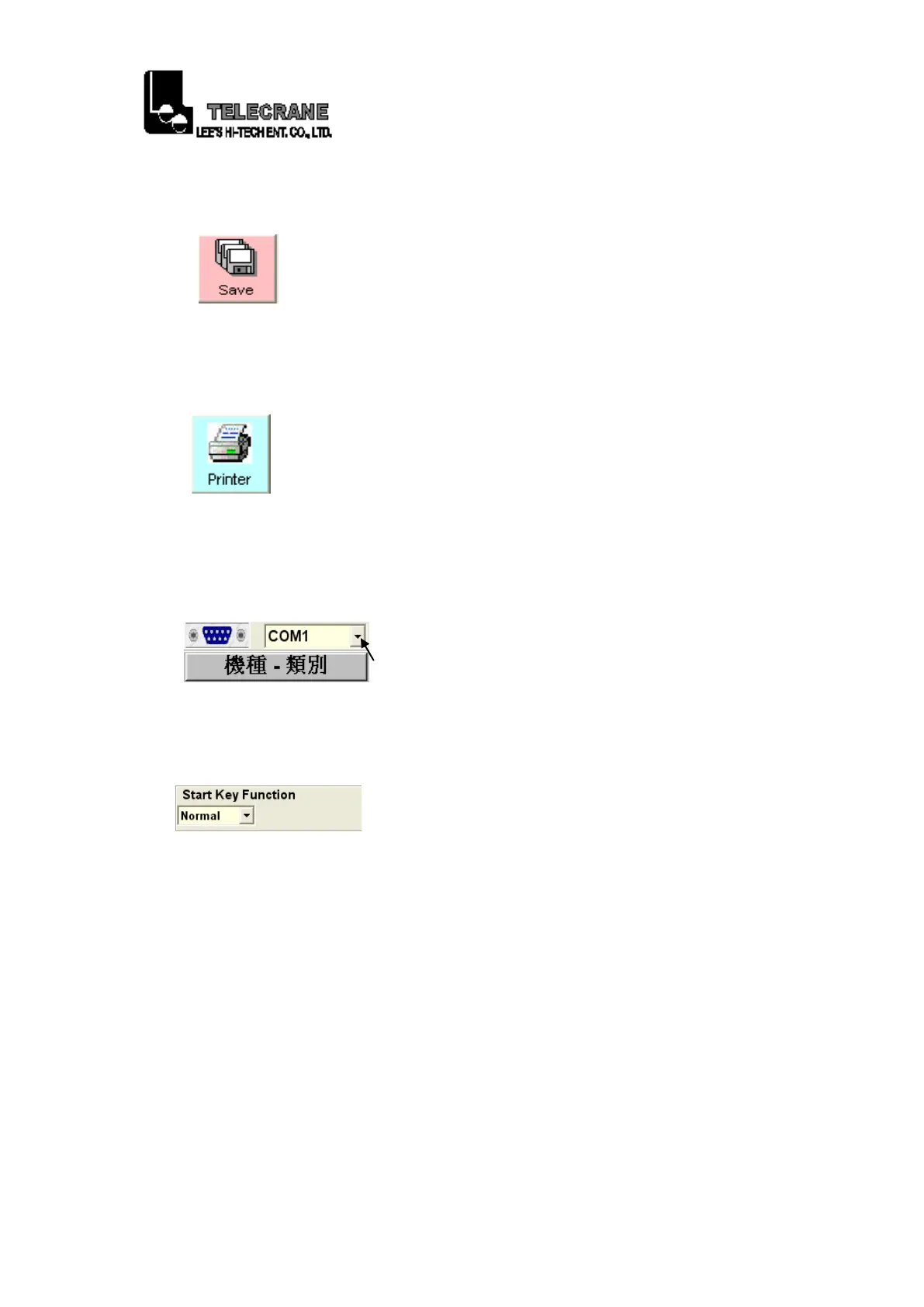
1-20. “Save”: Save the updated data.
1-21. “Printer”: Print out an in-use page.
1-22. “Com Port”: Click and select a Com Port on PC/Laptop the
Interface (program) cable is connected with.
1-23. “Start Key Function”: Select “Normal”, “Toggle”, “Inching” or
“EMS(STOP)”.
a. “Normal”: The relative relay is “ON” when the pushbutton
(rotary key switch) is pressed (turned) and held; and
relay is “off” when the pushbutton (rotary key switch)
is released.
b. “Toggle”: The relay is operated by pressing (turning) and
releasing; press (turn) and release again to turn off the
relay.
c. “Inching”: Press (turn) and hold inching pushbutton (rotary key
switch) and press motion pushbutton to perform
inching motion. Once pushbutton (rotary key switch)
is pressed (turned) then the relative relay will be
16



 To Next Page