31
3.8.2 Auto Update
Current Version: the system will display the current version number
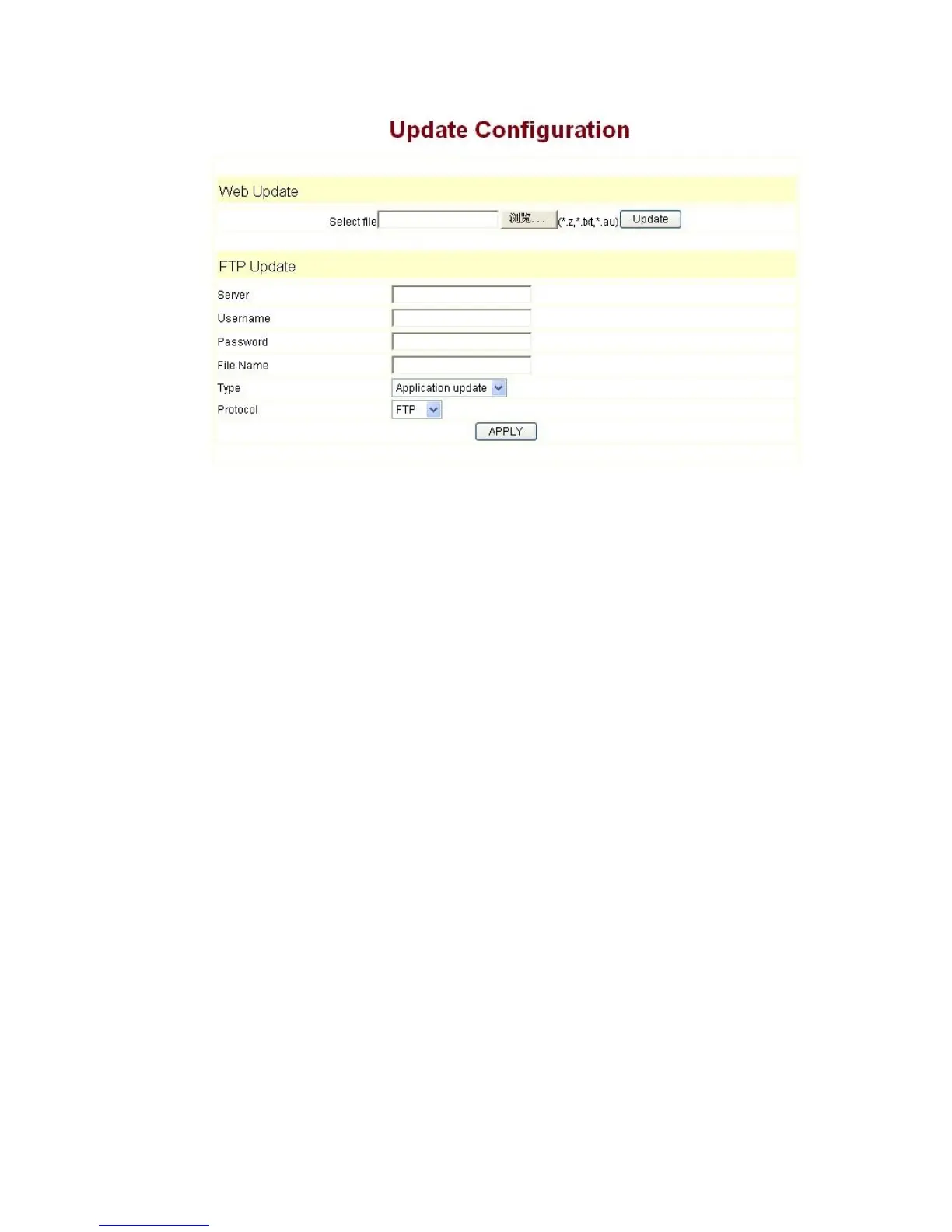
Server Address: FTP/TFTP server address
Username: FTP server user name
Password: FTP server password
Config File Name: The name of configuration file
Config Encrypt Key: The encrypt key of confirmation file
Protocol Type: The protocol type that used for upgrading
Update Interval Time: The interval time that the terminals search for new
configuration file.
Update Mode: auto provision mode; Disable: not auto update,Update after
reboot: auto update after reboot,Update at time interval: auto update after a
certain time
Configure file version was in the <<VOIP CONFIG FILE>> Version 1.0007 and
<GLOBLE CONFIG MODULE> CongFile Version
For instance:
Gateway original version is:
<<VOIP CONFIG FILE>>Version: 1.0000
<GLOBLE CONFIG MODULE> CongFile Version:6
User may edit the configure file version to:
<<VOIP CONFIG FILE>>Version: 1.0007
<GLOBLE CONFIG MODULE> CongFile Version:7



 To Next Page