34
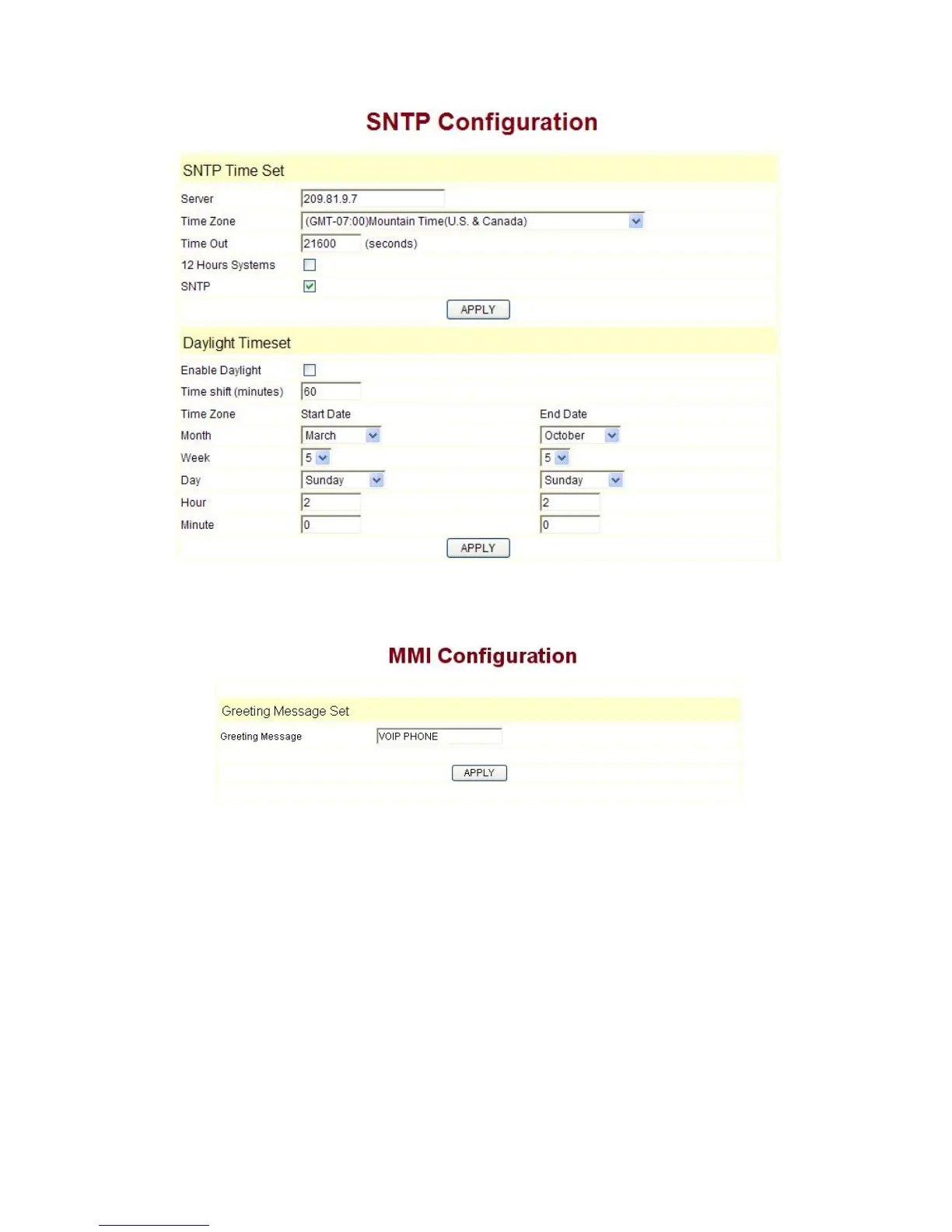
3.9.5 MMI SET
Set the greeting information on LCD.
3.9.6 Logout & Reboot
Logout:Exit the Web entry.
Reboot Phone:Logout the entry, and reboot the phone. When user modifies any
config of the phone, it will take effect after being rebooted, you can enter into this
layout and click “Reboot”. And the phone will be rebooted automatically.
Note:Reboot IP phone, some setting needs to reboot to make it works. Please
always save configuration before reboot, otherwise the setting will return to
previous setting.



 To Next Page