780E Video Generator / Analyzer – Quick Start Guide Page 2
1 Overview of 780E Protocol Analyzer / Generator
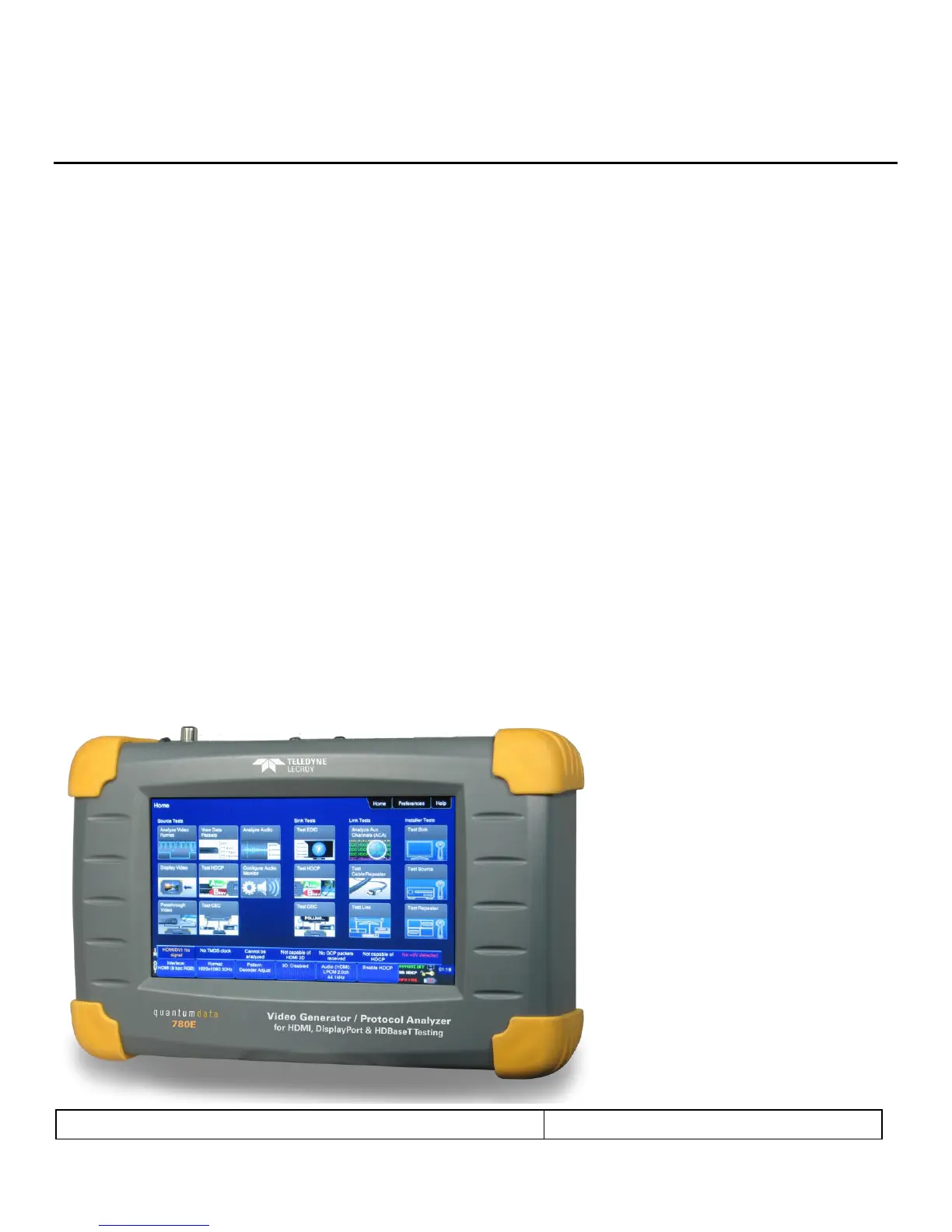
This section provides an overview of the Teledyne LeCroy quantumdata™ 780E Video Generator / Analyzer. The 780E
provides HDMI, HDBaseT and DisplayPort and Tx and Rx ports and digital audio output ports. The HDMI ports support
600MHz operation. The DisplayPort ports support 5.4 Gb/s lane rates and the HDBaseT ports support 300MHz pixel
rates.
Note: The DisplayPort interfaces are optional with the 780E P/N 00-00251; they are standard with the 780E P/N 00-
00243.
1.1 Scope of this Quick Start Guide
This Quick Start Guide provides instructions on the 780E connectors, power up instructions and basic turn up procedures.
This Quick Start Guide does not provide instructions on the operational features and functions of the 780E. Please refer to
the 780E User Guide available on the Quantum Data website for detailed instructions on the operation of the 780E to
achieve the variety of applications it supports.
Note: Please be sure to check the Quantum Data website for updates to this document and to the User Guide.
1.2 780E Video Generator / Analyzer
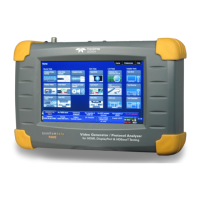
The 780E Video Generator / Analyzer is a handheld multimedia pattern generator and analyzer that enables you to
conduct quick, verification testing of your digital video devices, systems and installations. The 780E is equipped with both
reference source and a reference sink HDMI, DisplayPort and HDBaseT interfaces allowing you to test audio, video and
protocols—HDCP, EDID, CEC & infoframes, DP Link Training—of any type of these digital video interface devices:
sources, repeaters, distribution gear and sinks. Its portability makes it ideal for your bench and for use in the field.
Because the 780E has both output and input ports, you can test your digital video cables and systems with splitters,
extenders and switches as well with the pixel error rate test feature.
A 7 inch color touch display makes the 780E easy and convenient to use. When testing a digital video source device you
can toggle between operating the unit through the touch screen and viewing the incoming video from the source.


 To Next Page