1818
1818
18
1919
1919
19
DOMO DOMO
DOMO DOMO
DOMO
MessaMessa
MessaMessa
Messa
gg
gg
g
es Hands Fes Hands F
es Hands Fes Hands F
es Hands F
rr
rr
r
eeee
eeee
ee
DOMO DOMO
DOMO DOMO
DOMO
MessaMessa
MessaMessa
Messa
gg
gg
g
es Hands Fes Hands F
es Hands Fes Hands F
es Hands F
rr
rr
r
eeee
eeee
ee
LISTENING TO A CALL
HANDS FREE FUNCTION
When a call is received, the sound will be that of the pre-selected tone and volume.
At the same time the Red light will be blinking.
To enter into conversation with the caller, pick up the handset or activate the hands
free function.
If you have requested the Caller Identification Service, you will see the telephone
number of the person calling displayed in the viewer. For more information on this
service, see page 20 of this manual.
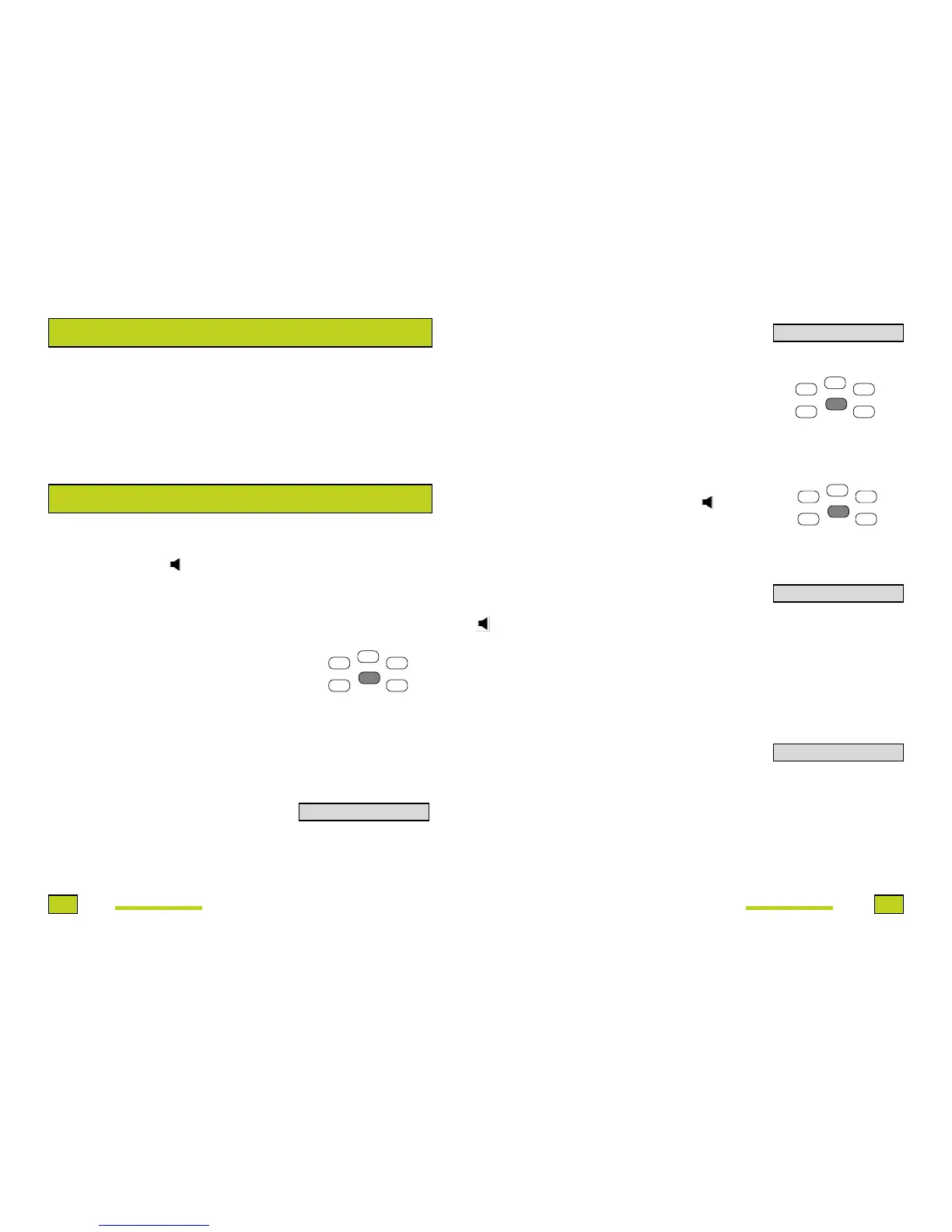
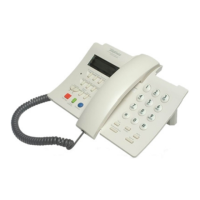
The DOMO Messages Hands Free phone incorporates a speaker (15) and a
microphone (12) that allows you to speak and listen to the caller without having to
pick up the handset. The
))) key (11) will toggle this option between active and
disabled.
All the functions of the phone will remain active during the conversation in the hands
free way.
You can activate the hands free option
by pressing the
))) key (11) while the
handset is operating in picked up mode.
The Red light shows the hands free
mode is in operation, and you can
communicate with the caller (to See
remote 8) or begin a new call by means
of the dialling procedures described
previously.
If during hands free conversation it is
necessary to pick up the handset, the
viewer shows this message during the
following seconds.
If while maintaining a conversation
using the handset, you want to continue
the same one in hands free mode,
Activation
of hands
free mode
Changing
hands free
mode during
conversation
press the ))) key (11). The handset
is disabled and the conversation
continues in the hands free mode. The
viewer will display this message after a
few seconds -
To return to using the handset, simply
press the
))) key again (11).
While in the hands free mode, you can
end your conversation by pressings the
))) key (11). If however you are using
the telephone with the handset picked
up, you should press the
))) key (11).
Either way, the indicator light will go out.
During a conversation in hands free
mode, you can adjust the volume of the
speaker by pressing one of the cursor
pq keys (20) until in the viewer the
message is displayed (Corresponding
to the last level of recorded volume ).
Next you can increase the volume by
pressing the cursor p key (20) or
diminish the volume by pressing the
cursor q key (20).
During a conversation while using the
handset, you can adjust the volume of
the headphone. To do this press one of
the cursor pq keys (20) until this
message is displayed in the viewer.
(Corresponding to the last level of
recorded volume),
Next you can increase the volume by
pressing the cursor p key (20) or
diminish the volume by pressing the
cursor q key (20).
You will notice that the volume
adjustments of the speaker and
headphone are set independently.
Deactivating
the hands free
mode while in
conversation
Adjusting
the volume
of the speaker
Adjusting the
volume of the
handset
MICROTELEFONO
MANOS LIBRES
X VOLUMEN: é8ê
Å VOLUMEN: é3ê
+
Grabar
Mute
R/A - a
Rellamada
Agenda
Pausa
X)))
+
Grabar
Mute
R/A - a
Rellamada
Agenda
Pausa
X)))
+
Grabar
Mute
R/A - a
Rellamada
Agenda
Pausa
X)))


 To Next Page