1616
1616
16
1717
1717
17
DOMO DOMO
DOMO DOMO
DOMO
MessaMessa
MessaMessa
Messa
gg
gg
g
es Hands Fes Hands F
es Hands Fes Hands F
es Hands F
rr
rr
r
eeee
eeee
ee
DOMO DOMO
DOMO DOMO
DOMO
MessaMessa
MessaMessa
Messa
gg
gg
g
es Hands Fes Hands F
es Hands Fes Hands F
es Hands F
rr
rr
r
eeee
eeee
ee
DIRECT SERVICES KEYS
Once the number is selected, put
down the handset, or activate the
hands free function, and press the
Marcar/Menú key (21) and the
number will be dialled.
While looking at a Phonebook entry,
pressing the Borrar key deletes that
entry. In the viewer a request for
confirmation will be displayed.
Press the # key to confirm, or press
Desactivar/Salir (4) to cancel.
Deleting a
Phonebook
entry
With the handset up or down and
with the hands free function
activated, listen for the dialling tone.
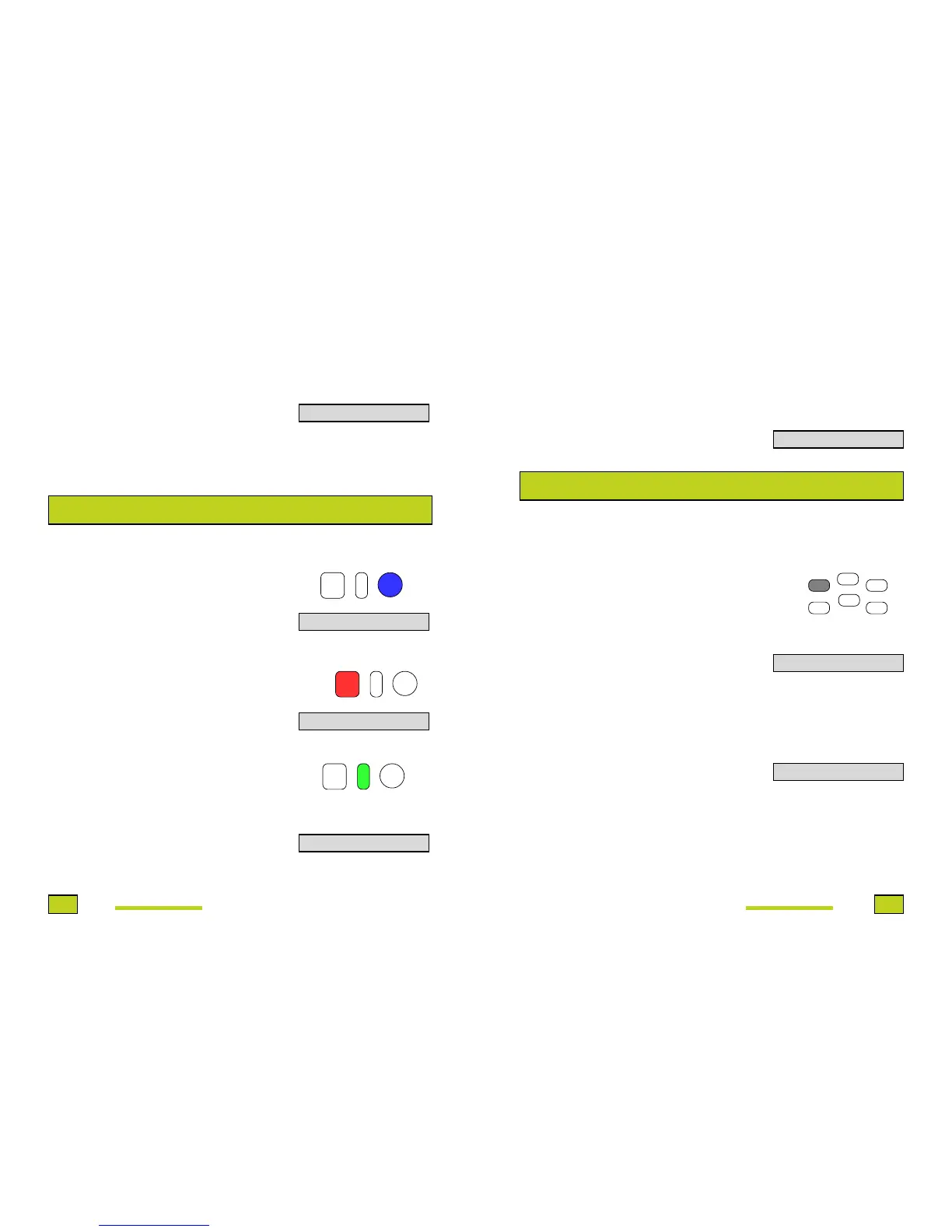
Press the Blue key (16).
See the viewer display.
With the handset up or down and
with the hands free function
activated, listen for the dialling.
Press the Red key (19).
See the viewer display.
Dial the number of the Telefónica
service required and with the handset
up or down and the hands free
function activated, press the Green
key (18).
The number of the Telefónica service
required will be prefixed to the
number you dialled and the call will
be started.
MUTE FUNCTION
You can also press the Green key
(18) with the handset down, to dial
the number, to pick up the handset
or to activate the hands free function
and to press the Marcar/Menú key
(21).
If it begins to dail after you put down
the handset in active hands free
function, press the Green key (18)
followed by the number.
During a call it is possible to turn off the sound to the speaker so that the speaker
cannot listen to you. To activate it:
Press the Mute key (14) during a
conversation.
In the viewer this message will be
displayed.
The Red light will blink slowly.
To disable this function and recapture
the conversation again, press the
Mute key (14) again.
In the viewer this message will be
displayed momentarily.
During the period while the Mute is
activated, you can use any of the
functions that you would normally
carry out with the taken handset down
or the active hands free function.
CONFIRMAR CON #
TELEFONICA
EMERGENCIA
1077912397657
OPERADOR
MUTE ACTIVO
MUTE INACTIVO
+
Grabar
Mute
R/A - a
Rellamada
Agenda
Pausa
X)))
+
+
+


 To Next Page