2424
2424
24
2525
2525
25
DOMO DOMO
DOMO DOMO
DOMO
MessaMessa
MessaMessa
Messa
gg
gg
g
es Hands Fes Hands F
es Hands Fes Hands F
es Hands F
rr
rr
r
eeee
eeee
ee
DOMO DOMO
DOMO DOMO
DOMO
MessaMessa
MessaMessa
Messa
gg
gg
g
es Hands Fes Hands F
es Hands Fes Hands F
es Hands F
rr
rr
r
eeee
eeee
ee
IMPORTANT: The Redirect and Answering Machine can only be activated or
deactivated from your own DOMO Hands Free telephone. If you attempt to activate
and deactivate from different telephone or by means of the direct dialling codes of
performance from a keyboard of the services, the telephone viewer will not indicate
the correct situation of the service. Also if some failure of the telephone network
takes place during the selection of these services, once again the viewer will not
shown the correct situation.
To change the language of this service to English - see page 43.
Activation
Pick up the handset or using the hands
free function -
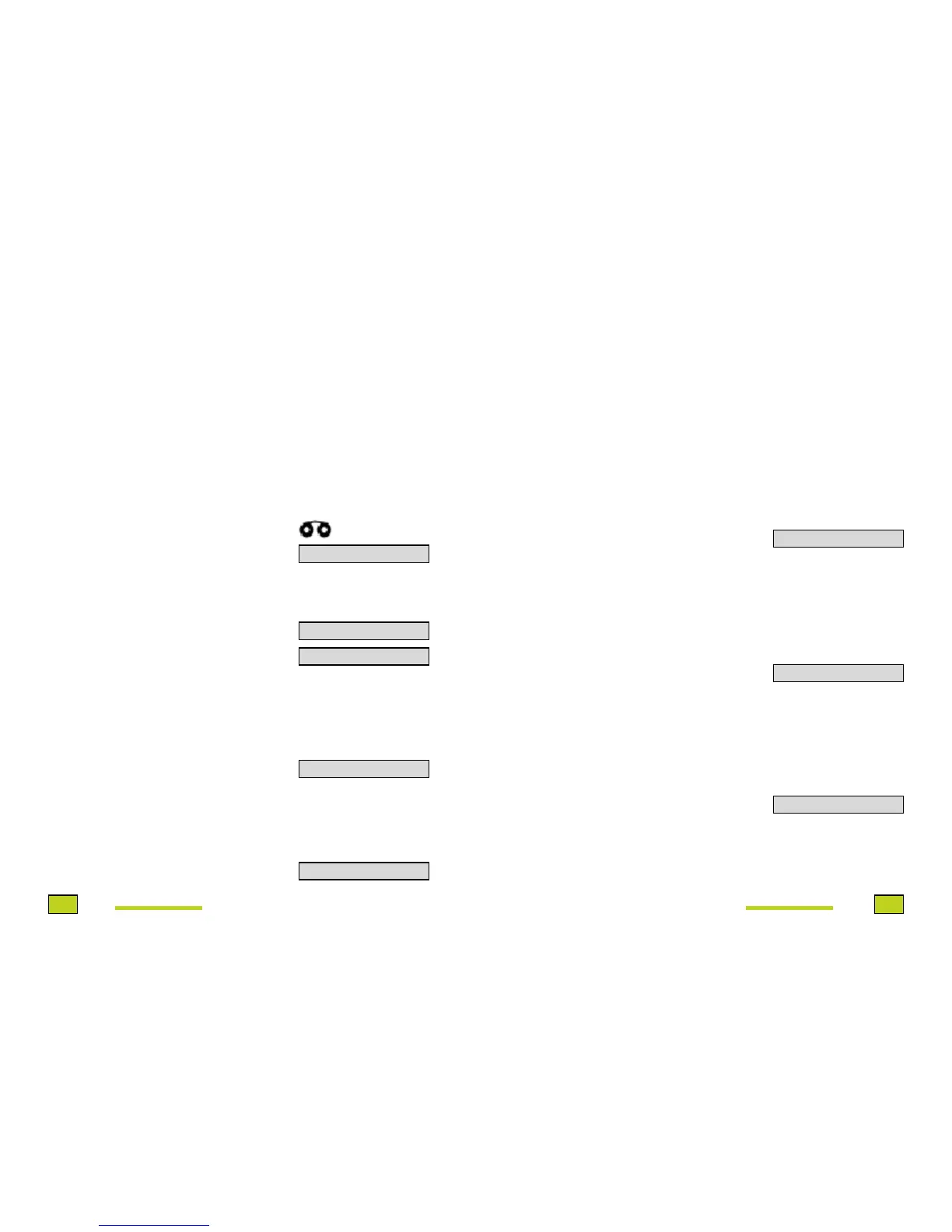
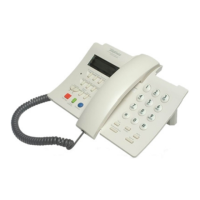
Press the Contestador key (2).
The Answering Machine icon will be
displayed in the viewer.
Deactivacion
Pick up the handset or using the hands
free function -
Press the Desactivar/Salir key (4).
Press the Contestador key (2).
The Answer Machine icon will cease to
be displayed.
If you have received calls and
messages that were stored in the
Answering Machine, the indicator light
will be lit in the viewer and a suitable
message will be displayed (if the
telephone network provides one).
To listen to messages -
Pick up the handset or using the hands
free function, press the Mensajes/
Aceptar key (3).
In the viewer this message appears -
ANSWERING
MACHINE
SERVICE
ACCESSING
the
ANSWERING
MACHINE
The Indicator Light will switch off after
a certain time when a messages is
received from another telephone.
During a conversation you can receive
a second call. You will hear tones
superimposed over your conversation
and the viewer will display the callers
number (if available from the
telephone network and providing Call
Identification has been requested).
To take the call –
Press the Ll Espera key (22). Wait a
moment.
In the viewer this message will be
displayed.
To get back to the first caller, press
the Ll Espera key (22). Wait a moment.
Pressing this key again will allow you
to talk with alternate callers.
To end the active conversation -
Press the Desactivar/Salir key (4)
Press the Ll Espera key (22). Wait a
moment.
You can have a conversation with
two people on different lines.
To enter into a three-way conversation
during a call -
Press the LI. a Tres key (5).
Type the second speaker’s number.
Once in conversation with the second
person, press LI. a Tres again (5).
CALL
WAITING
MAKING A
THREE-WAY
CALL
CONTEST.ACTIVO
DESV. O CONTES?
CONTES. INACTIVO
MENSAJES VOZ
OIR MENSAJES
LLAM. RETENIDA
PILSE LL. ESPERA
PULSE NUMERO


 To Next Page