11
Non contractual document subject to change in case of typographical errors (Mktg1011) COPYRIGHT SOPEG 2011
The manufacturer reserves the right to modify the product specifications without notice.
- Press the “Enter” key repeatedly to select the play mode as
follows:
Photo Slideshow
Slideshow+Music
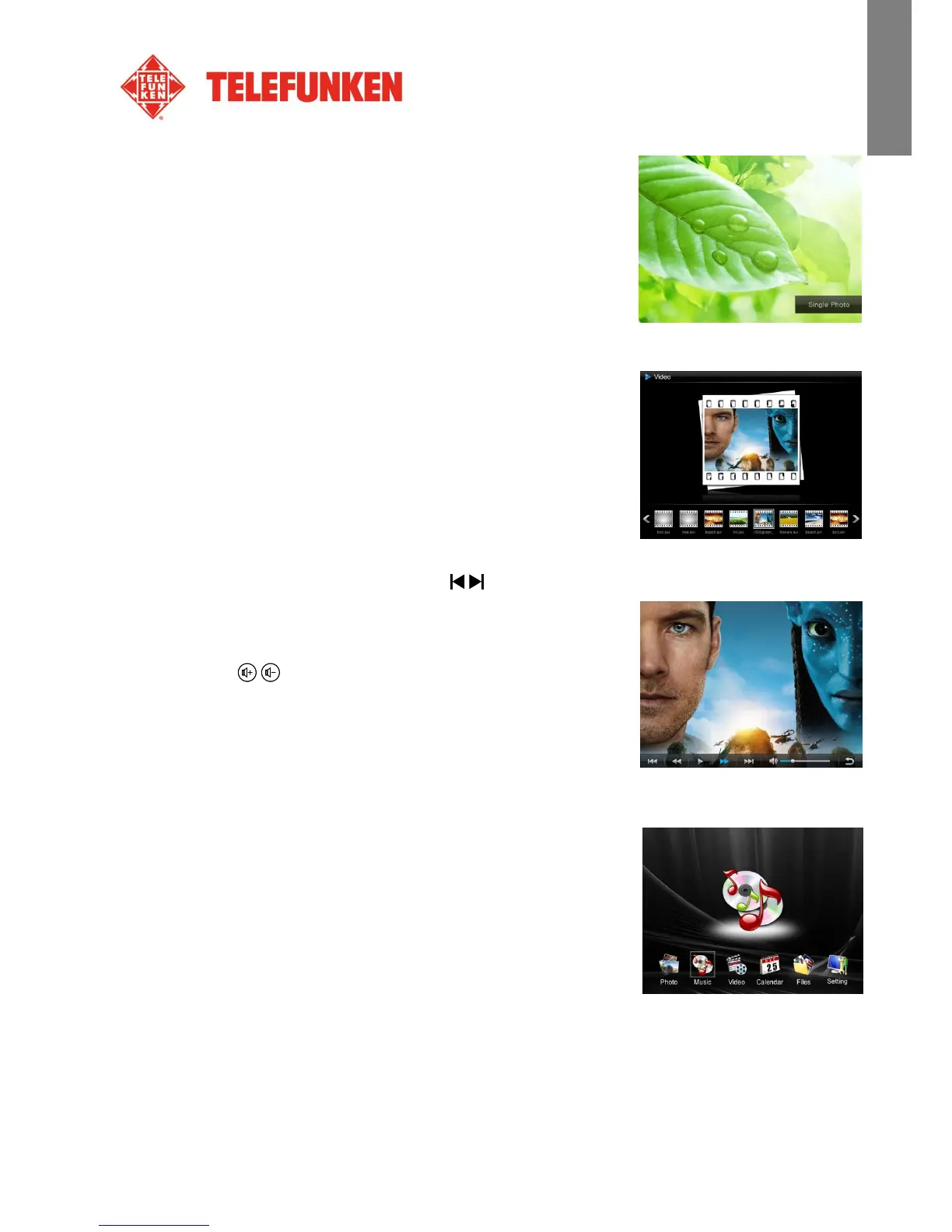
Single Photo
4. Videos
- Press the “Exit” key twice to display the main screen.
- Using the “Left/Right” arrows on the remote, select the
“Video” icon.
- Press the “Enter” key: the video will start.
- Use the “Left/Right” keys to select /(Play/Pause) on screen, and then press “Enter”.
- Use the “Left/Right” keys to select the / (Previous/Next) on screen, and then press “Enter”.
- Use the “Left/Right” keys to select / (Rewind/Fast
Forward) on screen, and then press “Enter”.
- Press the / on the remote to adjust the sound level.
- Pressing the “VIDEO” key on the remote can also access the
Video menu.
5. Music
- Press the “Exit” key twice to display the main screen.
- Using the “Left/Right” arrows on the remote, select the
“Music” icon.
- Press the “Enter” key: the music will begin.
- Use the “Left/Right” keys to select/(Play/Pause) on screen,
and then press “Enter”.


 To Next Page