3
Non contractual document subject to change in case of typographical errors (Mktg1011) COPYRIGHT SOPEG 2011
The manufacturer reserves the right to modify the product specifications without notice.
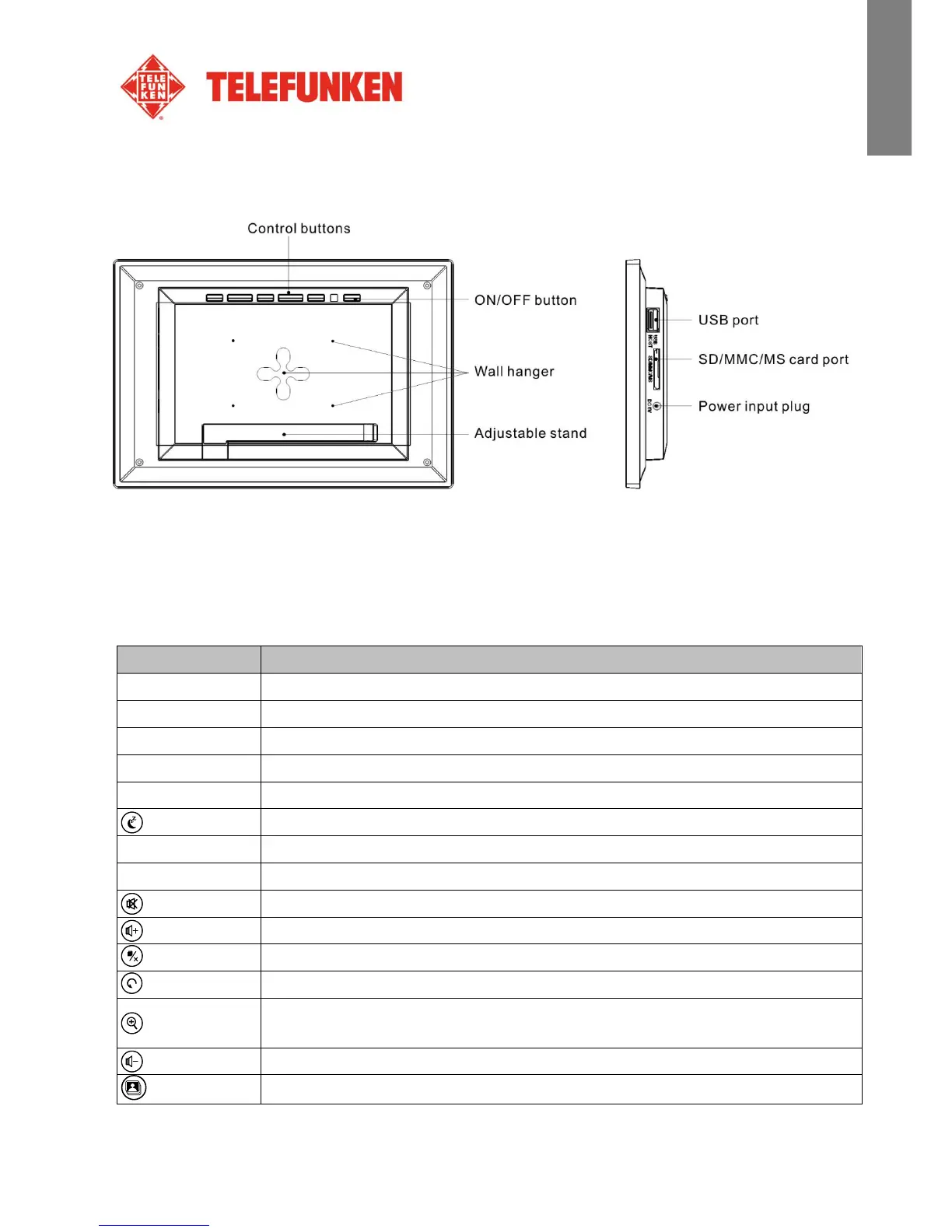
2. Frame diagrams
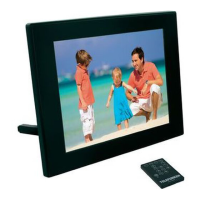
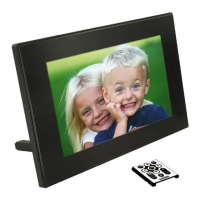
3. Remote control
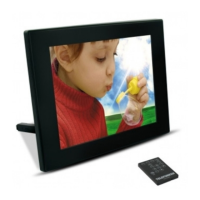
All functions can be accessed with the remote control. Press the following keys to access the functions:
Navigation up in the menus
Navigation left in the menus and skip to the previous file (photo, music or movie)
Navigation down in the menus
Navigation right in the menus and skip to the next file (photo, music or movie)
Confirm your selection or switch modes
Switch the digital photo frame on or to standby mode
Exit current menu and return to previous menu
Stop file playback (photo, music or movie) and return to main menu
Mute/unmute sound, in mute mode the mute icon is displayed
Increase volume, the volume level is displayed
Access copy, delete and sort functions (only in main menu)
Rotate photo clockwise 90°
Enlarge image, press repeatedly to cycle through zoom modes x2, x4, x8 and x16;
press again to return to normal size
Decrease volume, the volume level is displayed
Start the photo slideshow directly


 To Next Page