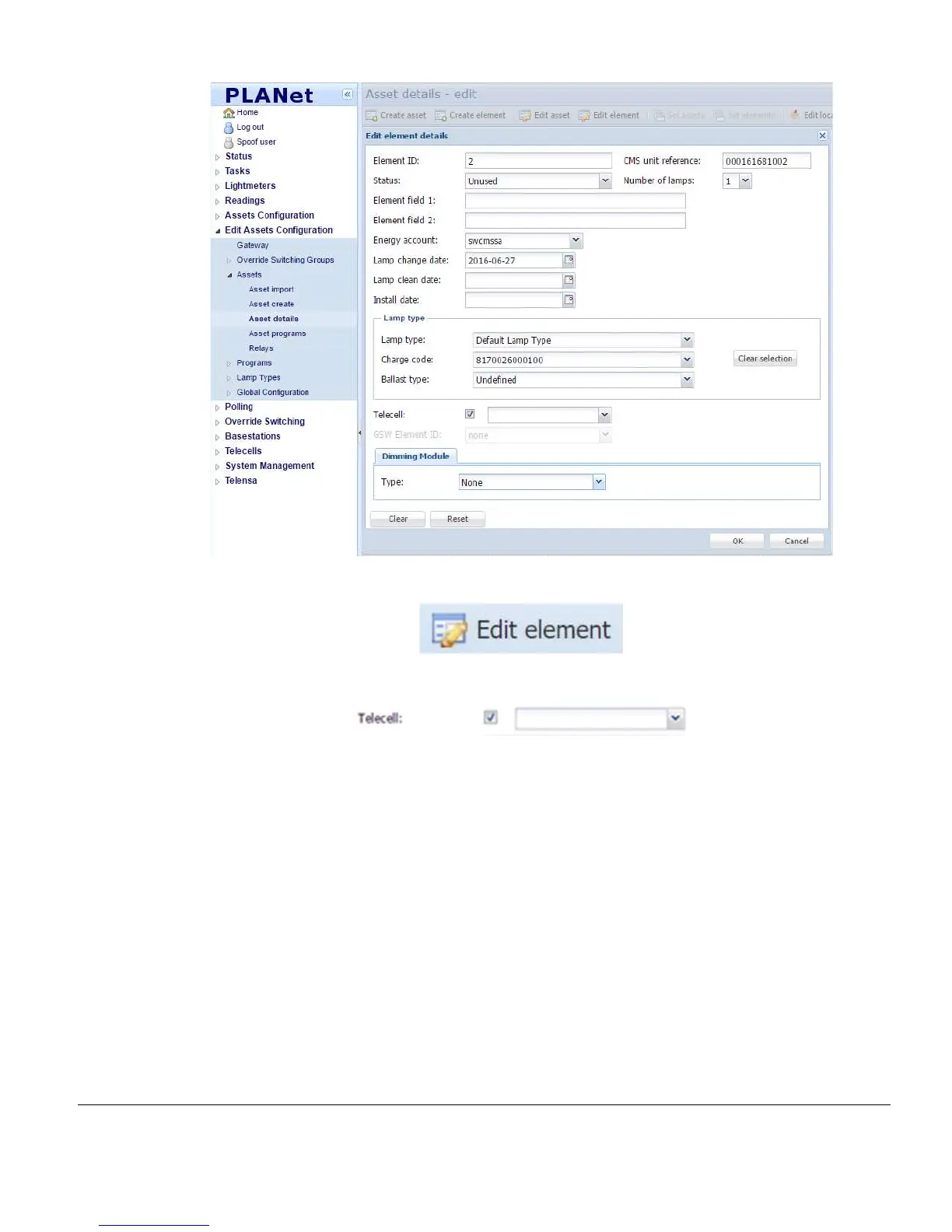
2) Select the Asset and click Edit Element:
3) At the Telecell section, tick the checkbox and add the Telecell OSID to enable it:
4) Ensure the Status is set to Active.
5) To set Dimming, click the drop-down button in the Dimming Module section.
6) To set the Lamp Type, click the drop-down button in the Lamp Type section.
7) Click OK.



 To Next Page