EasyManua.ls Logo

Telensa Telecell - Page 6

Default Icon
28 pages
Print Icon
To Next Page IconTo Next Page
To Previous Page IconTo Previous Page
Loading...
Telecell Installation Manual
Introduction
-
006175
-
PR
Issue
5
© Telensa Ltd 2018
Page
6
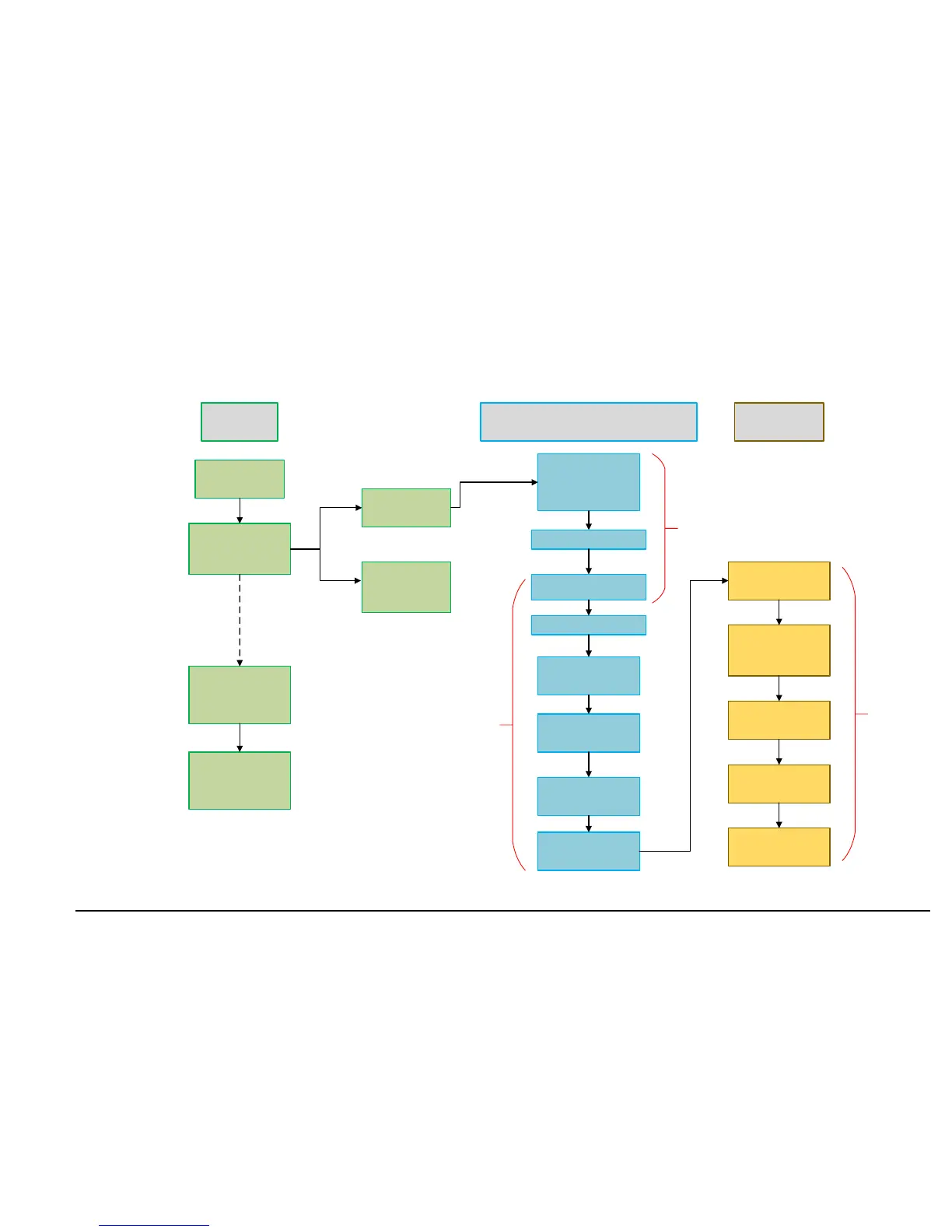
Pre-Ship
Activity
Installation and Setup Process
Telecells ordered
Telecells shipped and
entered onto TGC by
Telensa
Telensa export the
Telecell information
into the PLANet
system
User can now view
the Telecells on the
Telecells page within
the PLANet UI
Placed in
Customer stores
Sent to Luminaire
manufacturer for
Pre-Install
Brought from
Customer stores for
installation
Assign Telecell to Asset
Assign Programs
(control/monitor/
alarm)
Set Map Location
Set Dimming Module
Type
Assign Lamp Type
Test &
Commissioning
Process
Check power
readings show lamp
type is assigned
Check Event Log
Override Asset
Poll Asset
Poll Asset
storage
pre-install
Some activities may be performed by Telensa or Customer depending on the agreed contract
System Administrator Activity
Installer Activity
Capture relevant Data
Perform Power On/Off
Test