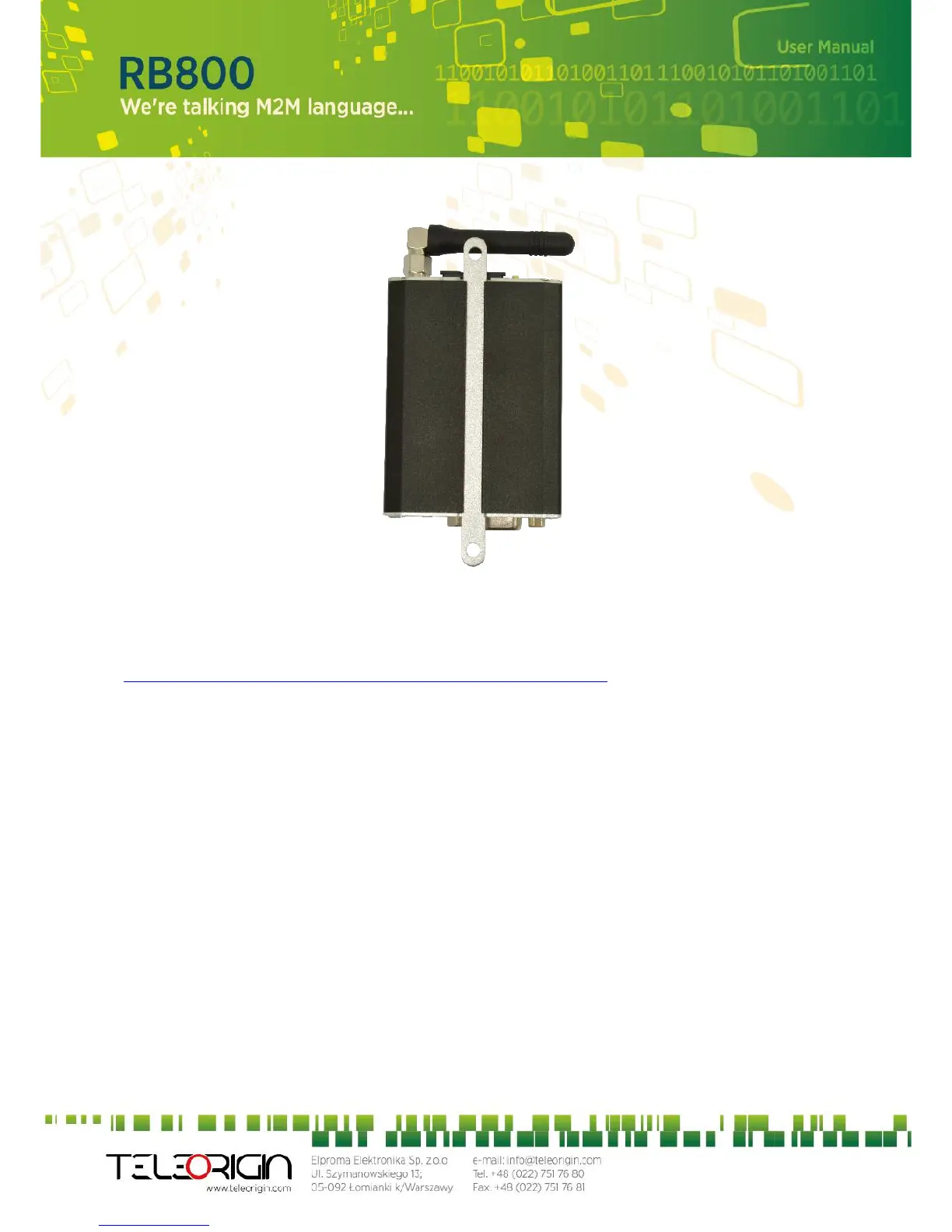
8.2.2 On the wall
To mount modem on the wall install wall handles as shown below.
8.3 Checking the communication with the modem
Once the modem is connected you can check communication between RB800 terminal
and the PC using Telit AT Controller available here:
http://teleorigin.com/file_upl/pliki/1/Telit_AT_Controller.zip
You can use any Terminal program also. Configuration of the DTE (port COM) should be
as follows:
Bits per second: 115200 bps,
Data bits: 8,
Parity: None,
Stop bits: 1,
Flow control: hardware.
To communicate with modem use software such as Hyperterminal (AT commands) or use
attached Telit AT Controller.
Using a communication software such as Hyperterminal, enter the AT and push 'enter'
button. The response of the terminal should be 'OK' displayed in the Hyperterminal
window.
If the connection with the modem cannot be established do the following:
Check if modem is connected with PC via RS-232 or USB.
Check the configuration of the COM port.
Examples of AT commands:
ATE1 enables modem echo function,
AT+CGMI modem answers “Motorola” when connection is OK.
AT+CPIN? shows current status of SIM card
AT+CPIN=xxxx to enter PIN, where 'xxxx' are digitals
18


 To Next Page